Translate Video to English and Keep Subtitles in Sync
To translate video to English without disrupting its timing, keep the original audio and add translated subtitles unless you have a clear reason to dub the voices…


Your credits
Your exports are included on this account — nothing is deducted.
Free exports left
This tool
Recent activity
Nothing yet.
Every tool is paid in credits, except the link downloader. With Pro or Studio, the non-AI tools are included. File analysis, settings and previews stay free.
How credits are countedGive a file spoken in English or another language a French narration, with French subtitle text produced in the same pass.
This tool is being improved
Explore other toolsDaily limit reached
Drop your file here
Fetching a video from a link can take longer than uploading a file — up to a minute or two for a long video.
Your file is kept — processing resumes automatically.
This limit resets tomorrow. Go Pro to never hit it again, on every tool.
Your file is kept: processing resumes where it stopped.
Your file is kept: processing resumes where it stopped.
One job at a time. Yours finishes, then this one starts.
Drop to upload
Drop your file here
Or use the other entry, it stays available.
MP4, MOV, AVI, MKV, WebM
Drop your subtitle file here
Drop to upload
Convert to:
Translate to:
SRT, VTT, ASS, SSA
Platform
Duration
Free account required to use this tool. Sign up in seconds!
Preview unavailable for this video. You can still start the enhancement.
Pick two different languages to start dubbing.
The sample plays in the target language so you can compare before starting.
Keep original voice underneath
Low volume, behind the translated voice.
Choose the output format
MP4 plays everywhere. Change it to fit your need.
Subscribers get priority.
It's ready
This stage works through the video end to end. The percentage will only move once it's done.
Estimate: this is the longest step. The bar moves along a measured average duration, not an exact percentage.
This is the longest stage of the job. It is moving, even when the number isn't.
Cancel now? The work already done will be lost and the file will have to be uploaded again.
Get an email the moment it's ready.
Video on its way
It will appear here as soon as it's ready.
Hashtags copied to clipboard — paste them in your post!
Was Klipa useful? Give us 30 seconds back — leave a review on Trustpilot.
Was Klipa useful? Give us 30 seconds back — leave a review on Trustpilot.
Was Klipa useful? Give us 30 seconds back — leave a review on Trustpilot.
Subscribers get priority.
Get an email the moment it's ready.
Cancel now? The work already done will be lost and the file will have to be uploaded again.
This is your video exactly as it will be downloaded.
What is wrong with it?
Still too dark?
We start again from your original video and brighten it further. No credits used.
Want a sharper picture?
Free trial on 10 seconds of your video. You only pay if you like the result.
Cut this video into several clips for your social media
Klipa’s AI does it for you: it finds the best moments, reframes them vertically and adds subtitles. Just tap the button below.
Was Klipa useful? Give us 30 seconds back — leave a review on Trustpilot.
Keep your videos between sessions and get free credits for your next exports.
Preparing your logo-free video… The download will start on its own.
Preview ready — the conversion works
Clean file, no watermark
Convert this whole video
Your free plan hit its burn limit this month. Your settings are saved — unlock this result or go Pro to burn now.
Some versions or subtitles could not be produced. Only successful files are available.
We're preparing your logo-free videos…
We couldn't prepare your logo-free videos. Write to us — your purchase is safely recorded.
/10
Cut this video into several clips for your social media
Klipa’s AI does it for you: it finds the best moments, reframes them vertically and adds subtitles. Just tap the button below.
Was Klipa useful? Give us 30 seconds back — leave a review on Trustpilot.
Longer videos and larger files with Pro.
Your original video is still available. Try another tool:
Your file is ready. Here's what Klipa Pro adds:
Why remove the logo?
From 4 videos bought one by one, Plus costs less
Which clips do you want to download?
Your download starts on its own as soon as it's ready.
Exporting the clip failed. Please try again in a moment.
People looking to translate a video to French usually hold a file in English and need an audience in France, Belgium, Switzerland, Canada or West Africa to follow it comfortably. Klipa's translator handles the whole route. It writes out what is said, renders it in French, speaks it with a synthetic voice you chose after hearing a sample, and hands over French subtitle text next to the dubbed file.
The two results are built from one translation and share timestamps. Publish the narration alone, the text alone on a file that keeps its original audio, or both together. Subtitles come in handy where autoplay is silent, and the dub is what viewers prefer when they cannot read and watch at once. Each translated sentence starts where the original sentence did. French tends to run longer than English, so a line that overflows is tightened a little inside a fixed ceiling, and the closing line is allowed to finish, even if a few still frames lengthen the film.
Choose male, female or neutral, then pick among seven named synthetic voices that range from measured to warm to energetic. A Listen button plays a short passage in French, so you hear the tone before spending credits on the whole file. A tutorial may suit the measured one, a promo the energetic one. None of these is a copy of your own voice, and none reuses a recorded actor, which spares you a consent discussion.
The picture is left untouched, and there is no lip-sync: lips will keep moving in the original language. A file already spoken in French is stopped after transcription, with the credits returned. And the tool takes an uploaded file, so a Facebook or YouTube address pasted in is not enough; save the original first if you are entitled to reuse it. If you are instead after French speech turned into English, the English sister page is the one to open.
A course taught in English for a French-speaking class, a product film for a francophone shop, a creator's tutorial for subscribers who prefer French, or a family video for relatives who read and speak it. Source language can be left on Auto-detect, or set by hand. An option also keeps the original audio faintly audible beneath the French.

Send a video file with speech in it. Klipa works out the spoken language by itself, though a manual source language setting stays available if you would rather state it.
French is the language this page aims at. Choose male, female or neutral, press Listen on a voice to hear French, and tick the option if you would like the original voice kept faintly underneath.
Once finished, collect the French-narrated video together with its French subtitle file. They share the same timing, so publish either, or publish both, to fit the platform and your viewers.
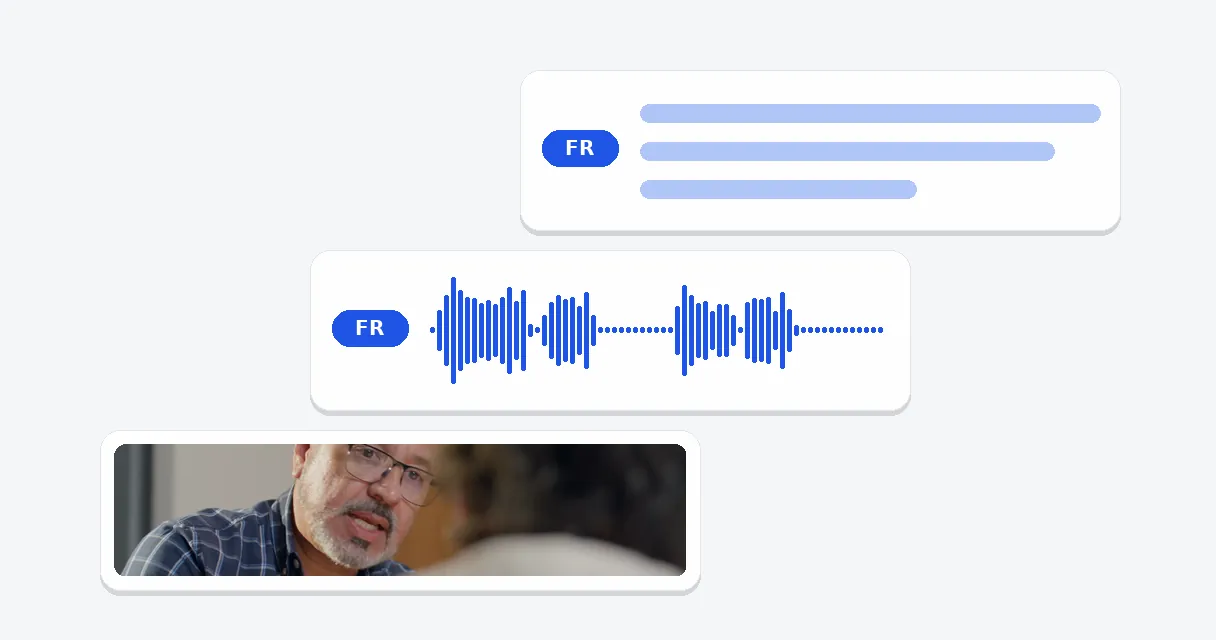
A single upload yields a French narration and a French subtitle text that agree in timing. The steps in between, from writing out speech to voicing French, run without you carrying text from tool to tool. That saves an afternoon on a long file, and removes the chance of a mismatch between caption and audio.
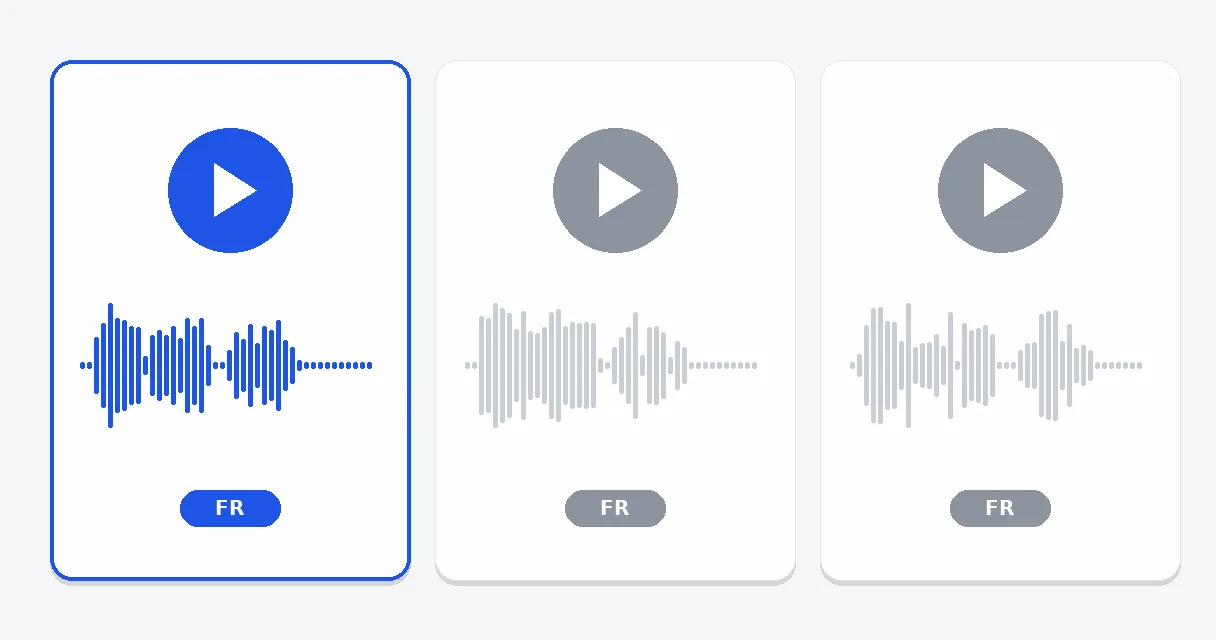
Seven synthetic voices speak French, from a neutral one to three male and three female, with tones that go from measured to warm and energetic. A sample in French plays on demand, so you compare by ear and commit credits only after choosing. It is a catalogue voice rather than a clone or an actor.
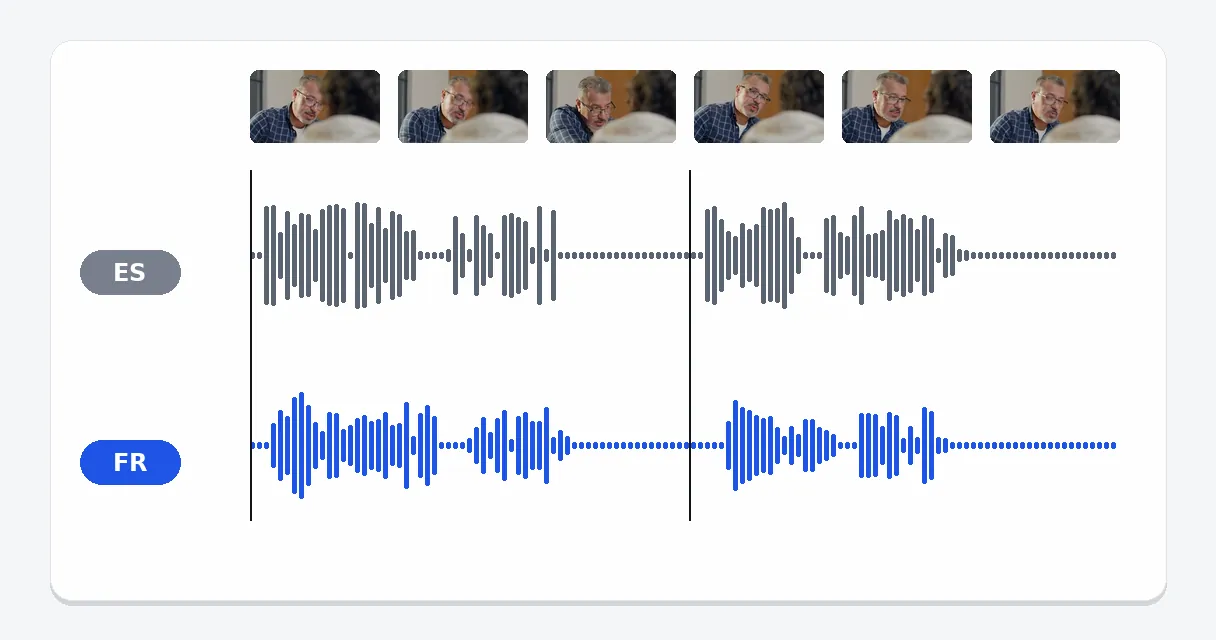
Because French usually needs more words than English, timing is where dubbing goes wrong. Here every line sits at the moment of the original, overflowing lines are tightened modestly rather than chopped, and the last line is never cut. A few frozen frames lengthen the film when it needs them.
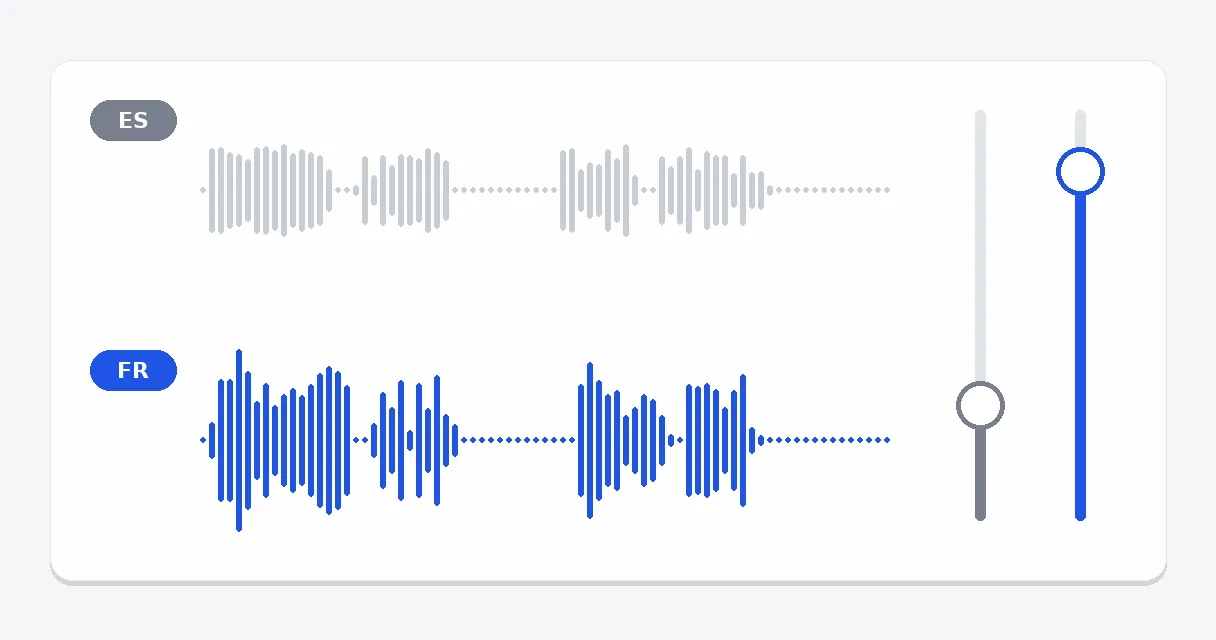
Music, crowd noise or an interviewee's tone can stay in the mix: the keep-original option lowers the first track and places it behind the French narration. Switch it off and the French voice stands alone. In both cases the image itself remains exactly as you filmed it.
An English webinar or onboarding module becomes a French one that follows the screen, so learners listen while the demonstration unfolds instead of reading under it. Trainers build a French edition without recording the session once more.
A shop, an app or a service with an English video can offer shoppers in France, Belgium or Switzerland a version in their own language. Tempo and cuts of the original remain, and only the sound and the text change.
A creator whose audience includes francophone viewers can post a French edition of a popular video, with French subtitle text, instead of hoping that people switch on auto-generated captions. The first upload keeps running as it was.
A conference session or interview saved to your device becomes a French track and French text you can read while listening. This suits material you own or are allowed to reuse, and not anyone else's content.
A toast, a trip diary or a birthday greeting spoken in another language becomes something French-speaking relatives can hear and read. Such a need seldom justifies hiring a translator, and a single run answers it.
20 credits are offered to try the tool. A Pass or a Pro plan delivers it without the logo. A free try therefore comes with the Klipa logo. Everything is billed in credits, so nothing is unlimited.
This answer is not legal advice. What can be said about the tool: the voice is a synthetic voice picked from a catalogue, neither a clone of your voice nor a recorded actor. Rights in the video itself are a separate question: translate material you own or are allowed to reuse, and check any contract and the rules of the platform where you publish.
Upload the file, keep French as the target language, choose a voice and run it. You receive the narrated video and a French subtitle file with the same timestamps. Publish them together, or only one of the two, depending on whether your viewers watch with or without sound.
Many searches for this topic mean the opposite direction. This page is set up for a French result. To go from a file spoken in French to English, open the English sister page, which pre-selects English as the target and offers the same voices and the same subtitle file.
Yes, provided you saved it as a file in a common format and you have the right to reuse it. The tool takes an uploaded file and not a pasted address. Upload it, keep French as the target and run the job. Leave the source language on Auto-detect if unsure.
The written output of this tool is the translated French subtitle file, built from a translation of the speech. When you only want the plain text of speech already spoken in French, the AI transcription tool is the right match, since it spares you from producing a voice and a translation.
Tones differ across the seven voices: some measured, some warm, some energetic. A tutorial often suits the measured kind, a promo the energetic one. Press Listen to hear a French sample for each candidate, then choose by ear. You can also pick male, female or neutral first.
Yes. The French subtitle text is delivered as a separate file with the same timing as the narration. Use it with the French voice for viewers who like both, or alone over the original sound for viewers who prefer reading. The choice belongs to you and to the platform.
Yes. Tick the keep-original option and the first audio is lowered behind the French voice, which helps when music or ambience matters. Without it, the film carries the French narration alone. The setting applies whatever the source language happens to be.
Waiting time follows the length of the file and the number of spoken lines to write out, translate and voice. A short file is usually ready within minutes, while a long, dialogue-heavy one takes noticeably more. Each line is handled in turn before the result can be downloaded.

To translate video to English without disrupting its timing, keep the original audio and add translated subtitles unless you have a clear reason to dub the voices…

Imagine opening a clip recorded in Portuguese, watching it with clean English subtitles, and uploading the same video to TikTok without a single ‘file too large’…

Translating a video used to mean hours of manual timestamping, language checks, and re-rendering. A five-minute clip could easily eat an afternoon. Today, the right…
Reaching French-speaking viewers no longer means booking a studio and a narrator for several days of work. Upload the file, audition a voice, and publish the French narration, the French subtitle text or both. To print stylish captions on the picture itself, which a subtitle file cannot do by itself, animated subtitles is the tool to open next. And if the same file should also speak to Spanish-speaking viewers, the Spanish page of this tool follows the same steps, with the same voices and the same settings.

Signing in…