

Good to know before extracting your clips
Verified July 29, 2026- Clips of 45 to 60 seconds get the best engagement on Instagram (Socialinsider, 6 million Reels analyzed, 2026)45-60s
- On TikTok, the winning bracket is shorter: 15 to 30 seconds (Socialinsider, 2026)15-30s
- A vertical clip up to 3 minutes automatically becomes a Short on YouTube≤ 3 min
- Past 3 minutes, Instagram stops offering your Reel to new audiences3 min
- On average, our users keep 2 clips per analyzed video — quality over quantity2
Socialinsider 2026 studies (Jan-Jun) · official YouTube and Instagram help pages, read July 29, 2026 · Klipa 30-day measurements.
What an AI clip maker does, and what this one does
An AI clip maker watches a long recording for you and pulls out the passages worth posting on their own. Klipa's AI clips tool does that from a file or a link, with three goals to steer it: Viral clips, Best moments or Key ideas. A short brief and preferred topics are optional.
What you get
Ask for 1, 3, 5 or 10 clips, set a length ceiling from 15 seconds to 3 minutes, and pick one format per run: 9:16, 4:5, 1:1 or 16:9. Each clip comes with a title, a description and hashtags in the language of your video, plus a score out of 10 broken down into five criteria: hook, emotion, value, flow and clarity. If the video holds fewer good passages than you asked for, the result says so instead of padding the list.
It cuts and reframes your own footage. Downloads come with the Klipa logo; a Pass or Pro subscription delivers the video without a logo.
Need the angle of turning one long recording into a handful of Shorts? See our long video to short video page.

What the tool produces
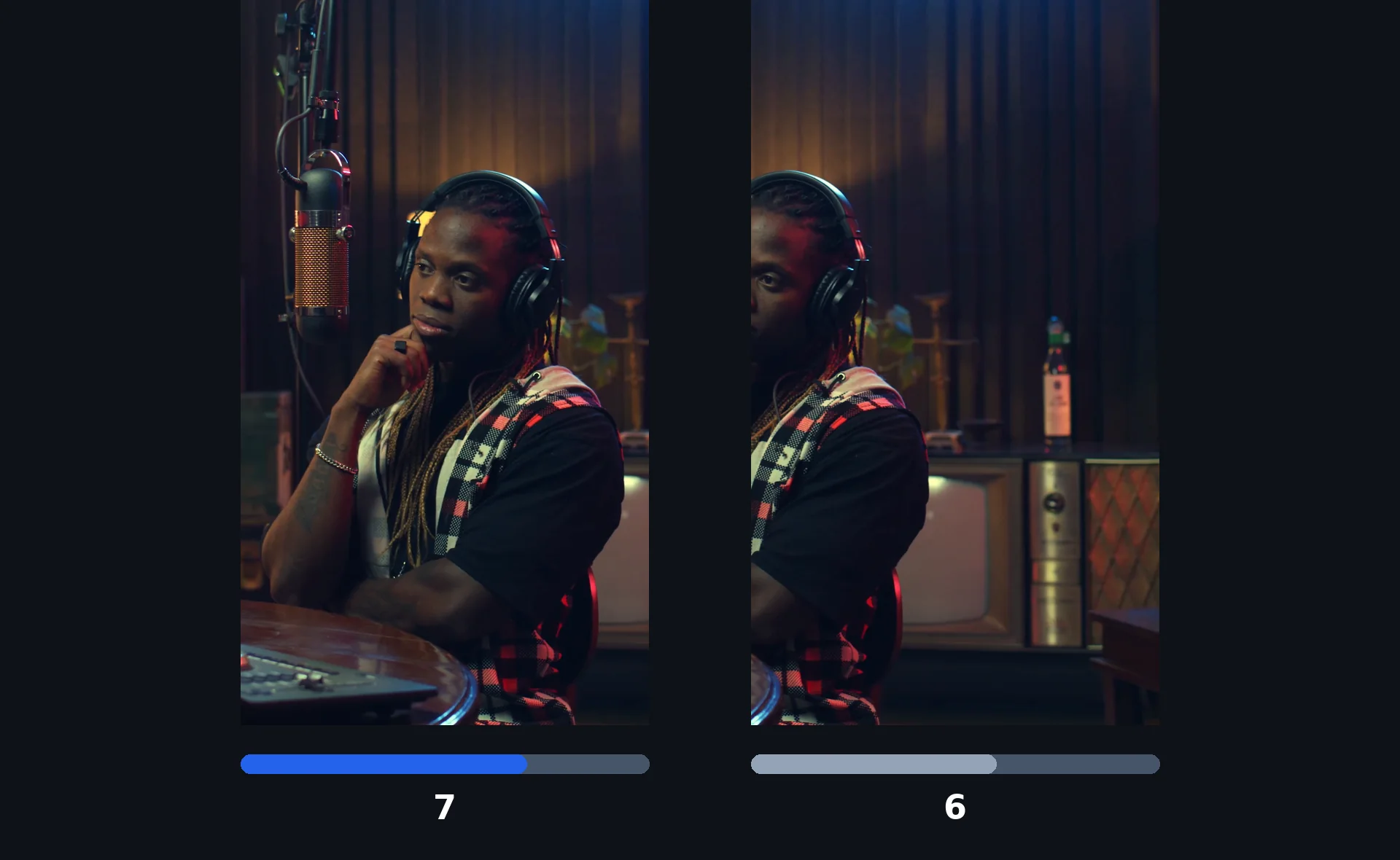
How to make AI clips from a long video
Add your video
Upload a file (up to 2 GB) or paste a link from TikTok, Vimeo, Dailymotion, Twitter/X, Facebook, Instagram, Twitch, Streamable, Reddit, Pinterest, Snapchat, Kick, Bluesky, 9GAG, Odysee, Coub, Tumblr, Rumble, or a YouTube link to your own video. The source must be at least 60 seconds long.
Choose the goal, the number and the format
Pick Viral clips, Best moments or Key ideas, add a brief or favourite topics if you like, then set 1, 3, 5 or 10 clips, a maximum length and one format. Subtitles are on by default, with a live preview before you start.
Watch, check the scores, download
Each clip has a title, a description, hashtags and a score. Watch them, keep the ones that fit, and download. Downloading is free of extra credits.
Why use Klipa as your AI clip generator
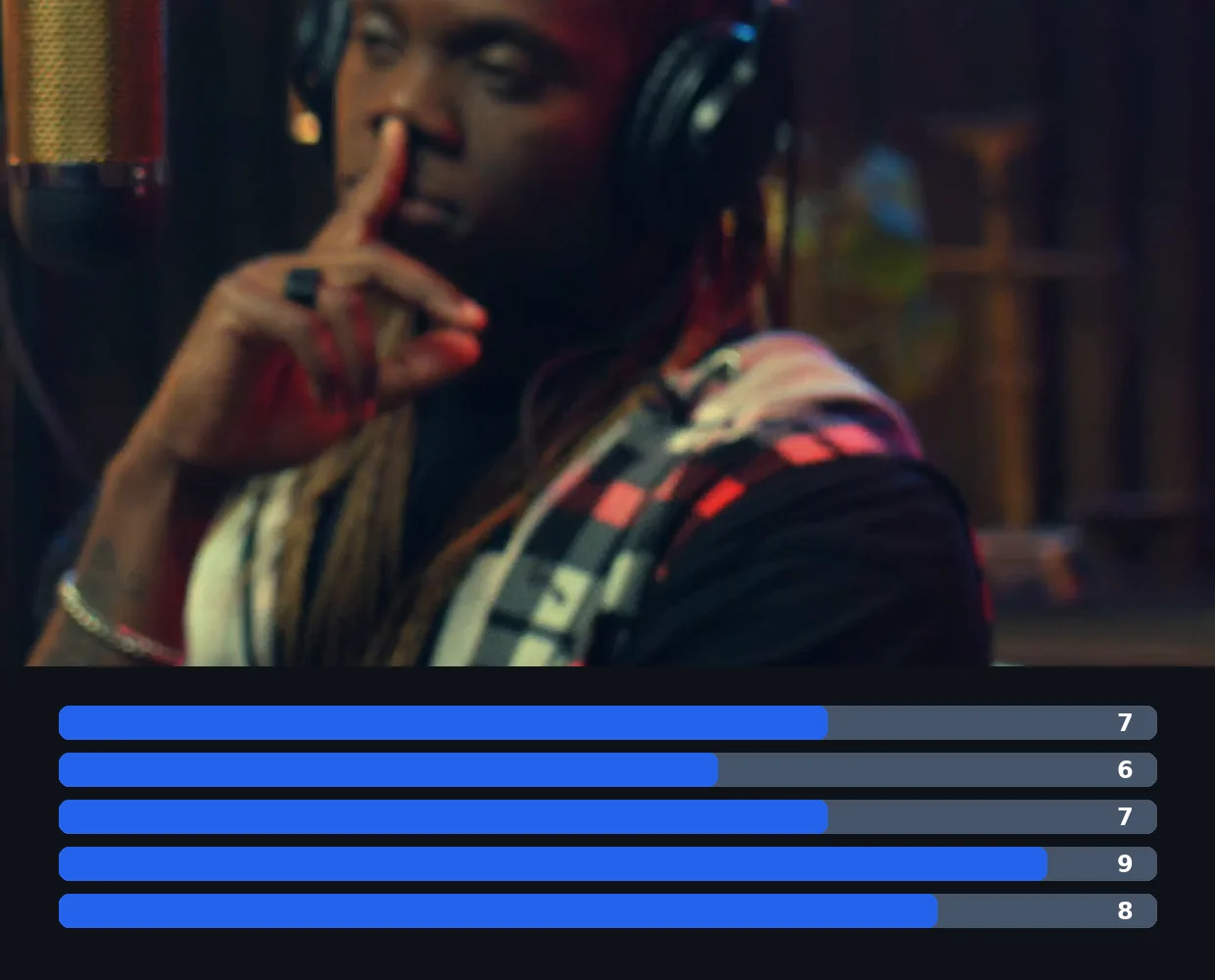
You steer the selection
Hook, emotion, value, flow and clarity are weighted differently depending on the goal you choose. Add a brief or topics, and the AI looks for what matters to you rather than one generic virality number.
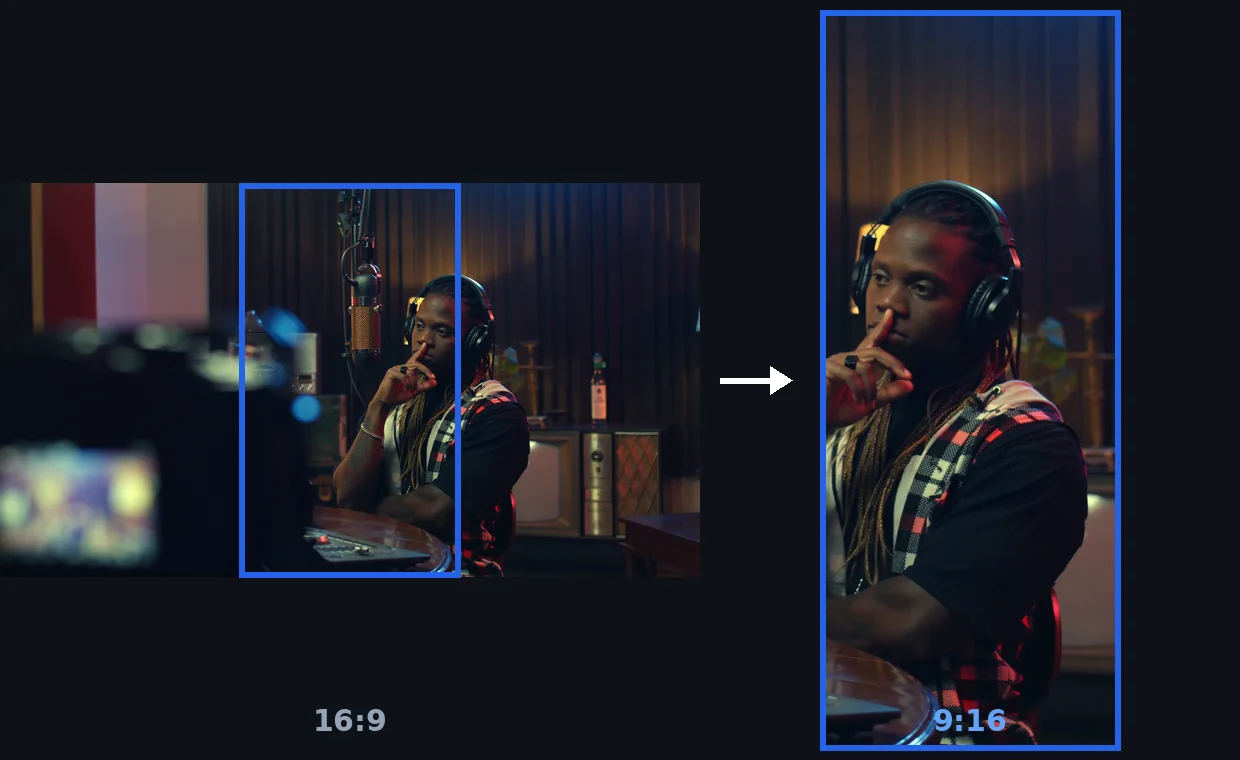
Reframed around the speaker
The vertical crop follows the subject, so the clip is ready for Shorts, Reels or TikTok. Prefer 4:5, 1:1 or 16:9? Pick it before you start.
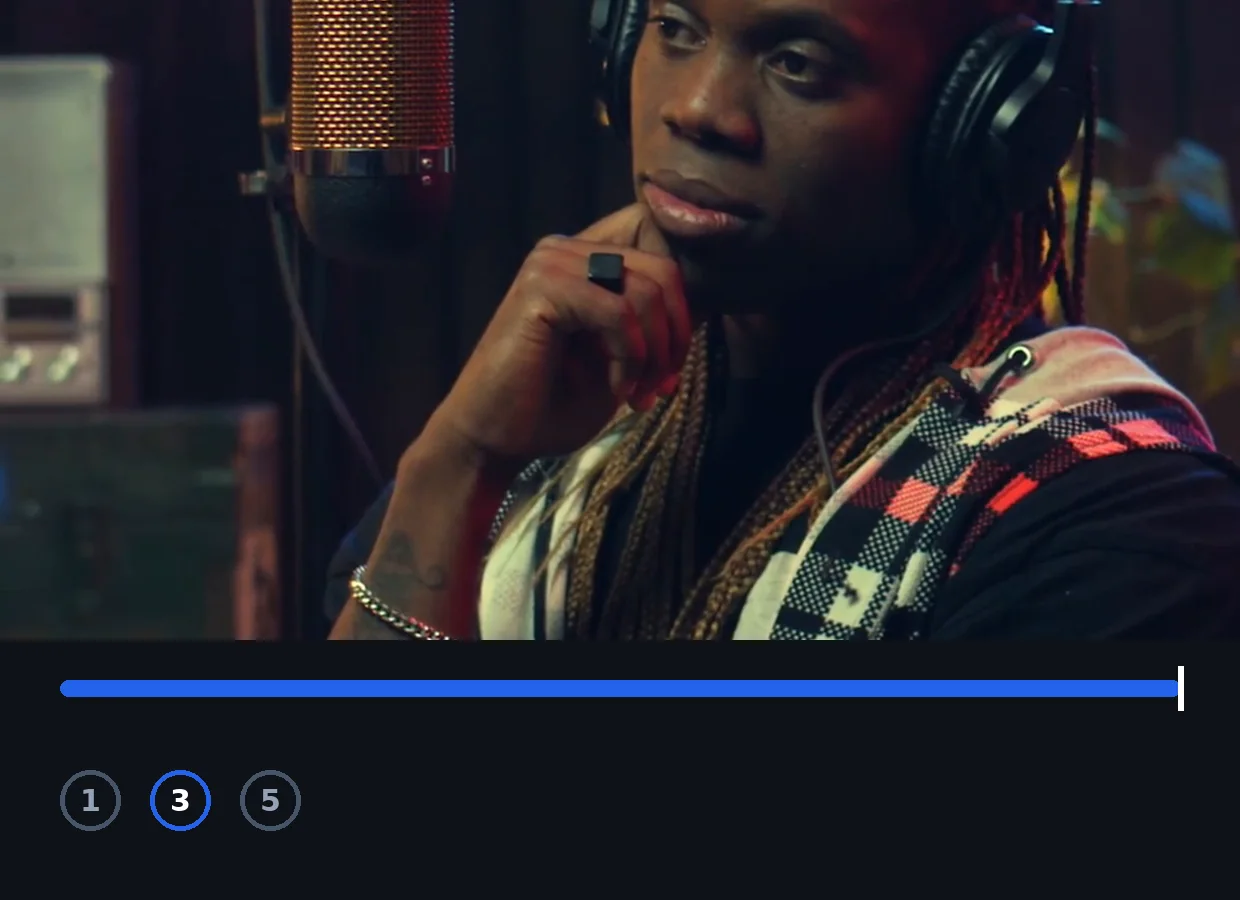
Length ceiling, not a fixed cut
Leave the length on automatic (short clips of 15 to 30 seconds and, when the video is long enough, in-depth clips of up to 3 minutes) or set a ceiling from 15 seconds up to 3 minutes. Clips can be shorter than the ceiling.
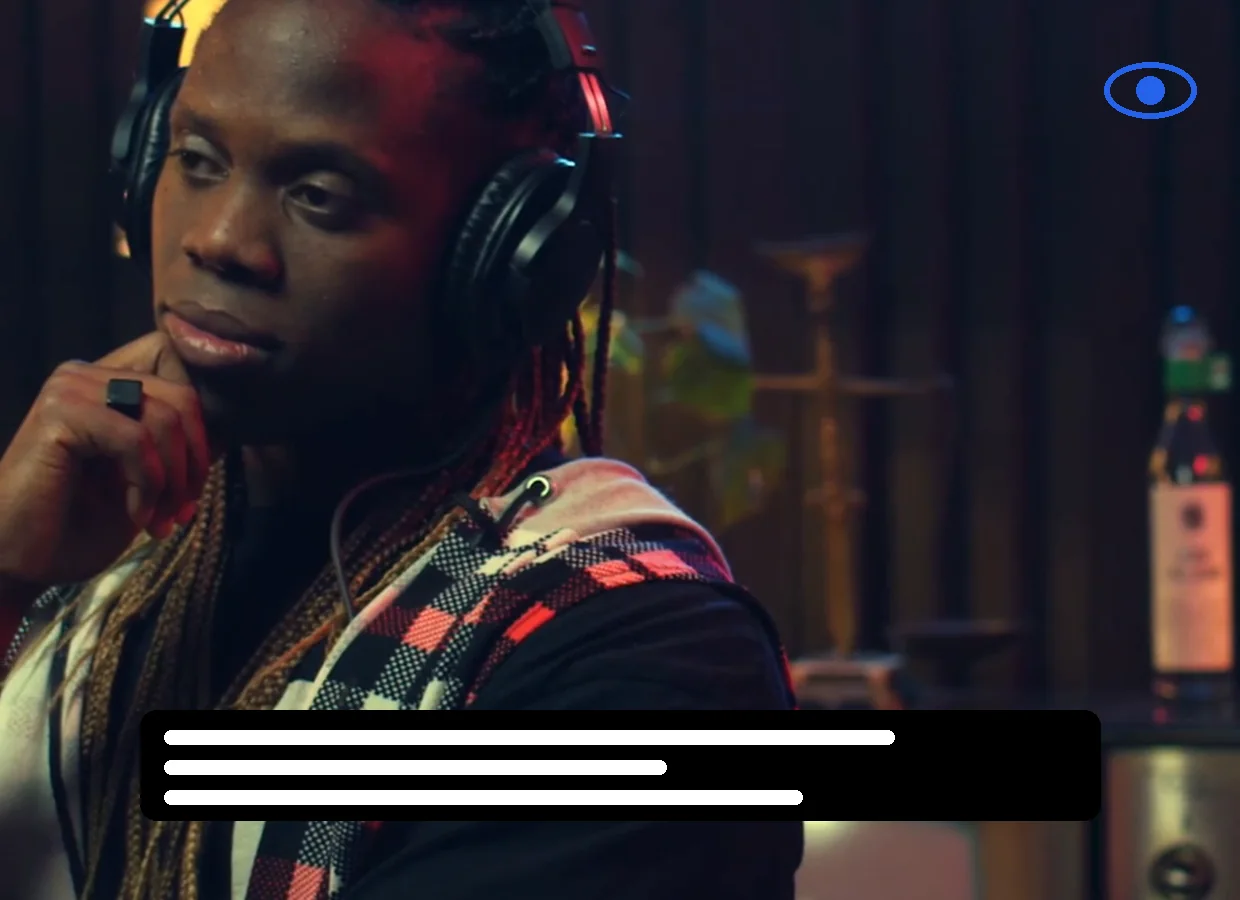
Animated subtitles included
Word-by-word subtitles in three styles (clean, highlighter, impact) with colour variants, previewed live on your video. Turn them off if you do not want them.
Where an AI clip maker earns its keep
Podcasts
An hour of conversation becomes several short clips, each built around one idea, reframed vertically.
Livestreams and gaming VODs
Pick Best moments to surface the moments that stand out in the recording. If a video has no usable speech, moments are chosen from the image.
Interviews and long YouTube videos
Paste a link to your own video and get clips centred on different exchanges, enough material for several posts.
Webinars, talks and courses
With Key ideas, the AI favours passages that explain or demonstrate something over a flashy moment.
Sermons and long speeches
Few people watch a full address online. A few self-contained clips carry the message further.
Related Tools
AI clip maker: frequently asked questions
How do I make clips with AI?
Upload a video or paste a link, choose a goal (Viral clips, Best moments or Key ideas), the number of clips, a maximum length and a format, then start the analysis. Each clip arrives with a title, description, hashtags and a score, and you download the ones you want.
Is there a free AI clip maker?
Klipa is free to try: 20 credits are offered to try the tool. Watching and downloading clips costs nothing extra; a Pass or Pro subscription delivers them without a logo.
How does the AI choose which moments to clip?
It scores each candidate passage on hook, emotion, value, flow and clarity, weighted by the goal you pick. A brief and preferred topics let you point it at something specific. If the video has no usable speech, it chooses from the image, within limits.
How many clips can I get from one video, and how long are they?
Choose 1, 3, 5 or 10 clips, up to 10 per video on every plan; a short source can limit the number. Length is automatic (short clips of 15 to 30 seconds and, when the video is long enough, in-depth clips of up to 3 minutes) or capped at 15 s, 30 s, 45 s, 1 min, 1 min 30, 2 min or 3 min.
Are the clips ready for TikTok, Reels and YouTube Shorts?
They are reframed to the format you choose: 9:16, 4:5, 1:1 or 16:9 (one format per run). The vertical crop follows the subject. You download the files and publish them yourself.
Does it add captions automatically?
Yes. Animated word-by-word subtitles are on by default, in three styles with colour variants, and you can preview them on your video before launching. You can also switch them off.
What videos can I use, and can I paste a YouTube link?
Upload a file up to 2 GB, or paste a link from TikTok, Vimeo, Dailymotion, Twitter/X, Facebook, Instagram, Twitch, Streamable, Reddit, Pinterest, Snapchat, Kick, Bluesky, 9GAG, Odysee, Coub, Tumblr, Rumble. A YouTube link works for your own video. The source must be at least 60 seconds long, since a shorter video has nothing left to extract.
Do the clips have a watermark?
Downloads come with the Klipa logo; without it with a Pass or a Pro subscription.
Make your first AI clips
Upload a video or paste a link.
No credit card required
Let the AI find the clips, you decide what to publish
Scrubbing a timeline to find the good minute takes hours. Klipa's AI clip maker analyses the video, scores the passages against your goal, reframes the best ones and subtitles them. What is left is the part only you can judge: which clips go out.
Need to polish further? Try animated subtitles on any video, or video to Shorts to reframe a whole video to vertical without picking moments.
