

Download Facebook Video Without Watermark in 3 Ways
Facebook does not apply a watermark to videos uploaded directly to a page or profile. The logo you see after using a random downloader is the downloader’s own brand…
Add your logo or watermark to a video — free, online, fully positionable.
Drop your file here
MP4, MOV, AVI, MKV, WebM

Sharing video content without protection is risky. Stolen footage, unauthorized reposts, and uncredited shares cost creators millions in lost revenue every year. Klipa's free watermark tool lets you add a customizable text overlay to any video — your brand name, website URL, or copyright notice — burned directly into the pixels so it cannot be stripped out.
The watermark is semi-transparent and professional-looking, protecting your work without ruining the viewing experience. After watermarking, compress the video for easy sharing, or resize it for the platform you are posting to.


Drop any MP4, MOV, AVI, MKV, or WebM file up to 2 GB. The tool works with any video — tutorials, client previews, social media content, and more. If the file is too large, compress it first.
Add a text watermark (your brand, handle, or copyright line) or upload a logo image, then compose it right on your video — drag it anywhere, resize, rotate, and tune size, color and opacity.
The watermark is permanently burned into the video. Download the result and share confidently, knowing your content is branded. Continue your workflow with our resizer or AI subtitles if needed.
Add your brand name or copyright to prevent unauthorized use.
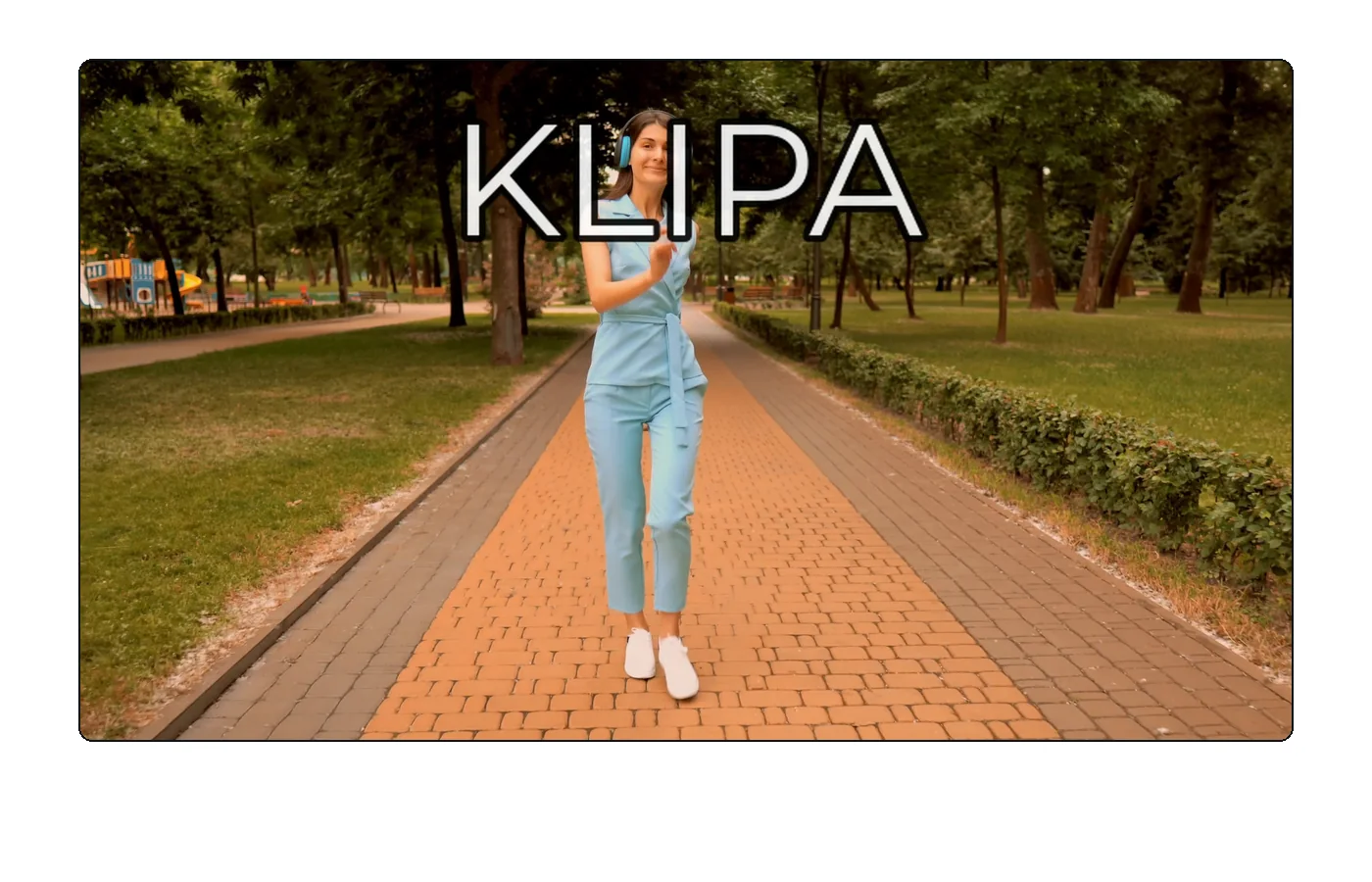
Choose your own watermark text — brand name, URL, or copyright notice.
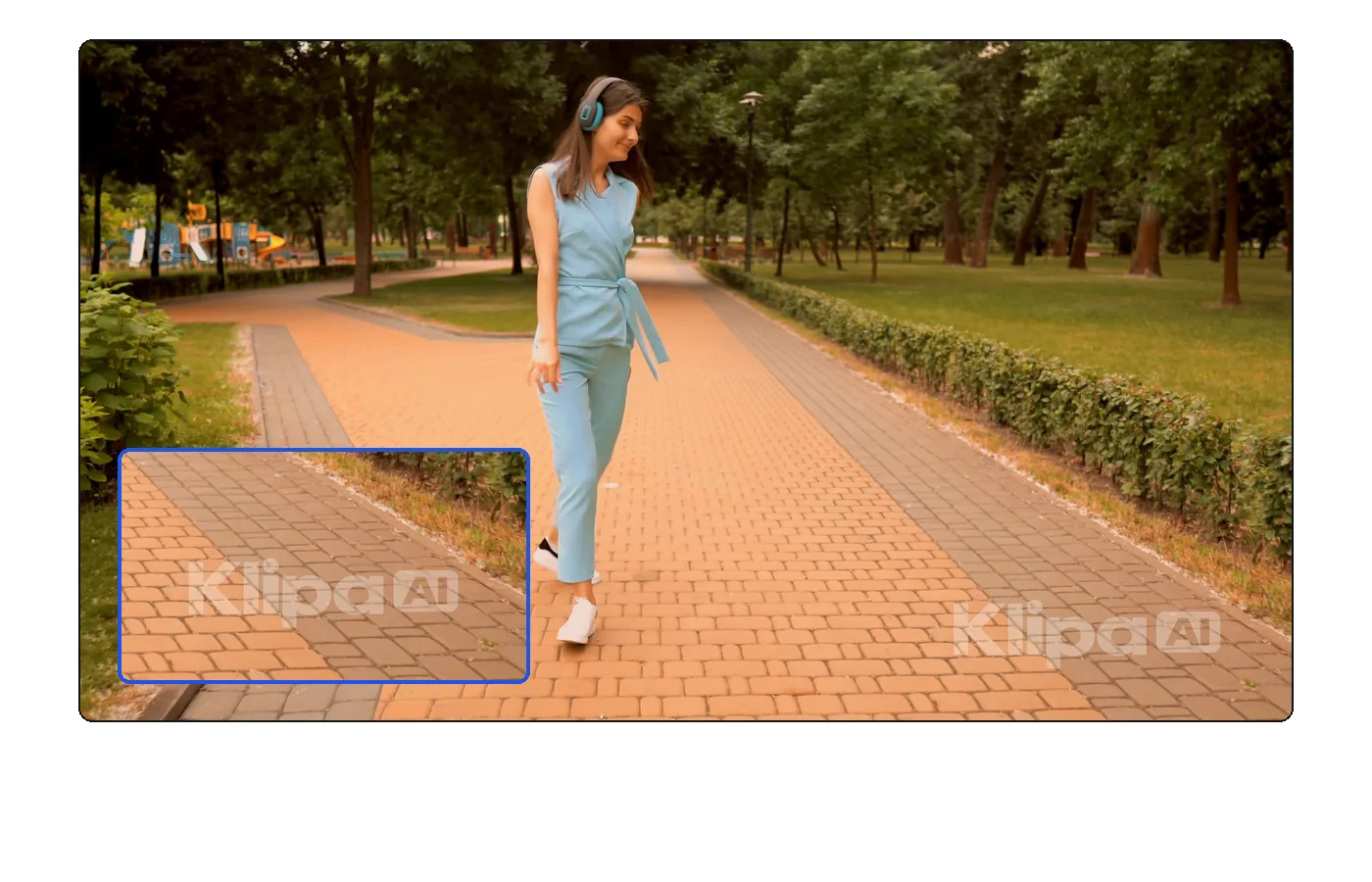
Semi-transparent watermark that protects without ruining the viewing experience.
Add your watermark in seconds — quick and easy.
Sending unwatermarked previews is a recipe for unpaid work. Add your studio name or logo text to preview cuts so clients can review the content while you retain control. After approval, deliver the clean version from your converted master file.
When your videos get shared beyond your profile, a watermark ensures credit follows. Add your handle or website URL, then compress the file for fast uploads to TikTok, Instagram, and YouTube.
Protect premium educational content from unauthorized redistribution. Watermark your course videos before uploading them to your LMS. Combine it with AI subtitles to also make the content accessible and searchable.
Wherever you want: drag the watermark — text or logo — anywhere on your video in the editor, or use one of the 9 quick positions (corners, edges, center).
You place the watermark freely: drag it anywhere, pick one of 9 quick positions, rotate it (−180° to +180°) and adjust its opacity.
The tool supports both: a text watermark (font, size, color, outline, shadow, background) or an image (PNG, JPEG or WebP) you position, resize and rotate.
The watermark is burned into the video and cannot be easily removed, which is the point of a watermark.
Yes — free with the Klipa logo on the trial. Logo-free: a small one-time payment (Pass) or a Pro plan.
MP4, MOV, AVI, MKV, WebM.
A visible text watermark deters casual theft and ensures attribution. For stronger protection, consider adding watermarks with your full URL so viewers can always trace the original source.
They are separate tools. Add your animated subtitles first, then apply the watermark on top — this way both layers are burned into the final video.

Facebook does not apply a watermark to videos uploaded directly to a page or profile. The logo you see after using a random downloader is the downloader’s own brand…

You spend hours crafting the perfect video – shooting, editing, adding effects – only to see it re-uploaded on some random account with zero credit. It’s…
Professional and customizable. Try free.
No credit card required
A simple watermark is the easiest way to protect and brand your video content. Klipa makes it fast, easy, and permanent. Pair it with our compressor and resizer for a complete publish-ready workflow — all from your browser.
