

iPhone Slow Motion Video to Normal Speed & Sendable Size
Your iPhone slow motion video is not one slowed-down movie. It is a 120fps or 240fps stream plus a small instruction hidden in the MOV file that tells Apple’s…
Pacing is everything in video. A well-timed slow-motion moment adds drama; a sped-up sequence adds energy. Klipa's free speed changer lets you go from 0.25x ultra-slow-motion to 4x fast-forward, all with perfectly synchronized audio — no desktop software required.
Adjust your pace, then take the result further: trim the best segment, compress the output for easy sharing, or add AI subtitles that match the new timing.

Drop any MP4, MOV, AVI, MKV, or WebM file — up to 2 GB. The tool works with any video that has visual and audio content. If your file is too large, compress it first.
Use the slider or preset buttons to choose your speed: 0.25x and 0.5x for slow motion, 1.5x and 2x for fast-forward, or 4x for time-lapse effects. Audio pitch adjusts proportionally so voices stay natural.
Your speed-adjusted MP4 is ready in moments. Download it directly or continue editing — create a GIF from the best slow-motion moment, or add your watermark before publishing.
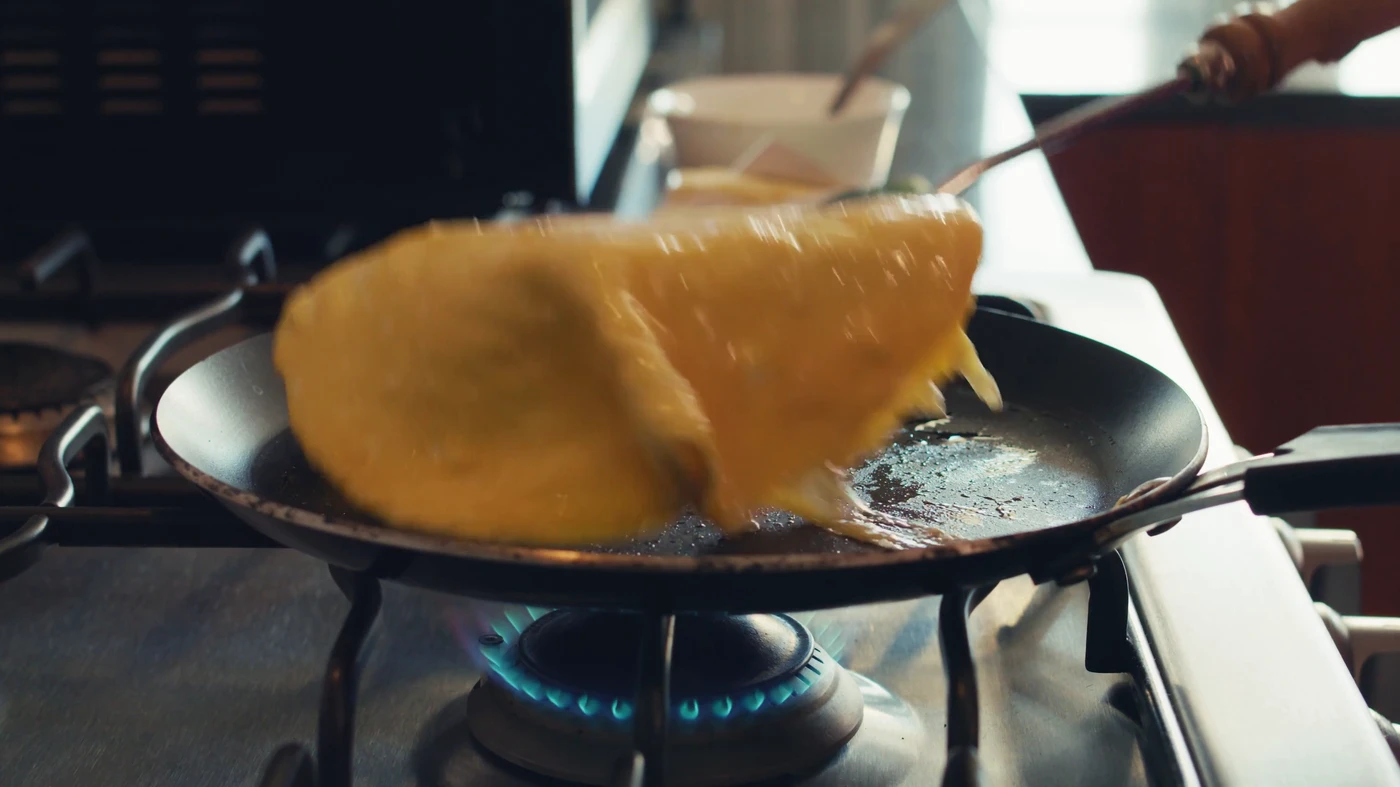
Slow down to 0.25x for dramatic slow motion effects.
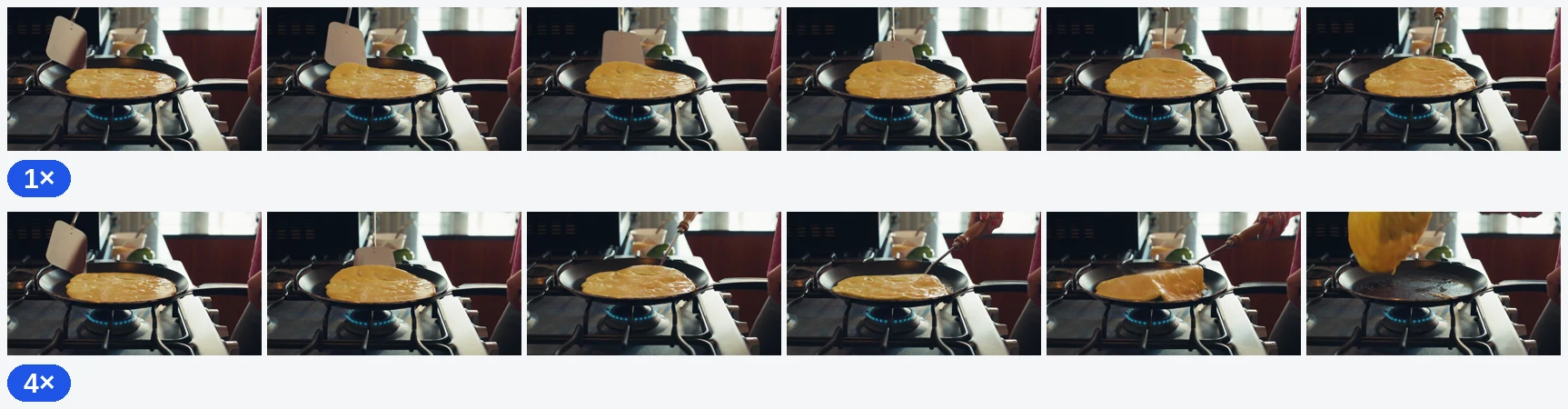
Speed up to 4x for time-lapse or fast-forward effects.
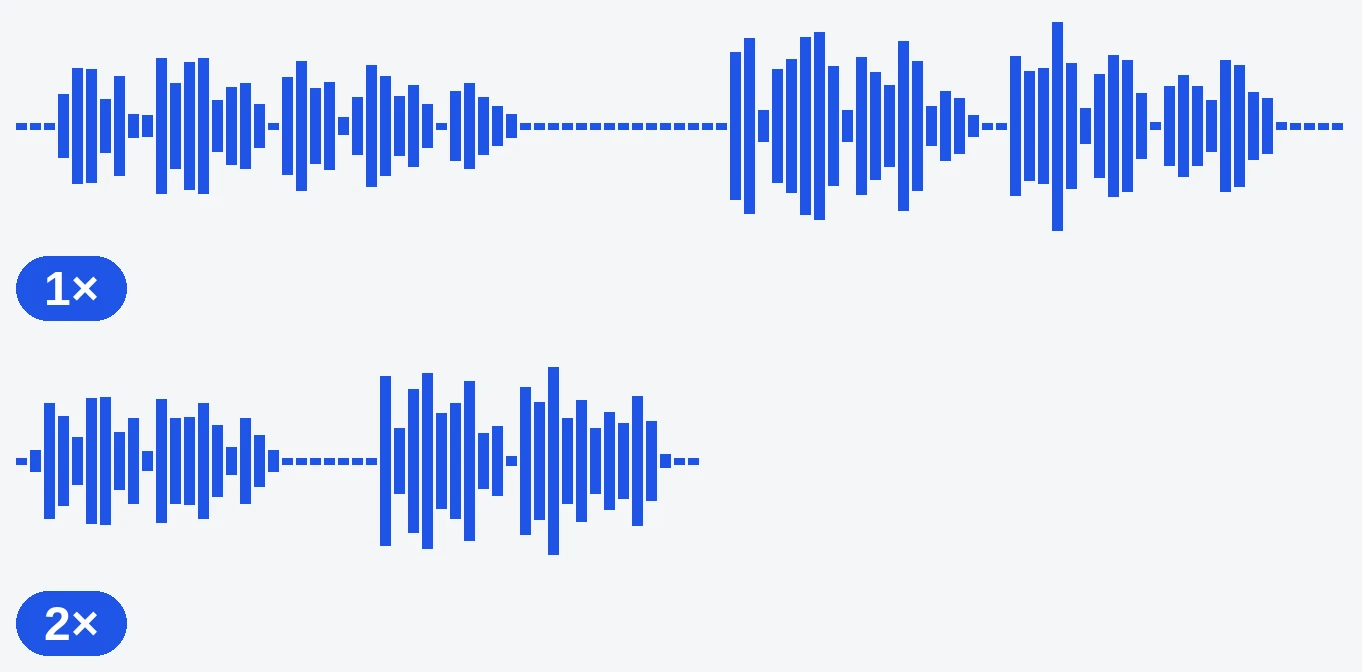
Audio speed adjusts with the video — no desync issues.
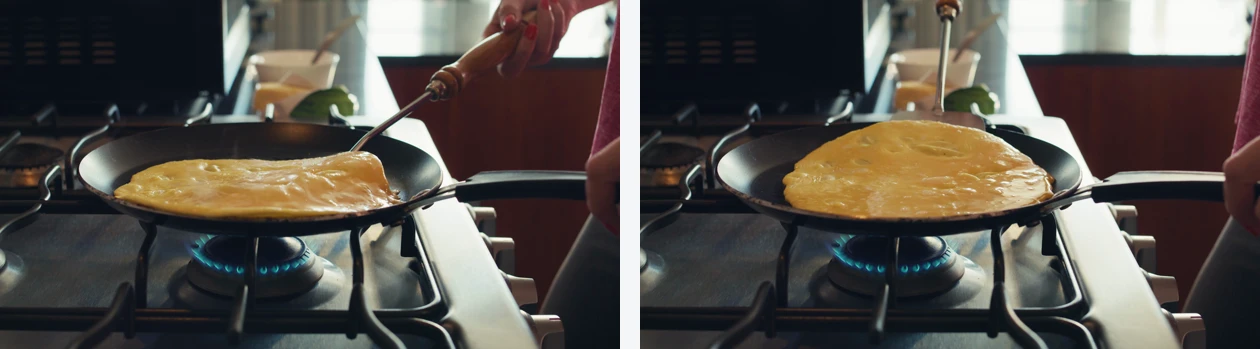
No software needed. Just upload, adjust, download.
Slow your footage to 0.25x for breathtaking cinematic moments — perfect for sports highlights, product reveals, and dance videos. After adjusting speed, burn animated subtitles to add context viewers will love.
Speed up cooking processes, art creation, or travel footage to 4x for engaging time-lapse content. Then resize the output to 9:16 for TikTok or 4:5 for Instagram without losing the visual impact.
Slightly speeding up tutorials to 1.25x or 1.5x keeps viewers engaged without losing clarity. Remove dead time, then cut remaining silences for a tight, professional tutorial.
From 0.25x (4 times slower) to 4x (4 times faster). Common options: 0.5x, 0.75x, 1.5x, 2x.
Yes, the audio pitch and speed adjust proportionally with the video speed.
Yes, set the speed to 0.25x or 0.5x for smooth slow motion effects.
Speed adjustment requires re-encoding, but we use high-quality settings to minimize any loss.
Yes — the first try is free, with no signup. The video downloads with the Klipa logo; without the logo with a Pass or a Pro plan.
Videos up to 2 h with Pro. Note: a 4-minute video at 4x becomes 1 minute.
They are separate tools for precise control. Adjust speed here first, then run the result through our silence remover to cut remaining pauses.
Slow motion works best with footage shot at high frame rates (60fps+). Standard 30fps footage slowed to 0.25x may appear slightly less smooth but resolution is preserved.
This tool adjusts the entire video uniformly. To speed up only a section, first cut that segment, change its speed, then rejoin the pieces in your editor.

Your iPhone slow motion video is not one slowed-down movie. It is a 120fps or 240fps stream plus a small instruction hidden in the MOV file that tells Apple’s…

A lot of creators assume variable playback speed on YouTube Shorts means viewers are bored and itching to skip. That’s the wrong take. YouTube didn’t add a “zap…

You want to create that buttery, cinematic slow motion in CapCut. Open the app, tap on your clip, hit « Speed, » and drag the slider left. That’s the quick answer…
Slow motion and speed-up. Try free.
No credit card required
Whether you need dramatic slow motion or energetic fast-forward, Klipa's speed changer gives you full control — right in your browser. Combine it with our silence remover, cutter, and AI subtitles for a complete pacing and production workflow.
