

Play a video backwards and watch it unwind
A glass of water that jumps back into the pitcher, a diver who leaves the pool feet first, a dance step that unwinds by itself: playing a video backwards turns ordinary footage into something people watch twice. This page does exactly that. You add a video, and it comes back played from its last image to its first, as a new MP4.
What reversing does to your clip
The final image becomes the opening one, and everything unfolds in the opposite order. The length stays the same as the original, so a twelve second clip is still twelve seconds. The picture keeps its orientation: a video filmed upright on a phone stays upright, and a landscape clip stays landscape. It also keeps its frame rate, so the motion looks as smooth as it did when you filmed it. Long videos and high definition files go through as well, which makes the tool as useful for a short pour as for a full take.
Sound: reversed or muted
Before you launch the process, you choose what happens to the audio. Reverse the sound and it plays backwards along with the picture, which gives the classic rewound-tape feel: words stretch into odd shapes and music seems to swell back toward its start. Mute the sound and you get a silent video, a clean base when you plan to lay a new music track over the clip. The choice sits on the screen, so you can see it before pressing the button.
Where reversed footage works best
Short, visual actions read best backwards: liquid flowing up into a bottle, an object thrown and returning to the hand, a jump that starts in the air and ends on the ground, a scene that begins in chaos and ends tidy. In a product video, a reversed unboxing or pour makes viewers pause. In a social post, a rewind effect at the right moment gives your clip a twist people remember. Film with a steady camera and one clear movement, and the reversed version will be understood at first glance.
Phone, computer, common formats
The page runs in your browser, so a clip from your camera roll or from your computer is handled the same way. MP4, MOV, AVI, MKV, WebM, WMV, FLV and 3GP files are accepted. The first try is free, with no signup, so you can watch your own footage run backwards before deciding anything else.

What the tool produces
How to reverse a video in 3 steps
Add your video
Choose an MP4, MOV, AVI, MKV, WebM, WMV, FLV or 3GP file from your device, up to 2 GB. A clip from your phone's camera roll works as it is, long or short.
Decide what happens to the sound
On the screen, choose to reverse the sound so you hear the audio backwards with the picture, or to mute it for a silent result. The choice is made before you start, so there is nothing to fix afterwards.
Download the reversed MP4
When processing ends, you get an MP4 with the same length as your original, played from the last image to the first. Watch it once, then post it or send it wherever you like.
Why reverse your video here
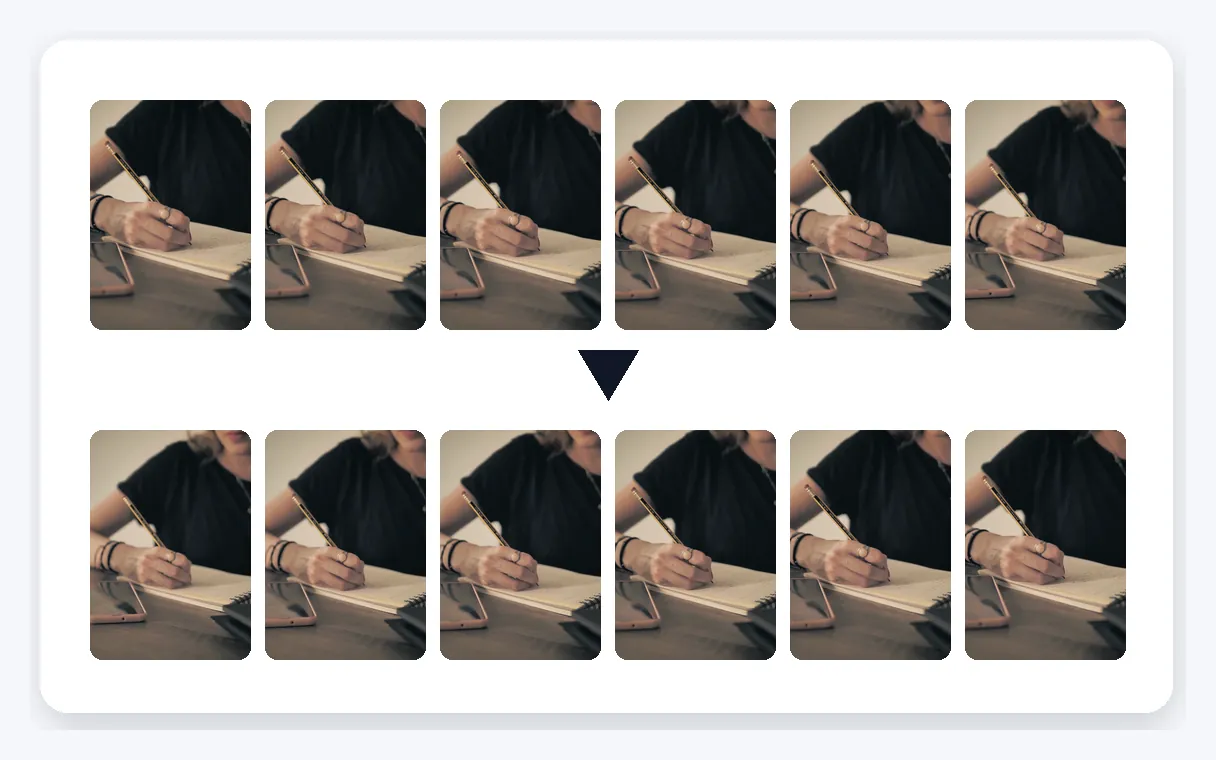
Played from the last image
The whole video runs in the opposite direction: the final image comes first and the opening one comes last. Pours go back up, jumps start in mid-air, and a simple walk becomes a walk in reverse. You do not pick frames or build a timeline; you add the file and the clip comes back rewound from end to start.
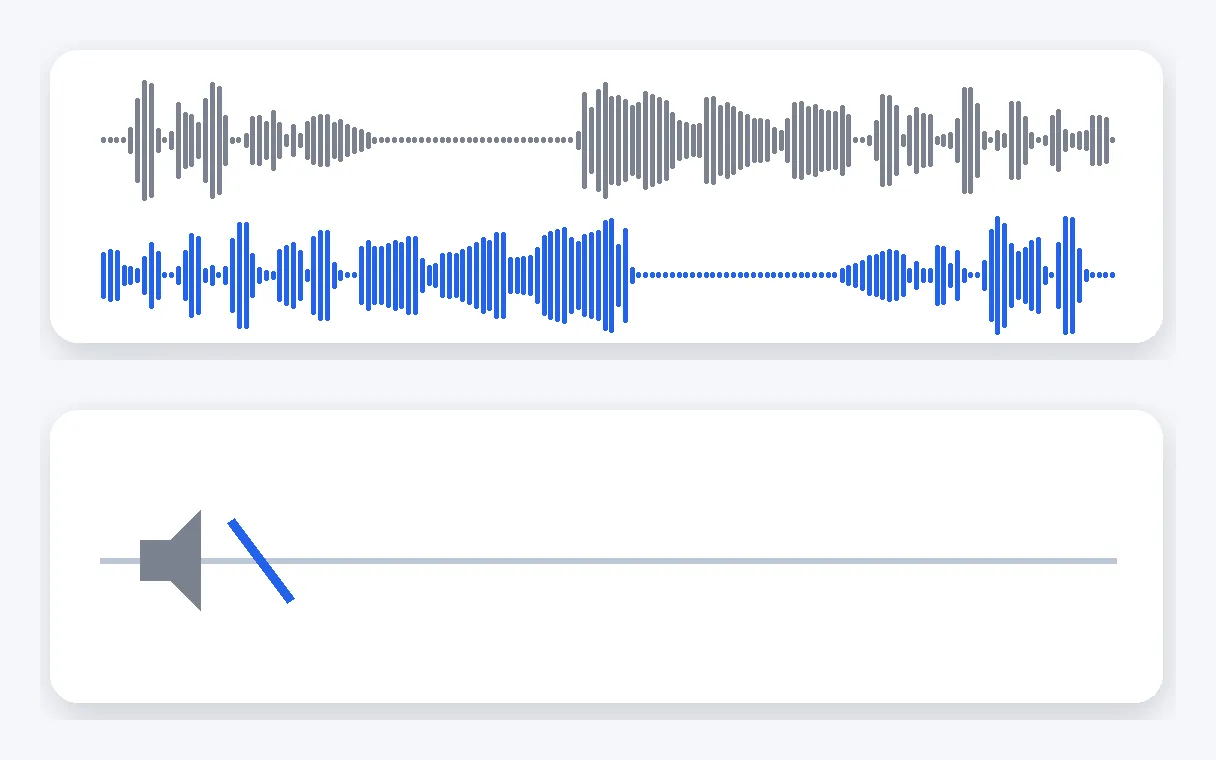
Sound reversed or muted
You decide what the audio does. Reversed, it follows the picture backwards for a true rewind feel. Muted, it leaves you a silent clip, ready for a new soundtrack or a voice-over. The setting is on the screen before you launch, so the result is the one you expected, with no second pass needed.
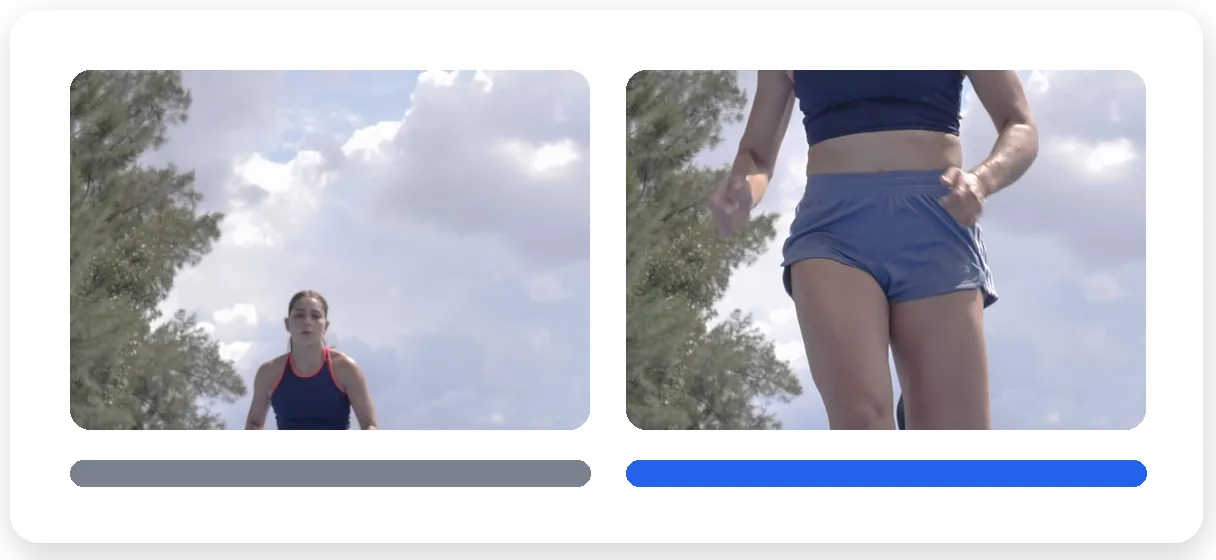
Same length, same orientation
The reversed MP4 lasts as long as the original. A vertical phone video stays vertical, a landscape clip stays landscape, and the motion keeps its frame rate, so it looks as fluid as your footage did. Long videos and high definition files go through too, from a short pour to a full take.
Nothing to install
It runs from the page, on a computer or in a phone browser. Add the file, choose the sound option, download. The first try is free, with no signup. The video downloads with the Klipa logo; without the logo with a Pass or a Pro plan. You see the result on your own clip first.
WHAT PEOPLE PLAY BACKWARDS
Rewind effect for social posts
A short rewind moment gives a clip a twist people notice while scrolling. Reverse a few seconds of a reaction, a splash or a hand gesture, choose the sound option, and post the MP4 on the platform you like.
Pouring and throwing in reverse
Milk flowing back into the bottle, a ball leaving the floor to land in a hand, confetti returning to its box. Everyday actions look surprising when they run backwards, and a short clip is enough to show it.
Dance steps and jumps backwards
A jump that begins in mid-air, a spin that unwinds, a dance move played from its ending. Dancers, skaters and athletes reverse a take for a playful effect, or to see a movement from the other direction.
Creative transitions and reveals
Open a scene in disorder and let it tidy itself, or let scattered pieces assemble into a finished shape. Reversed footage works as a transition or a reveal between two moments of a video, with the sound muted if you prefer music.
Product videos
A box that closes itself, a drink that rises back into the glass, a tool that assembles in reverse. In a product clip, a rewound moment makes viewers pause on the item. Reverse the take and keep the sound, or mute it.
Related Tools
Questions about playing a video backwards
Where can I rewind my footage so it runs from end to start?
Add your video to this page, choose whether the sound is reversed or muted, and start the process. A few moments later you download an MP4 that plays from the last image to the first. Nothing needs to be installed: it runs in your browser, on a computer or on a phone.
Will voices and music play backwards too, or go silent?
Your choice. The sound setting lets you reverse the audio so it plays backwards along with the picture, which gives a true rewind feel. You can also mute it for a silent clip, useful if you plan to add music afterwards. You pick the option on the screen before launching.
Is a reverse of my handset footage possible?
Yes. Open this page in your phone's browser, pick the clip from your camera roll or gallery, choose the sound option and start. You download the reversed video as an MP4 that you can keep, share or post from your phone. No app has to be installed.
Which option removes the Klipa logo from my reversed clip?
The video downloads with the Klipa logo; without the logo with a Pass or a Pro plan. Your first try is free, with no signup, so you can watch your own clip play backwards before deciding anything about the logo or anything else.
Is the rewound result shorter or longer than my source?
Neither: the duration stays exactly the same as the original. Reversing changes the direction of playback, so a 30 second clip gives a 30 second result. That makes planning easy: if the original fits the platform where you want to post, the reversed version fits it too.
Will my phone video stay vertical?
Yes. The picture keeps its orientation, so a video filmed upright on a phone stays upright and a landscape clip stays landscape. The frame rate is kept as well, which means the motion looks as smooth backwards as it did forwards. The result is a standard MP4.
Will my MKV or 3GP file be accepted?
Yes. MKV and 3GP are both accepted, along with MP4, MOV, AVI, WebM, WMV and FLV, up to 2 GB. Phone recordings, camera files and screen captures all work, and you always get an MP4 back, ready to open on nearly any phone or computer.
Does it work on long or high definition videos?
Yes, long videos and high definition files go through too, so you can reverse a full take as well as a short pour. The result keeps the same length and the same picture orientation as your original. Add the file and the page takes care of the rest.
What kinds of clips look best played backwards?
Short, clear actions: a liquid poured then rising back into the glass, an object thrown and returning to the hand, a jump that starts in mid-air, a dance step unwinding. Steady framing and a single readable movement make the rewind effect obvious and fun to watch on social media.
I found a clip online: may I play it backwards?
The page starts from a video file that you add. If the video is yours, use the original file and reverse it. Footage made by someone else remains theirs, so make sure you have the right to reuse it before posting the reversed version anywhere.
Ready to see your video run backwards?
Add a clip, choose the sound option and rewind it. The first try is free.
No credit card required
Rewind it, then take it further
Reversing is a simple move with a strong effect: the last image opens the clip and the action unwinds. Once your reversed MP4 is ready, you can set its pace with the video speed tool, or, if you were really after swapping left and right in the picture, use the mirror effect. Try the reverse on a short, clear action first, listen to both sound options, and keep the version that serves your post. Whatever you choose, compare the result with the original once: the moments that felt ordinary going forward are often the ones that surprise most going backwards.
