

How to make a lyric video online: from your song to words on screen
A lyric video shows the words of a song on screen at the very moment they are sung. With Klipa you can make a lyric video online in a few minutes: you bring a video that carries your track, the lyrics are picked up from the singing along with the timing of each word, and you export an MP4 in which every word lights up as the voice reaches it. There is no timeline to learn and nothing to install.
What you bring: a video with your song
Drop in any video that has the song on its soundtrack: a clip, a visualiser, a loop of still images, or your cover artwork with the track playing behind it. The picture is yours, and the lyrics are written on top of it. Independent artists use this to give a new release a proper video for YouTube. Producers use it to present a vocal track. Fans make a video for a title whose rights they hold, and karaoke makers light up each word in time with the singing. Whatever the song, the music and the lyrics should be yours or cleared for this use.
From sung words to timed lyrics
Once the video is uploaded, the singing is recognised automatically and every word gets its own start and end time, so you never type a timecode. Then comes the step that makes the result truly yours: open the editor, read the lyrics line by line, correct a word that was heard wrongly, shift the timing of a line or delete one, and only then export. That quick read-through is how the video ends up showing the words spelled exactly as the artist wrote them.
The word-by-word look, and an MP4 ready to post
The page opens on the word-by-word style, placed in the middle of the frame: the line sits at the centre of the image and the word being sung switches to your accent colour, the familiar lyric video effect. The other styles of the studio, 11 in all, remain one click away, and each one previews live on your own video, so what you see is what gets exported. Choose a typeface from ten, then set the size, the position, the text colour and the accent colour to match your artwork or the mood of the track. The lyrics are baked into the picture of the MP4, so they appear wherever you upload it, on YouTube, TikTok, Instagram or a website, with no separate subtitle file to manage. If you also want the lyrics as timed text, the SRT or VTT file can be downloaded next to the video.

What the tool produces
How to make a lyric video in 3 steps
Upload the video with your song
Drop the clip, visualiser or still-image video that carries your track (MP4, MOV, WebM or MKV). The sung words are picked up automatically with their timing, so you type nothing.
Check the lyrics and set the look
Read the lyrics in the editor, correct a word, move the timing of a line. The word-by-word style is centred by default; change the font, colours, size or position while watching the preview.
Export your lyric video
Export the MP4: each word lights up at the moment it is sung, with the lyrics burned into the picture. The SRT or VTT file can be downloaded too if you want the lyrics as text.
Why make your lyric video with Klipa?
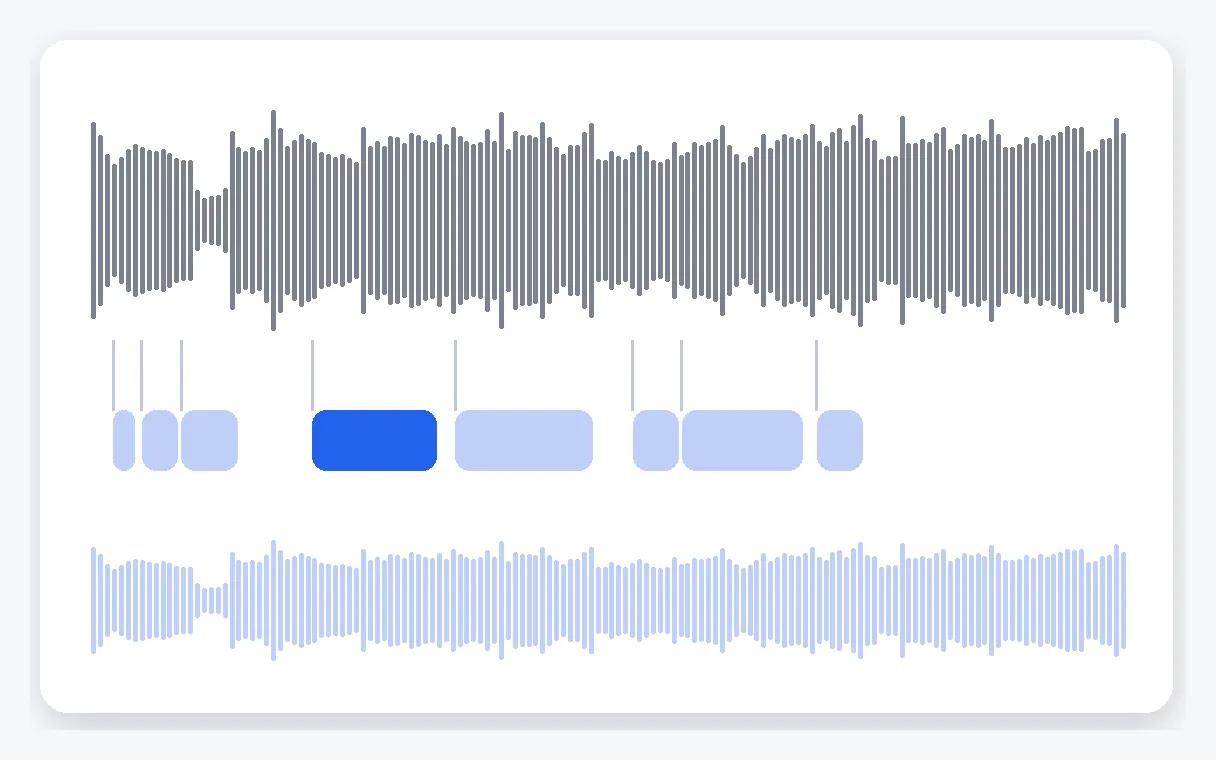
Lyrics timed word by word
The sung words are picked up automatically, each with its own start and end time. You do not type a single timecode or drag clips along a timeline: the video you export already has every word lighting up at the right instant.
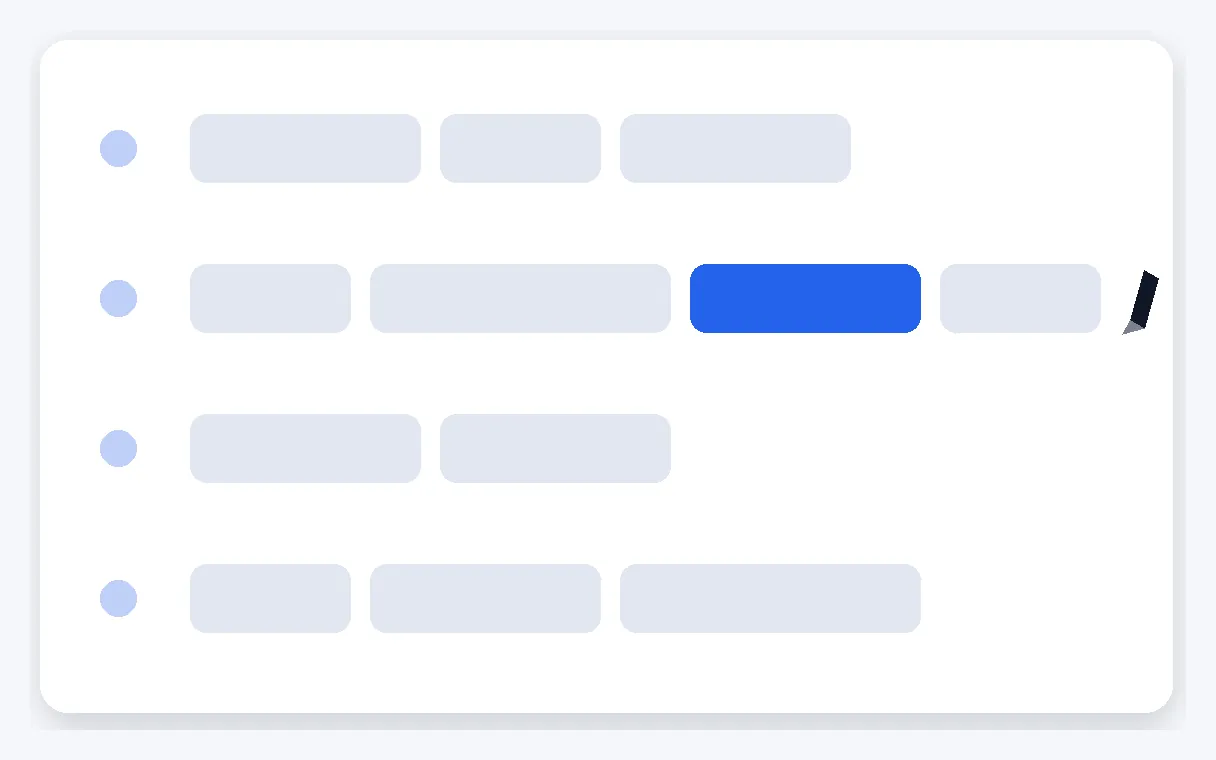
Proofread before you export
The built-in editor shows every line of the lyrics. Fix a word that was heard wrongly, move the timing of a line, delete or add one, and replay the preview. Your final video carries the words as the artist wrote them, not a first draft.
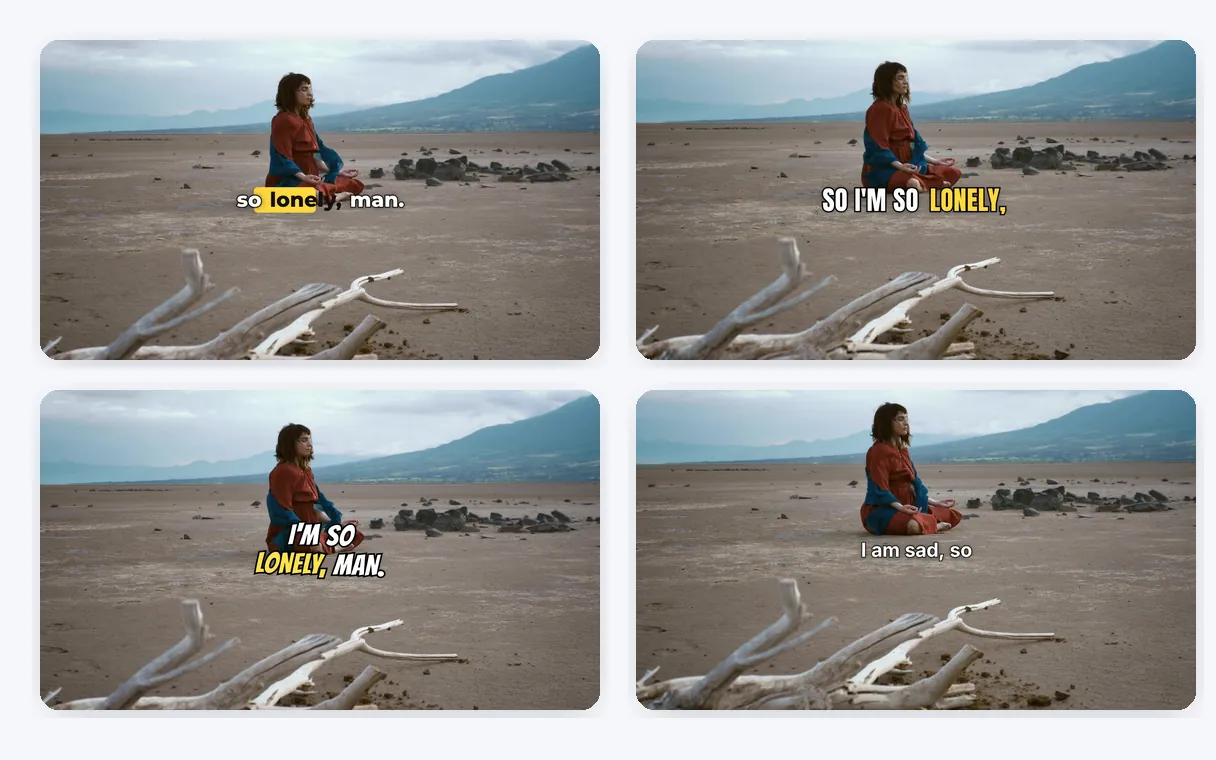
A look that fits your artwork
Start from the centred word-by-word style or try any of the 11 styles on your own video. Choose a typeface from ten, then set the size, the position, the text colour and the accent colour so the lyrics match your cover art and the mood of the song.
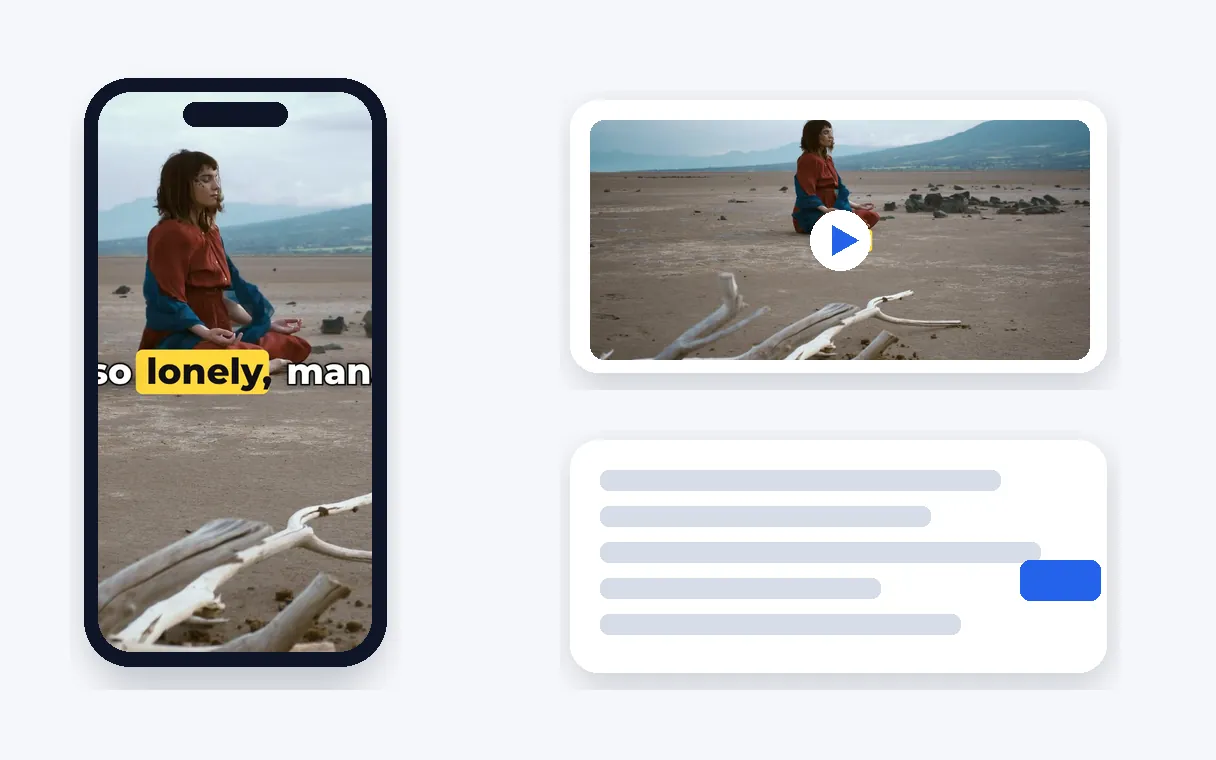
A video that plays everywhere
The lyrics are burned into the MP4, so they show on YouTube, TikTok, Instagram or LinkedIn with no extra file to carry around. It all happens online, without installing any software, and the lyrics also download as SRT or VTT if you want them as text.
When a lyric video comes in handy
A release for your YouTube channel
You have finished a track and picked a cover image. Turn them into a video where the words light up in time with your voice, then publish it on your channel the day the song comes out.
A teaser for TikTok and Reels
Upload a video of your chorus, burn in the lyrics with a bold accent colour and post it. The words stay on screen on every platform, which suits viewers who scroll with the sound off.
A video for a song you perform
You sing a cover or an original at home, filmed or paired with an image. Add the lyrics so friends and listeners can follow every word, in a font and colours you chose, for a title you have the right to use.
A karaoke-style video
Make the word being sung glow so a room full of friends can join in. The word-by-word style does exactly that, and the large centred text is easy to follow at a glance.
A demo to share with your band
Send collaborators a version of the track where the lyrics appear as they are sung. They see every line and can tell you which word to change before you record the final version.
Related Tools
Lyric video maker: your questions answered
Where do I start if I want a lyric video for a track I wrote?
Upload a video that contains your song, let the lyrics be recognised automatically, read them in the editor and correct any word, then choose a font and colours and export. You get an MP4 in which each word lights up at the moment it is sung, ready to post.
Which background do the lyrics sit on?
The one you bring. Use the clip, visualiser or cover-art video that carries your track: the lyrics are written over your own picture, in the style, font and colours you pick. Make sure the music and the words are yours or cleared for this use before you publish.
Who writes out the lyrics and their timing?
The tool does it for you. After you upload, the sung words are recognised automatically and each one receives its timing, so you do not type the lyrics or set any timecode. The editor then lets you read everything and correct a word before you export.
How do I polish the lyrics once they appear in the editor?
Every line is listed: correct a word, adjust the timing of a line, delete or add one, then export. The preview shows the result on your own video, so you check it before it becomes final. This read-through is part of the process.
How do I get that karaoke glow on each sung word?
Choose the word-by-word style, which highlights each word as it is sung, the karaoke effect. It is the style the page starts with, centred in the frame. Change the accent colour, the font or the size until the lyrics are easy to follow.
Which fonts, colours and positions can I choose for my lyric video?
Pick one of the 11 animated styles, each previewed live on your video. Then choose a typeface from ten, the size, where the lyrics sit on the image, the colour of the text and the colour of the word being sung. The page starts with the word-by-word style in the centre.
Is there a free lyric video maker?
Yes, you can try it for free: upload your song video, read the lyrics in the editor and preview every style on your own picture. There is nothing to download or install. A Pass or a Pro/Studio plan delivers the video without the Klipa logo.
Do I need an app or editing software?
No. Everything runs online: you upload the video, edit the lyrics and export the MP4 without installing any software. You do not need to know how a timeline works, because the timing of each word is created for you from the singing.
What if I want my lyrics as YouTube captions too?
Once the lyrics are recognised, they can be downloaded as SRT or VTT next to the finished video. It is handy if you want to add them as captions on YouTube, or to have them translated into another language later.
Does it work for songs in Spanish, Portuguese or German?
Recognition covers 100+ languages, so a song in Spanish, Portuguese, German, French or English goes through the same steps. Read the lyrics in the editor, correct a word if needed and export. Right-to-left languages such as Arabic display correctly too.
Make your lyric video now
Upload the video with your song, check the lyrics and export an MP4 where every word lights up.
No credit card required
A lyric video that sings along with your track
A lyric video turns a song into something people can follow word by word. Once your lyrics are checked and the style feels right, the exported MP4 is ready to post. The animated subtitles tool offers the same studio for any spoken video. To reach listeners in other countries, download the lyrics as SRT and use the subtitle translator. Remember that the music and the lyrics must belong to you, or be cleared for this use, before you publish the video anywhere online.
