

What happens to the music, and what stays
A clip where the music drowns out the person talking is tiring to watch. This page is made for that case. You drop in the video, Klipa's AI separates the sound into two tracks, the voice on one side and the music and ambience on the other, and the screen opens already set to keep the voice. The music behind the speech is removed, the words stay, and the picture is left as filmed.
How the voice is kept and the music removed
Rather than dulling the whole mix with a filter, the sound is split first. One track holds the voice; the other holds the music and the ambience around it. On this page the voice track is the one you keep, so the music goes and the speech comes forward on its own. A spoken voice is separated as well as a sung one, so a presenter, an interview, a voice-over or a singer are all handled the same way. The voice you get back stays clear, with the same rhythm and the same duration as in your original file.
Video in, video or MP3 out
When you upload a video, you pick the result. Either you get the same video with its new sound track, picture unchanged, or the sound alone as an MP3, handy when the voice is what you want to reuse. The output lasts as long as the original and the sound stays lined up with the picture, so nothing needs re-syncing afterwards. You can also upload a sound file such as an MP3, WAV or M4A and receive a sound file in the same format. The video downloads with the Klipa logo; without the logo with a Pass or a Pro plan. Files of up to 2 GB are accepted.
When the music is the problem
The usual case is a video from social networks with a trending track playing over someone speaking: a tutorial, a recipe, a reaction, a testimonial. Event footage has the same trouble, when the music of a party, a shop or a conference room covers what people say. In each case you take out the music, keep the voice, then publish or archive the clip. The same screen also has a keep-the-music setting, should you need the opposite one day. Please use videos whose rights you hold.

What the tool produces
How to remove music from a video and keep the voice
Upload your video
Drop in a video (MP4, MOV, AVI, MKV or WebM) or a sound file (MP3, WAV, M4A). Nothing to install, and no need to pull the sound out of the video first.
Check that the voice is kept
The screen opens on keeping the voice: the music and ambience are removed. For a video, choose the video with its new sound or the sound alone as an MP3, then start the separation.
Download your result
Get the video with its new sound track, picture unchanged, or the sound as an MP3. Play it from the start, check that the voice carries the clip, then share or keep it.
Why take the music out with Klipa
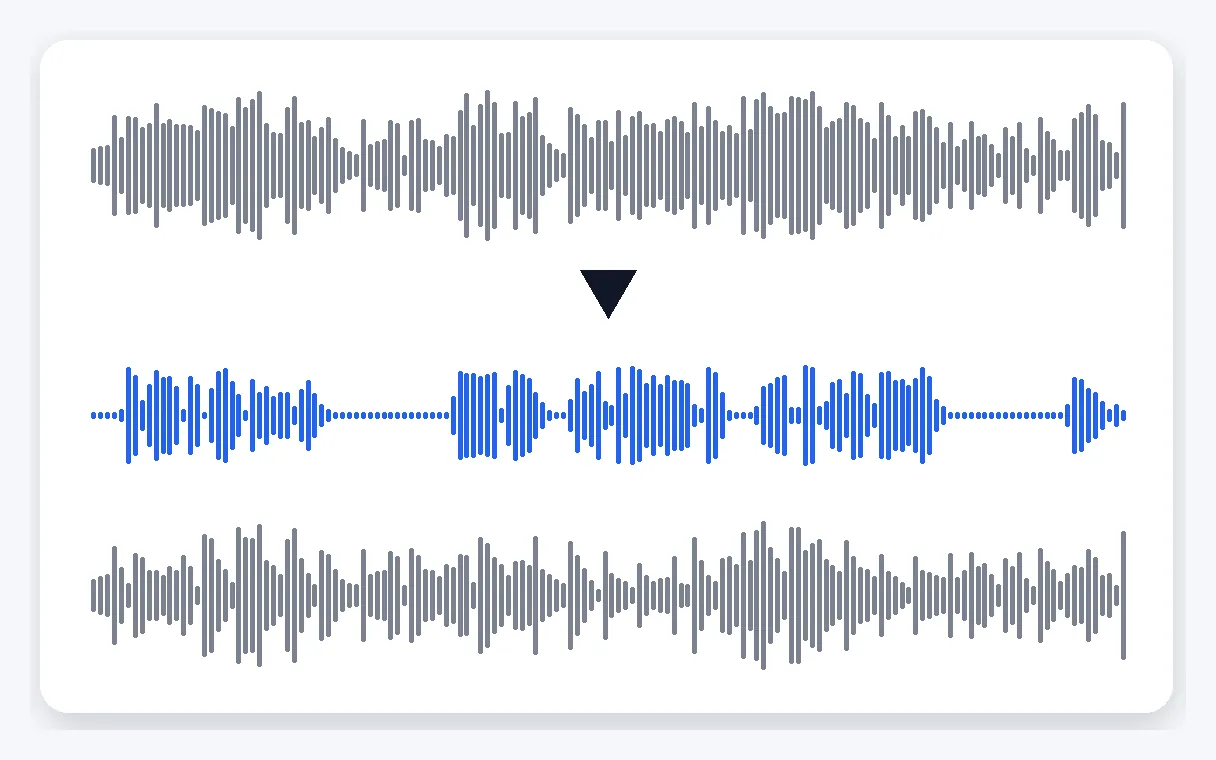
Voice and music split in two
The sound is separated into a voice track and a music-and-ambience track, instead of one filter laid over everything. You keep the voice and the rest is taken out, so the speech stays clear and natural, with the same rhythm and the same length as in the file you uploaded.
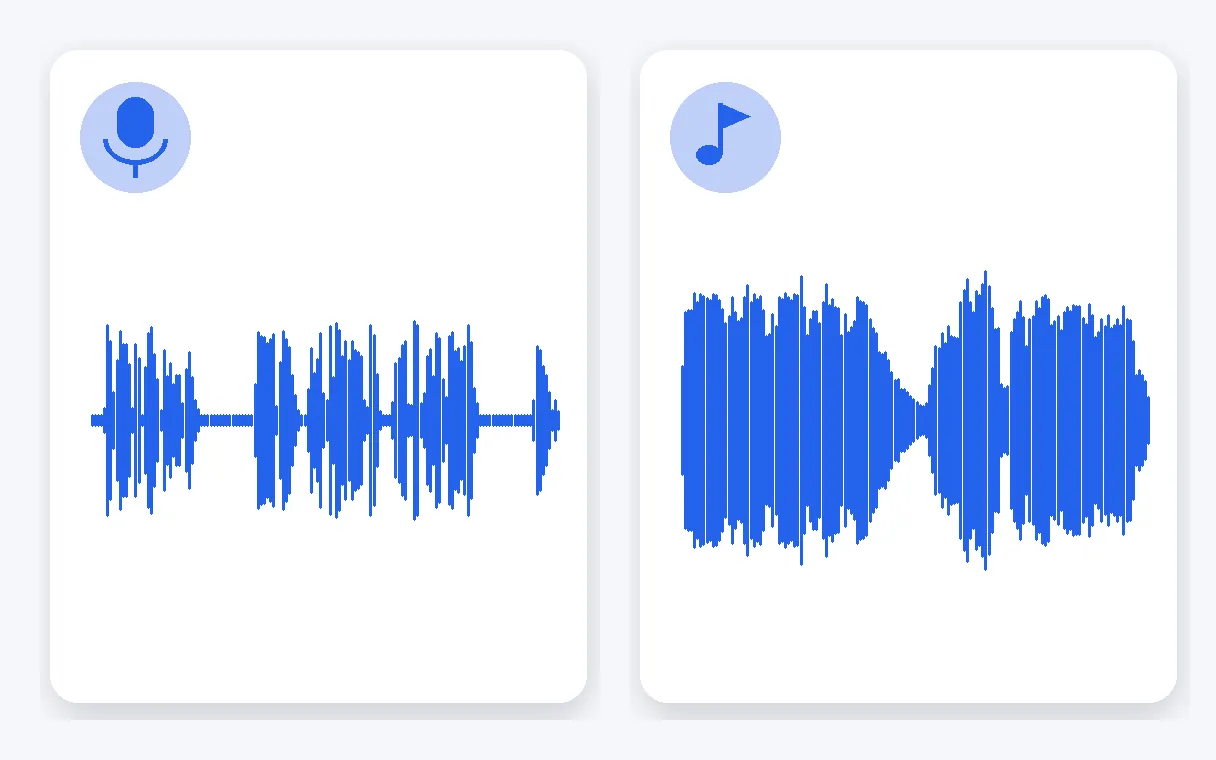
Spoken or sung, both work
A voice that speaks and a voice that sings are both separated. A presenter, an interview, a voice-over, a testimonial or a singer: whatever the voice is, it is the one that stays once the music behind it has been taken out of the clip.
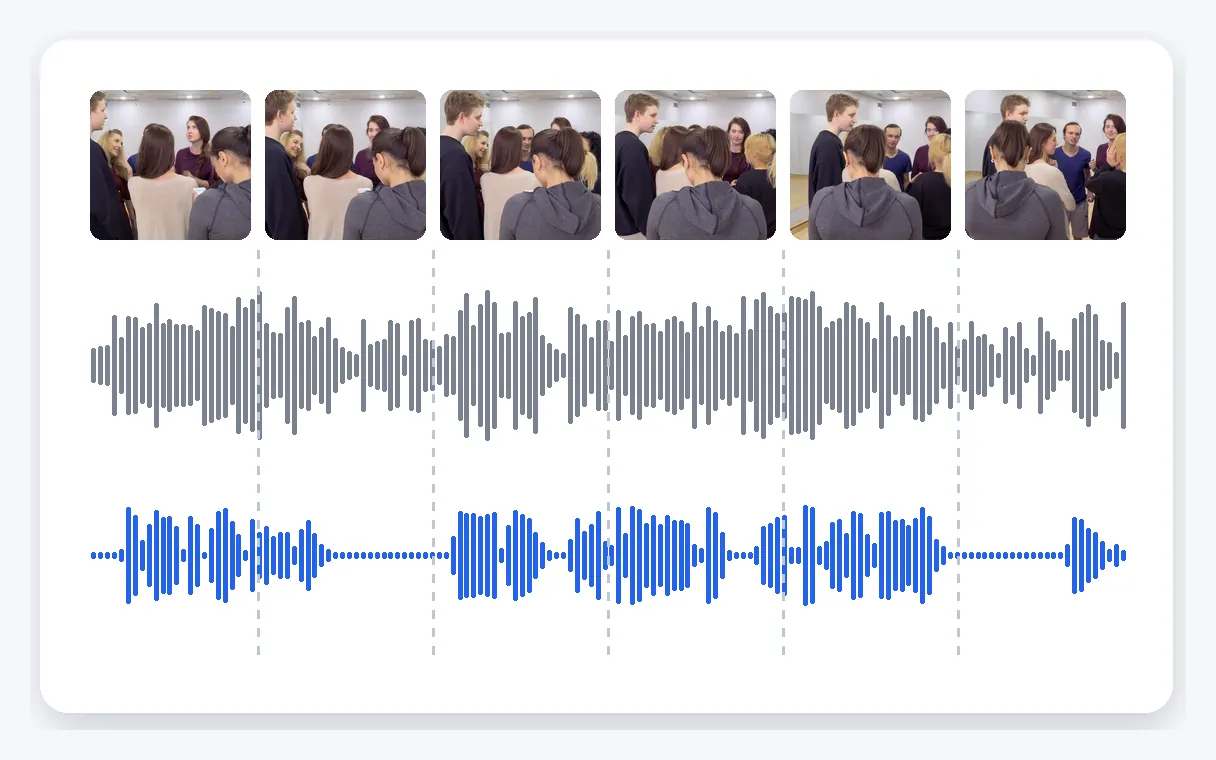
Picture untouched, sound in sync
The sound track is the part that gets replaced. The video comes back with its picture unchanged and a duration identical to the original, and the sound stays lined up with the image, so there is no re-syncing in an editor and no second export to do afterwards.
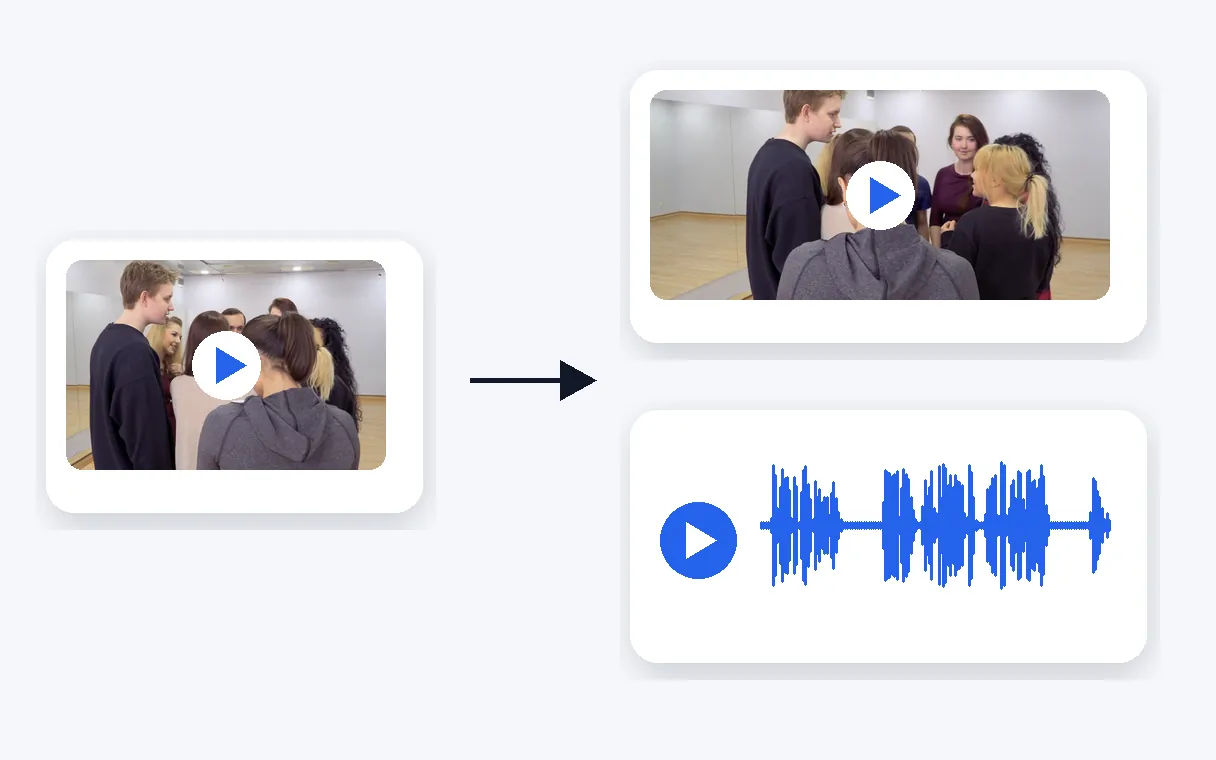
Video or MP3, your choice
From a video, take either the video with its new sound track or the sound alone as an MP3. From a sound file such as an MP3, WAV or M4A, you receive a sound file in the same format. Everything runs in the browser, with no software to install.
When to remove the music from a video
A trending track over a tutorial
A recipe, a how-to or a reaction filmed for social networks, with a loud track covering the explanation. Take the music out, keep the voice, and let viewers follow every step. Use clips whose rights you hold.
Event footage with loud music
A party, a shop opening or a conference break filmed while music played. The speeches and the conversations matter, the playlist does not. Keep the voice and you get a clip you can actually archive or share.
An interview recorded with music behind it
A street interview or a testimonial filmed in a café or a hall where music was playing. Remove the music and the answers come back to the front, ready to be cut, subtitled or transcribed.
A voice-over to reuse on its own
You have a video with a narrator over a soundtrack and you want the narration alone. Choose the MP3 result and download the voice by itself, ready to drop into another project.
A singer without the accompaniment
A sung voice is separated like a spoken one. Remove the music behind a singer or a cover recorded at home, and keep the voice for practice, editing or simply listening.
Related Tools
Removing music from a video: your questions
How do I silence the soundtrack but still hear the people talking?
Upload your video: the screen opens already set to keep the voice. Klipa's AI splits the sound into the voice on one side and the music and ambience on the other, removes the music, and you download the video with its new sound track, or the voice as an MP3. The picture stays as filmed.
Can I take the background music out of a video without installing anything?
Yes, straight from your browser, on a phone or a computer. Drop in an MP4, MOV, AVI, MKV or WebM file of up to 2 GB, start the separation and download the result. There is no software to install and no need to extract the sound by hand beforehand.
After separation, what do I actually get back?
The voice is separated from the music and the ambience around it. Keep the voice setting that is already selected and pick what you want back: the video with the cleaned sound, or the voice alone as an MP3. The voice keeps its rhythm and its duration.
Does this work on clips saved from TikTok, YouTube or Instagram?
Yes, upload the video file as you have it and the music behind the speech is taken out while the voice stays. Please use contents whose rights you hold. The video comes back with the picture unchanged and the sound lined up with it.
Does a sung voice come through as well as a spoken one?
A sung voice is separated just like a spoken one, so a singer, a presenter reading a script or someone giving a speech all come out the same way: the voice stays clear, and the music and ambience behind it are taken out of the clip.
Will the voice keep its rhythm and length?
Yes. The voice you get back stays clear and keeps the same rhythm. The output lasts exactly as long as the original file, and the sound stays lined up with the picture, so a cleaned clip drops straight back into your project without any shifting.
Will a speech-only soundtrack be offered for download?
Yes. From a video, you choose: either the same video with the new sound track and an unchanged picture, or the sound alone as an MP3. From a sound file such as an MP3, WAV or M4A, you receive a sound file in the same format as the one you uploaded.
I only have a recording with no picture: can the music be taken out of it?
Yes. Upload an MP3, WAV or M4A file directly and the voice is separated from the music in the same way. The result is a sound file in the same format, ready to listen to, send or use in your next project, with the voice kept and the music removed.
Will my result carry a Klipa logo?
The video downloads with the Klipa logo; without the logo with a Pass or a Pro plan. The picture and the length are otherwise the same as in your original file, and the sound track is the part that changes: the music is gone and the voice is kept.
Will my footage look frame for frame as it did before?
Yes. The picture stays exactly as you filmed it. The sound track is what changes: the music and ambience are taken out and the voice is kept. The video lasts as long as the original and the sound stays in sync, so there is nothing to re-edit afterwards.
Keep the voice, lose the music
Upload the clip, keep the voice, download the result.
No credit card required
The voice stays, the music goes
Taking the music out of a video no longer means opening an editing timeline and guessing which track to mute. You upload the clip, the voice is kept, the music and ambience are removed, and the result comes back as a video or as an MP3. If the voice is all you need, extract the audio from any video as a sound file, and once the speech stands out on its own, transcribe the voice to get the words as text for captions or notes. Try it on the clip where the music always got in the way, and keep the part that was meant to be heard.
