


Translate Video to English and Keep Subtitles in Sync
To translate video to English without disrupting its timing, keep the original audio and add translated subtitles unless you have a clear reason to dub the voices…
Most people searching for AI video dubbing want one thing: the same person, the same way of speaking, but in another language. That is what the Dubbing mode on this page is for. You upload a video, the language spoken in it is recognised on its own, and you get the video back with a fresh audio track in the language you picked, together with a translated subtitle file. No studio, no voice actor and no re-recording by hand.
The dubbed voice stays near the voice of the person you filmed and carries over their feeling, pacing and atmosphere, so the clip comes across as if it had been shot in the target language from the start. In this mode the person in your footage is the reference. All that is left to choose is the language, among 32 on offer.
The free trial dubs 15 seconds of your video, picked where the speech is densest, and the result carries the Klipa logo. To dub the whole video without a logo, use the minutes of a Pro subscription (10 min each month) or a Studio one (30 min each month), or make a one-time payment whose amount depends on the video's length. When a subscriber's remaining minutes are shorter than the video, only the opening part is dubbed and the one-time payment can cover the whole video.
Each dubbed video comes with a translated subtitle file in SRT format. Keep the audio alone, use the text alone, or combine them: handy for viewers who watch with the sound off, or when a platform displays imported subtitles badly. Subtitles make people read while they watch, whereas a dub lets them simply listen, so having both forms is useful.
Because the new voice stays near the original speaker's, keep dubbing for your own videos, or for those whose speaker has agreed. MP4, MOV, AVI, MKV and WebM files are accepted.

Drop in an MP4, MOV, AVI, MKV or WebM file in which someone speaks. You do not need to state its language: the one spoken in the video is recognised automatically before anything else happens.
The page opens on Dubbing mode, so the only setting left is the target language: select it and start the dub. The dubbed voice follows the person speaking in your video.
When processing ends, download the video with its new audio track and the translated subtitle file (SRT). Use the dubbed audio, the text or both together, depending on where the video will be shown.
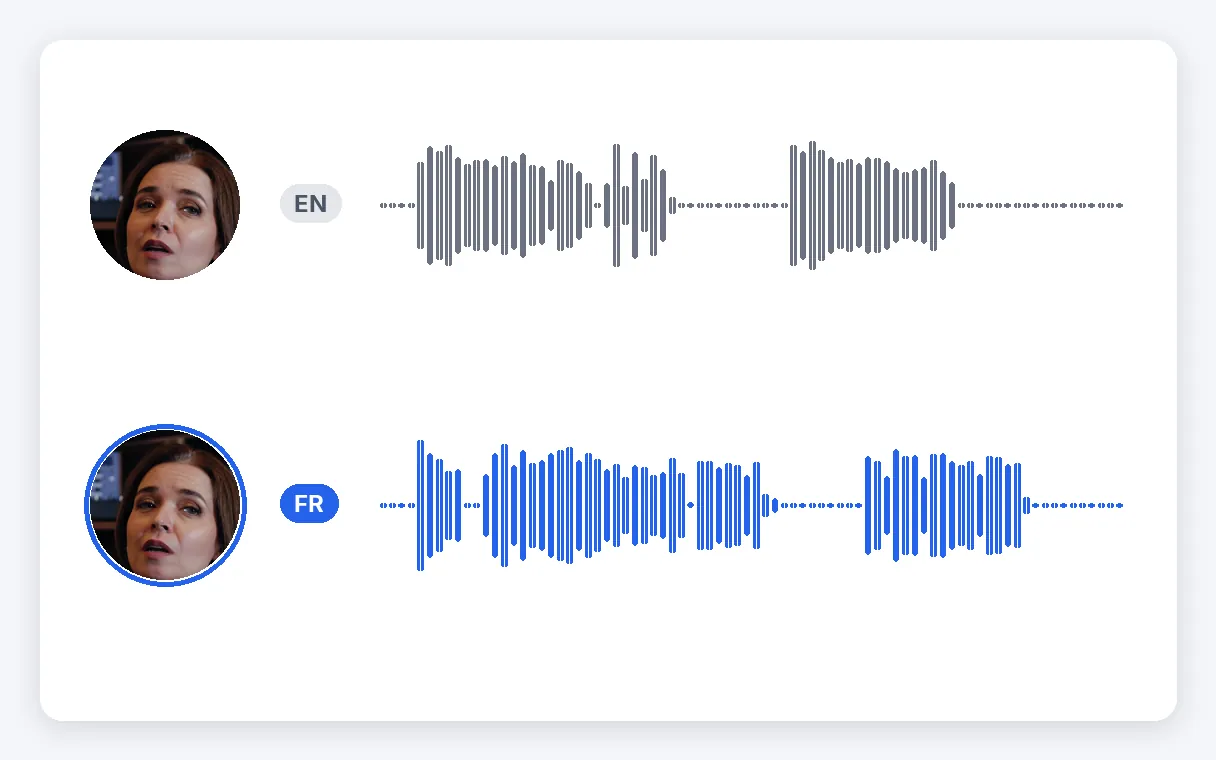
Instead of swapping in a generic narrator, Dubbing mode keeps the translated voice near the one in your footage, along with its feeling, pacing and atmosphere. A viewer hears the same kind of person, now speaking their own language, which is usually what dubbing is meant to achieve.
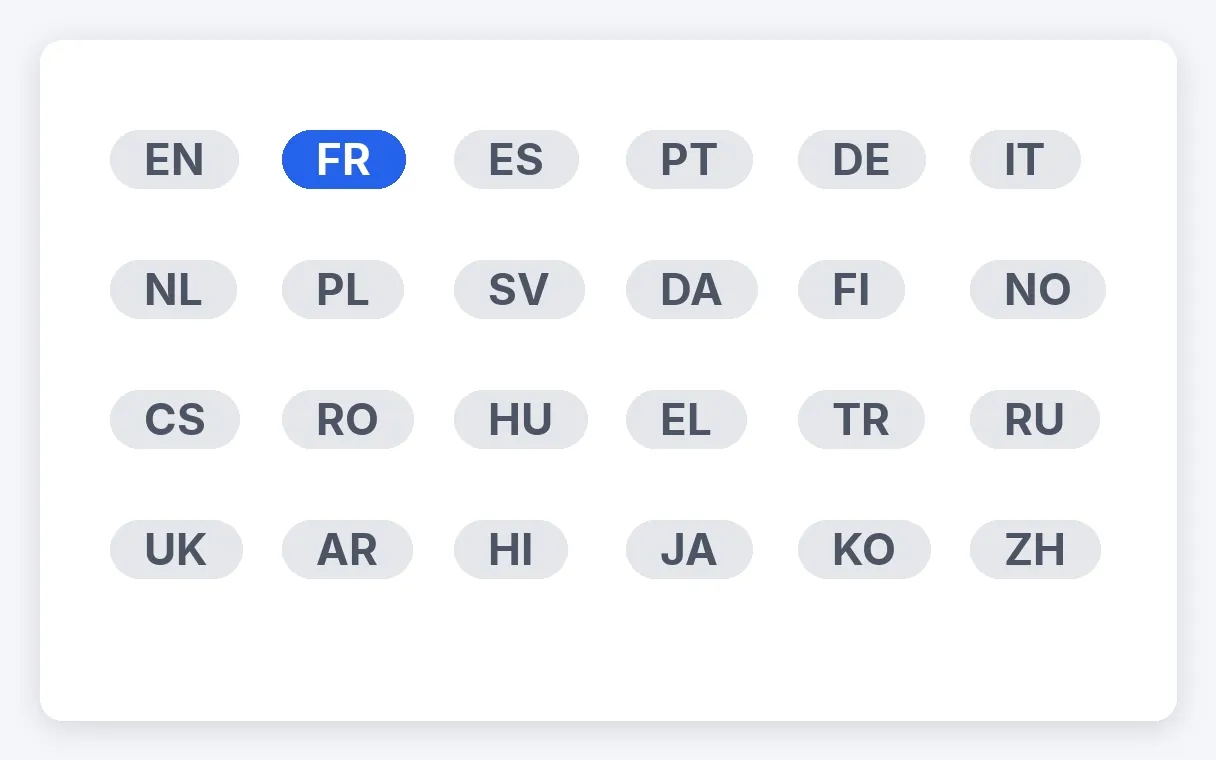
Pick the target among 32 languages. The language spoken in the original is found automatically, so the only decision left is where you want the video to go. Run the same file again with another target to prepare other audiences.
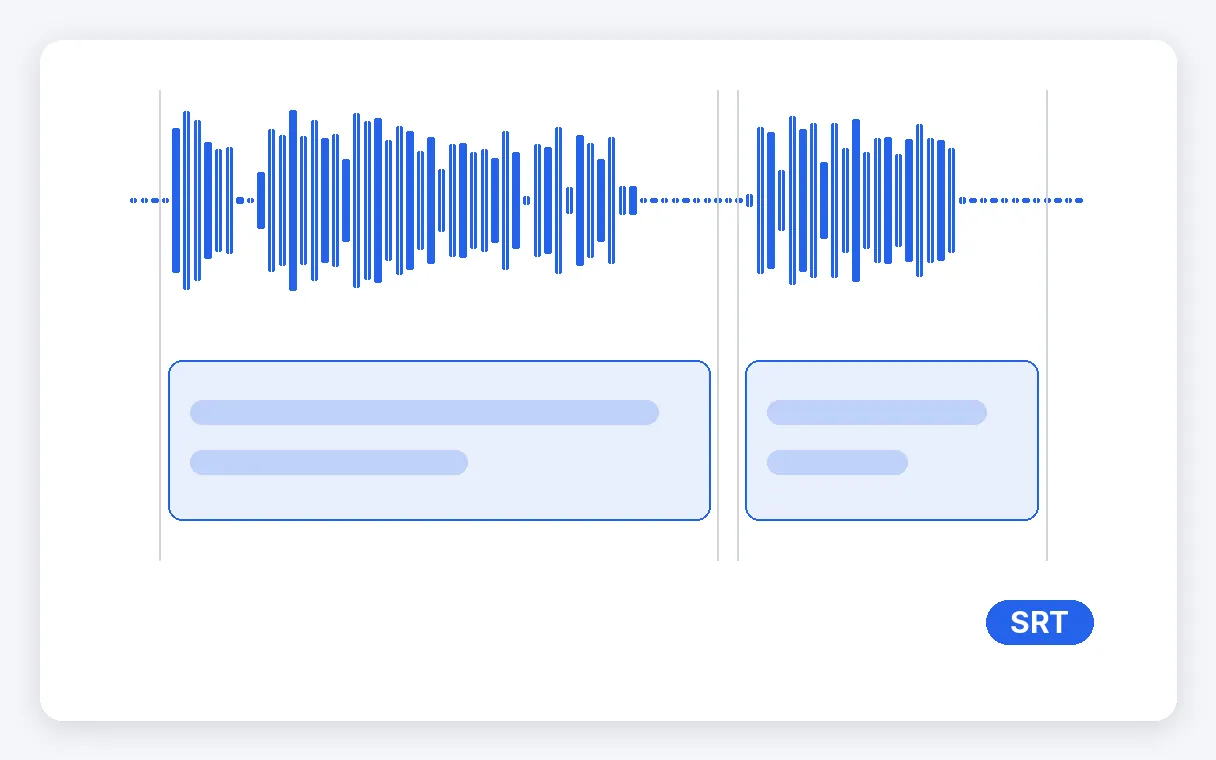
A translated SRT file arrives with the dubbed video, so you can offer sound, text or both. It suits viewers who scroll with the sound off and platforms that handle imported subtitles poorly. You get this extra file with the dub, with no separate step.
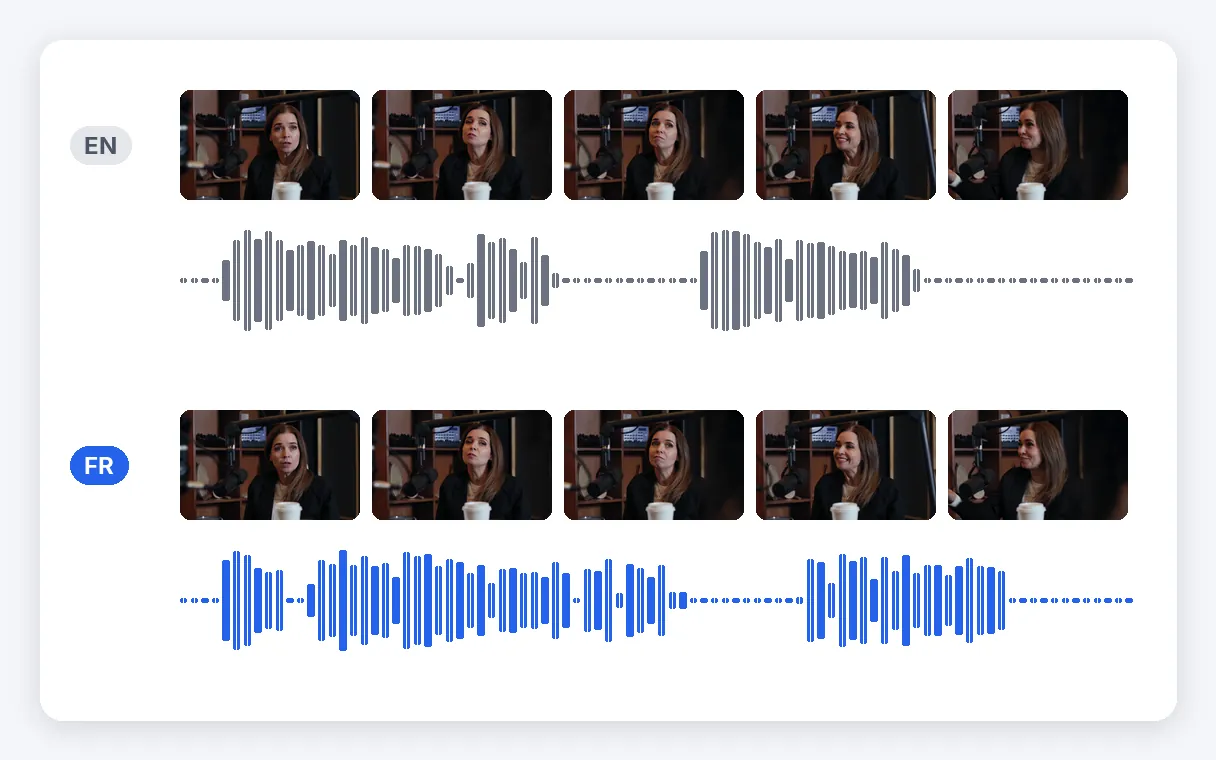
Only the sound is replaced. Framing, cuts, graphics and the speaker's face stay exactly as filmed. Nothing in the image is ever reworked.
A creator whose video is already published can offer a version in another language, so viewers listen rather than read captions. Use your own video, saved as a file, and upload it here; the original stays exactly as it is.
One recorded presentation turns into a version for each market, with no new shoot. Message, pacing and cuts stay the same; the audio is what changes. Keep the translated subtitle file for markets where viewers watch silently.
Learners follow a lesson in their own language while watching the screen, rather than reading subtitles during a demonstration. The teacher records once, and the dub keeps the tone of the original delivery.
An interview, a webinar or a talk recorded in one language can be shared in another, provided the speaker has agreed to it. Because the voice stays near theirs, their consent matters: ask before you publish.
A toast, a birthday message or a wedding clip can reach relatives who speak another language, with a voice that stays near that of the person you filmed. A one-off need that rarely justifies a studio.
Upload your video file, choose the language you want to hear, and start. The page opens on Dubbing mode, and the spoken language is detected for you. Without a subscription, a short free extract is dubbed first so you can listen, then the complete video is a one-time payment; with a Pro or Studio subscription, it is dubbed straight away on your minutes. You then download the dubbed video and its subtitle file.
You can try it for free here on a short extract: 15 seconds of your video, picked on the passage where the most is said, and the result carries the Klipa logo. It lets you hear the voice before deciding. The whole video needs a plan or a one-time payment.
No: the free extract is short and carries the Klipa logo. A whole video comes out without a logo when you use the minutes of Pro (10 min each month) or Studio (30 min each month), or pay once for that video, the price depending on its length.
The dubbed voice stays near the voice of the person on screen and carries over the feeling, pacing and ambience, which is the whole point of this mode. The person in your video sets how it sounds.
No. You never enter the original language: it is detected automatically from the speech, so the target is the only thing to choose. Dubbing is offered towards 32 languages. Run the same file again with another target to get a further version.
Only if you have the right to translate it. Since the new voice stays near the speaker's, keep dubbing for your own videos, or for those where the person filmed has agreed. Do not use it to make someone seem to say words, or speak a language, they never accepted.
Yes. A translated subtitle file in SRT format comes with the dubbed video. Keep only the audio, only the text, or use them together. It is handy for viewers watching without sound and for platforms that display imported subtitles badly.
The tool works on a video file you upload (MP4, MOV, AVI, MKV or WebM), not on a pasted link. Dub only what you may translate: your own YouTube or TikTok videos once saved as files, or films whose rights allow it. A long video needs enough minutes, or a one-time payment.
When a subscription's remaining minutes are shorter than your video, the dub stops after the part they cover, so only the beginning is dubbed. A one-time payment can then cover the whole video. This way you hear the result first and decide whether to go further.
A voice near the original, in another language, subtitles included.
No credit card required
Dubbing keeps the delivery of the person you filmed. If you would rather have a clear voice that translates the meaning, like a conference interpreter, and lets you choose that voice, switch to Interpreter mode. And if all you need is written text in another language, the subtitle translator is the more direct route. To dub, a video file is all it takes: upload it, choose the language, listen to the free extract, then decide what comes next. Before publishing, make sure you have the right to translate the video.
