Add Watermark to Video Online Free: 3 Easy Steps
You exported a video and realized your logo never made it onto the frame. Now every repost, download, and misattributed clip risks stripping your credit. The fix is…


Your credits
Your exports are included on this account — nothing is deducted.
Free exports left
This tool
Recent activity
Nothing yet.
Credits are used by the tools that call on artificial intelligence. File analysis, settings and previews stay free.
How credits are countedOverlay your logo on any video — free, online, position and size it freely.
This tool is being improved
Explore other toolsDaily limit reached
Drop your file here
Fetching a video from a link can take longer than uploading a file — up to a minute or two for a long video.
Your file is kept — processing resumes automatically.
This limit resets tomorrow. Go Pro to never hit it again, on every tool.
Your file is kept: processing resumes where it stopped.
Your file is kept: processing resumes where it stopped.
One job at a time. Yours finishes, then this one starts.
Drop to upload
Drop your file here
Or use the other entry, it stays available.
MP4, MOV, AVI, MKV, WebM
Drop your subtitle file here
Drop to upload
Convert to:
Translate to:
SRT, VTT, ASS, SSA
Platform
Duration
Free account required to use this tool. Sign up in seconds!

Your Hashtags Are Ready!
Hashtags copied to clipboard — paste them in your post!
Was Klipa useful? Give us 30 seconds back — leave a review on Trustpilot.
Conversion Complete!
Preview below. Download your file whenever you like.
Was Klipa useful? Give us 30 seconds back — leave a review on Trustpilot.
Translation Complete!
Preview below. Download your file whenever you like. Timecodes are preserved.
Was Klipa useful? Give us 30 seconds back — leave a review on Trustpilot.
Your Video Script
Was Klipa useful? Give us 30 seconds back — leave a review on Trustpilot.
Preview unavailable for this video. You can still start the enhancement.
Pick two different languages to start dubbing.
The sample plays in the target language so you can compare before starting.
Keep original voice underneath
Low volume, behind the translated voice.
Choose the output format
MP4 plays everywhere. Change it to fit your need.
Subscribers get priority.
It's ready
This stage works through the video end to end. The percentage will only move once it's done.
Estimate: this is the longest step. The bar moves along a measured average duration, not an exact percentage.
This is the longest stage of the job. It is moving, even when the number isn't.
Cancel now? The work already done will be lost and the file will have to be uploaded again.
Get an email the moment it's ready.
Video on its way
It will appear here as soon as it's ready.
Subscribers get priority.
Get an email the moment it's ready.
Cancel now? The work already done will be lost and the file will have to be uploaded again.
This is your video exactly as it will be downloaded.
What is wrong with it?
Still too dark?
We start again from your original video and brighten it further. No credits used.
Want a sharper picture?
Free trial on 10 seconds of your video. You only pay if you like the result.
Cut this video into several clips for your social media
Klipa’s AI does it for you: it finds the best moments, reframes them vertically and adds subtitles. Just tap the button below.
Was Klipa useful? Give us 30 seconds back — leave a review on Trustpilot.
Keep your videos between sessions and get free credits for your next exports.
Preparing your logo-free video… The download will start on its own.
Preview ready — the conversion works
Clean file, no watermark
Convert this whole video
Your free plan hit its burn limit this month. Your settings are saved — unlock this result or go Pro to burn now.
Some versions or subtitles could not be produced. Only successful files are available.
We're preparing your logo-free videos…
We couldn't prepare your logo-free videos. Write to us — your purchase is safely recorded.
/10
Cut this video into several clips for your social media
Klipa’s AI does it for you: it finds the best moments, reframes them vertically and adds subtitles. Just tap the button below.
Was Klipa useful? Give us 30 seconds back — leave a review on Trustpilot.
Longer videos and larger files with Pro.
Your original video is still available. Try another tool:
Your file is ready, and it's yours for free. Here's what Klipa Pro adds:
From 4 videos bought one by one, Plus costs less
Which clips do you want to download?
Your download starts on its own as soon as it's ready.
Exporting the clip failed. Please try again in a moment.
To add a logo to a video, upload the file, choose your image — a PNG with transparency gives the cleanest result — drag it where you want it, set its size and opacity, then export. The logo is burned into the frames themselves, so it travels with the video wherever it gets reshared. Free, online, with no software to install.
A logo signs: it shows your brand, usually in a corner, discreet but readable. A watermark protects: it discourages uncredited reuse, and sits larger, more transparent, sometimes across the picture. If protection matters more to you than branding, the add watermark tool fits better.
Every platform lays its own interface over your video: TikTok takes the right edge and the bottom, Instagram the bottom, YouTube the lower-right corner during playback. A logo in the top-left stays readable almost everywhere. Then set opacity between 60 and 80%: high enough to be seen, low enough to leave the picture alone.
Overlaying a logo doesn't reopen the edit: it adds a layer on top, leaving resolution, colours and sound untouched. So you can sign a final export without rebuilding it. Afterwards, compress it if it's too heavy to send, or resize it for the platform you're posting to.


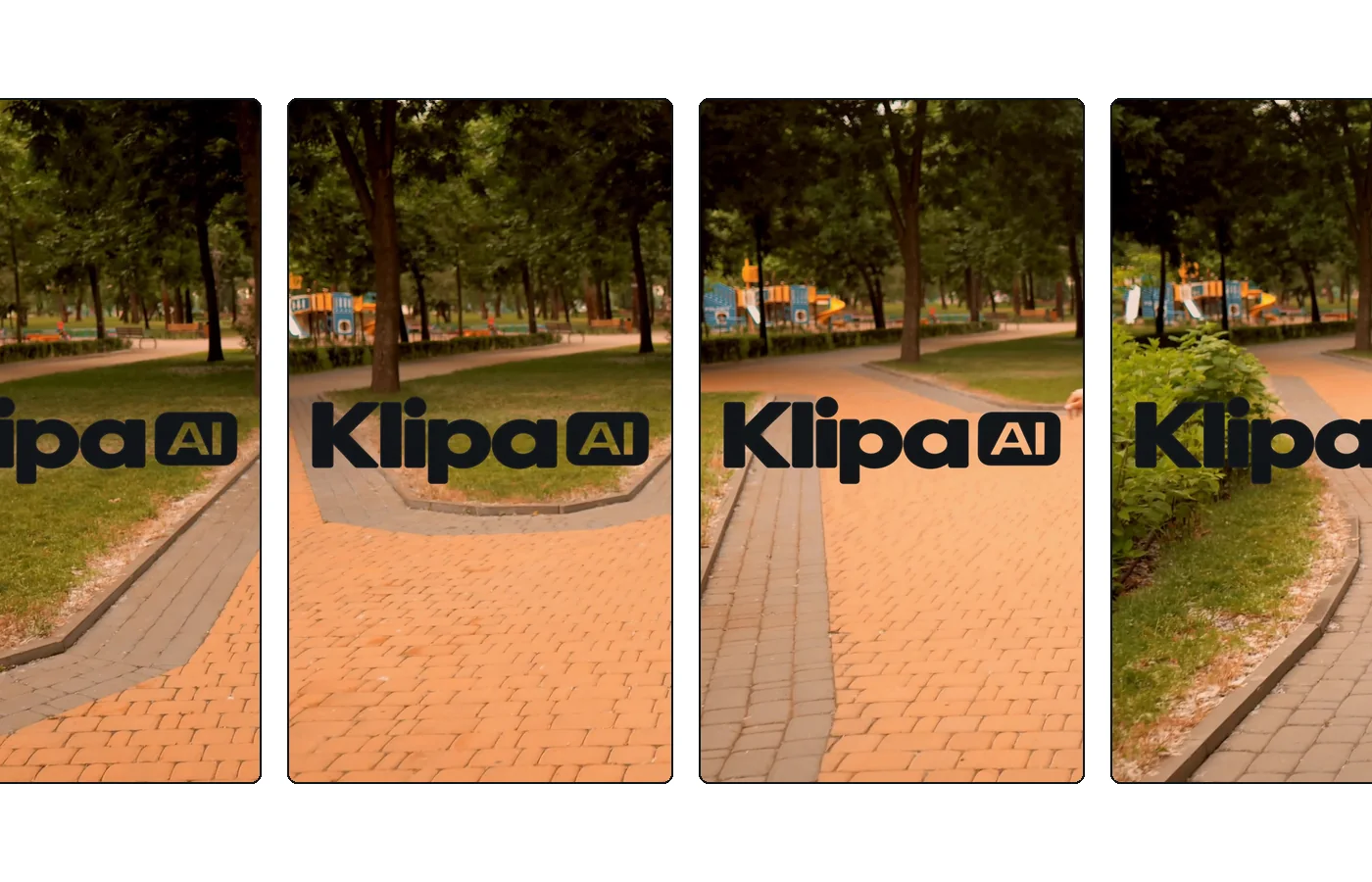
The logo is burned into the video itself: wherever your content travels, it stays signed.
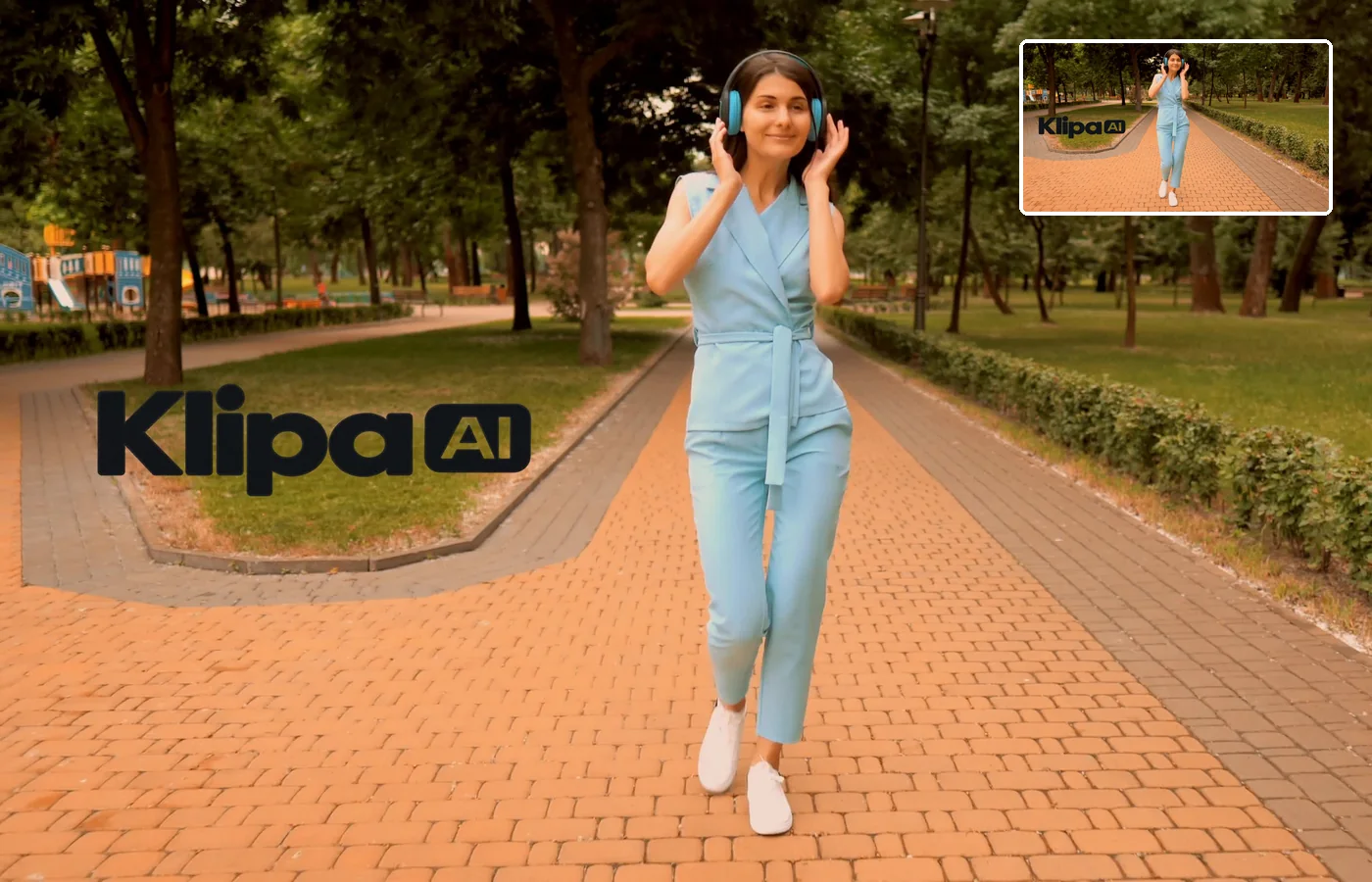
Place the logo in any corner, adjust its size and opacity, and preview the result before launching.
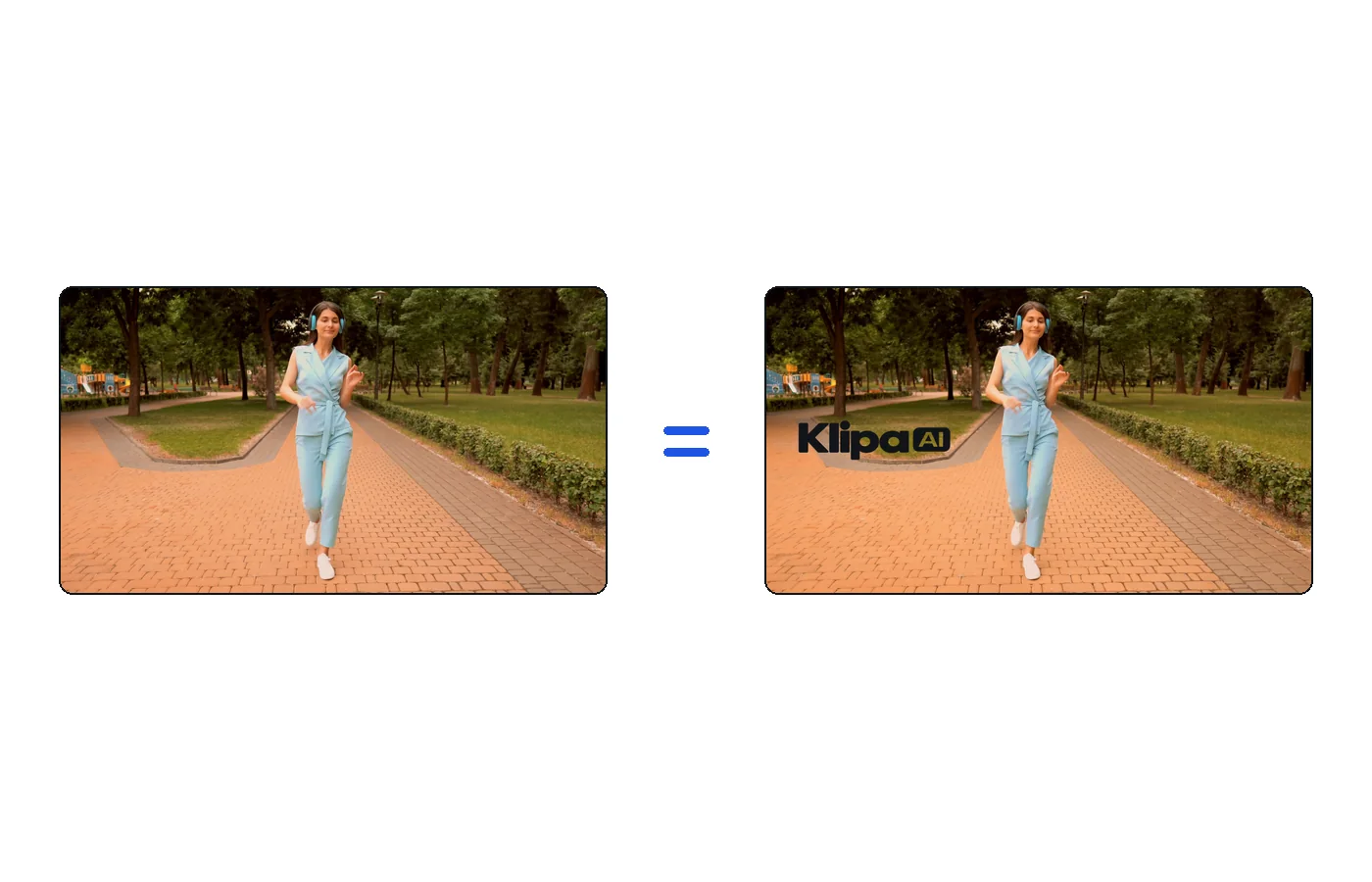
Only the logo is added: the video keeps its original resolution, colors and sound.
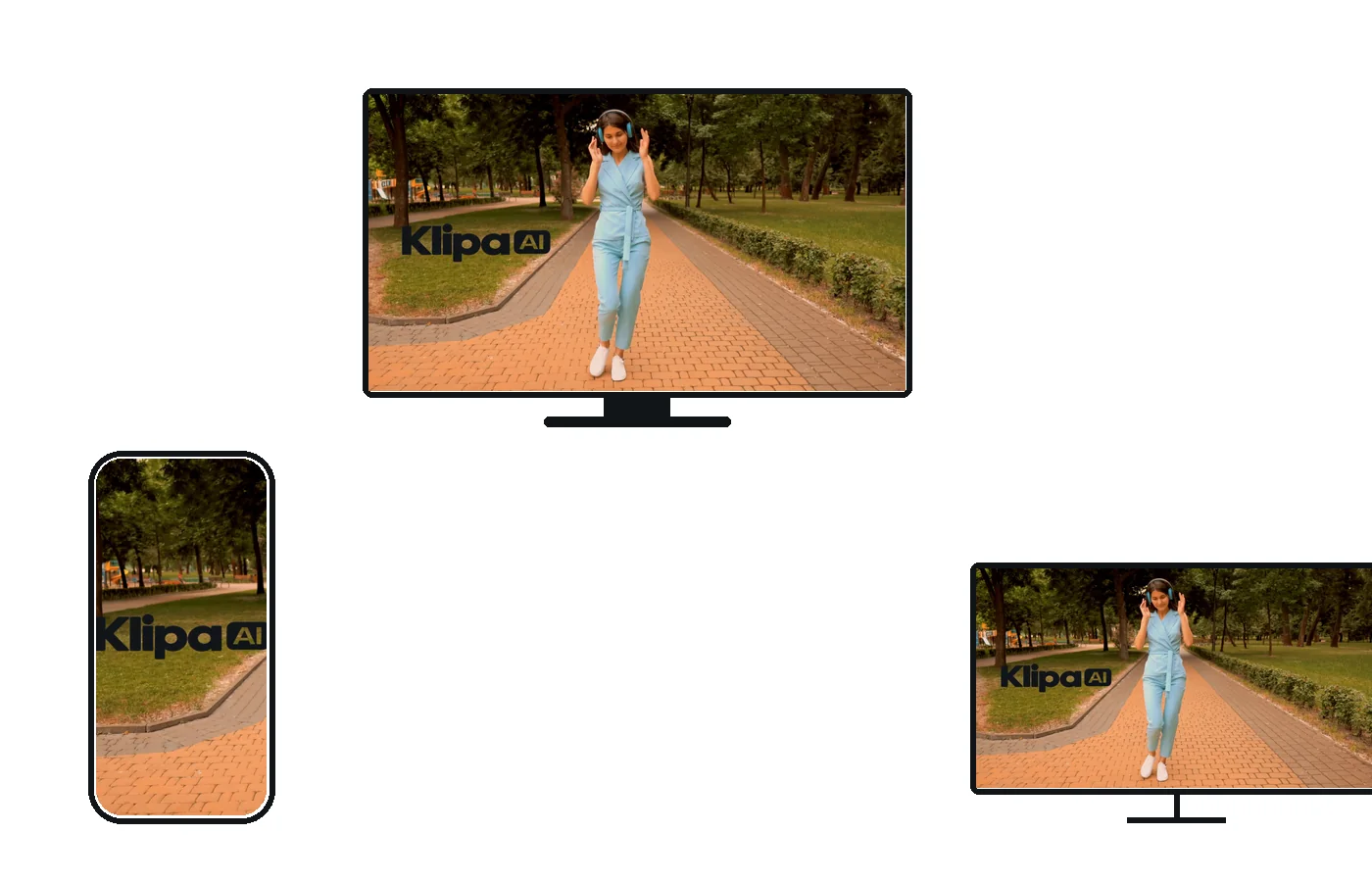
The file comes out as an MP4 that plays everywhere — social networks, website, presentation.

You exported a video and realized your logo never made it onto the frame. Now every repost, download, and misattributed clip risks stripping your credit. The fix is…

Facebook does not apply a watermark to videos uploaded directly to a page or profile. The logo you see after using a random downloader is the downloader’s own brand…

Signing in…