

What the voice changer does
Changing the voice in a video means keeping everything that is said and hearing it in a different voice. You upload your clip to Klipa, listen to the voices on offer, pick one, and get back an MP4 in which the speech is carried by that voice, still lined up with the picture. People use it to stay anonymous, to swap a voice they dislike, or to give a character another sound.
What stays the same
The words are the same, in the same language, at the same pace. Each phrase begins and ends where it did in your original, and the new voice follows the cuts and the pace of the speech. The music, the room sound and the other noises of the original are separated from the speech and put back underneath it; if you prefer, you can keep only the new voice. MP4, MOV, AVI, MKV and WebM files are accepted, and the images are never modified.
Choosing the voice
Seven voices are on offer: three women's voices, three men's voices and one neutral voice, each with a short listening test. Whether you want a man's voice, a woman's voice or a neutral one, you listen first and decide afterwards. Please use the tool only on videos you have the right to modify, and never to pass yourself off as somebody else.
What it is
It works on a video you have already recorded and uploaded, and it hands you a finished file.
Free to try
A free account receives 20 credits at signup, which lets you try the tool. A video then costs 8 credits per minute (at least 1), and the screen announces the price before you launch. Without a subscription or a Pass, the video carries the Klipa logo, and an account is needed to download.

What the tool produces
How to change the voice in a video
Upload your video
Drop in an MP4, MOV, AVI, MKV or WebM file in which someone speaks.
Pick a voice and listen to it
Choose one of the seven voices, each played as a short test first. Then decide whether to keep the original music and ambience underneath, or only the new voice. The screen shows the price before you start.
Download your MP4
Get the video back as an MP4 with the new voice speaking the same words at the same pace. The picture itself is never modified. An account is needed to download.
Why change a video's voice with Klipa
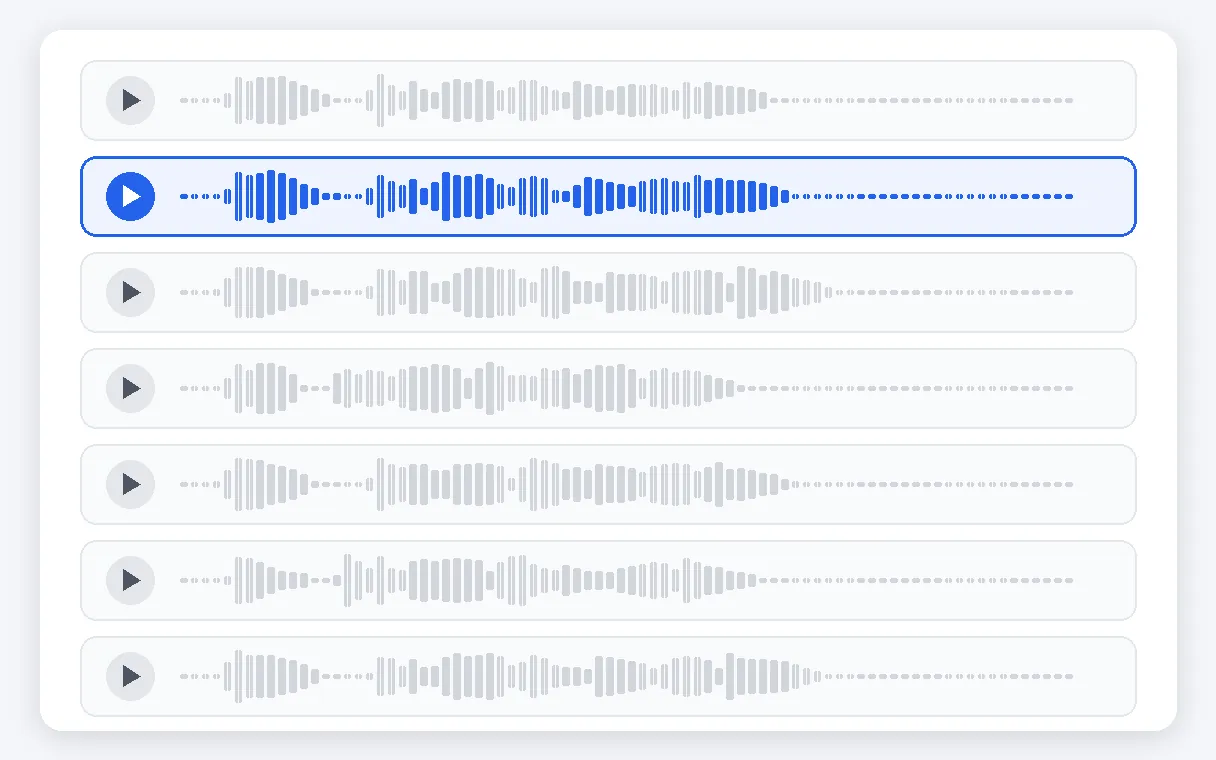
Seven voices, all previewed
Women's voices, men's voices and one neutral voice are on offer, seven in all. Each one has a listening test you can play before you commit, so you hear the result you are choosing instead of guessing from a description in a list.
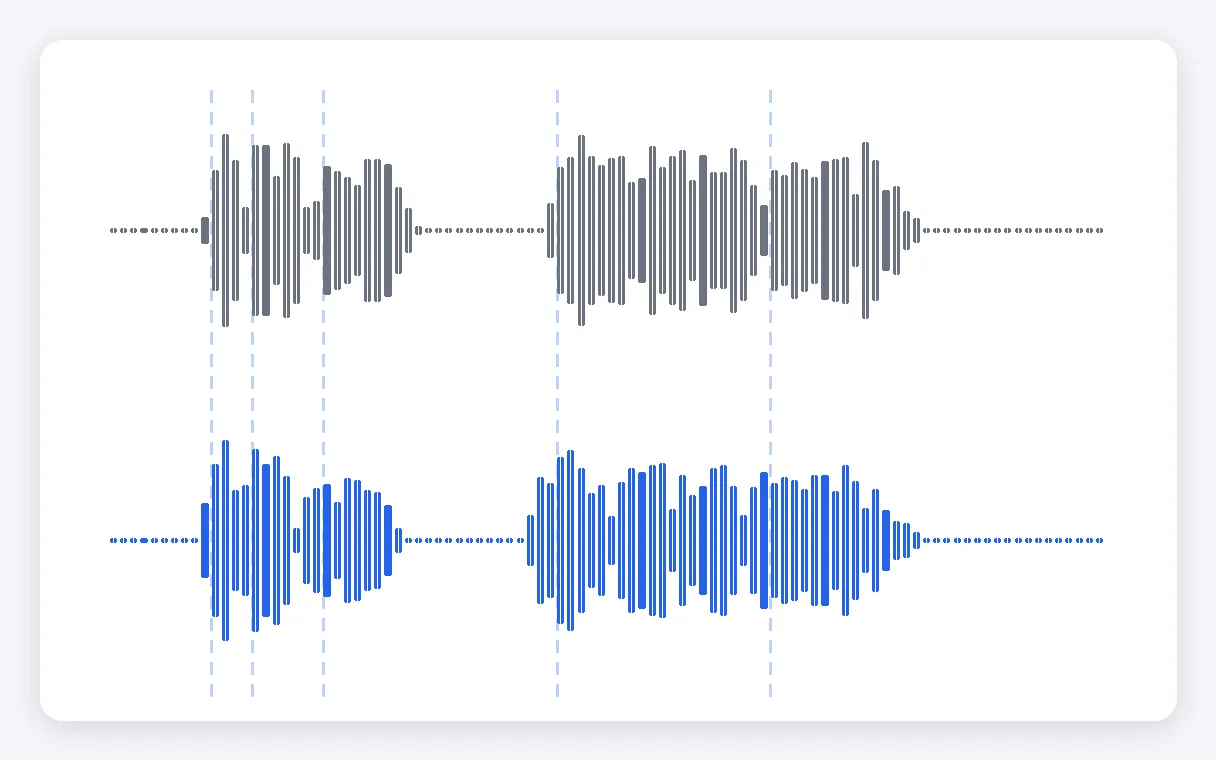
Your words, your pace
The new voice says exactly what was said, in the same language and at the same speed, so it stays lined up with the picture and the cuts. Nothing is translated, summarised or rewritten along the way. When you need another language, a separate Klipa page handles it.
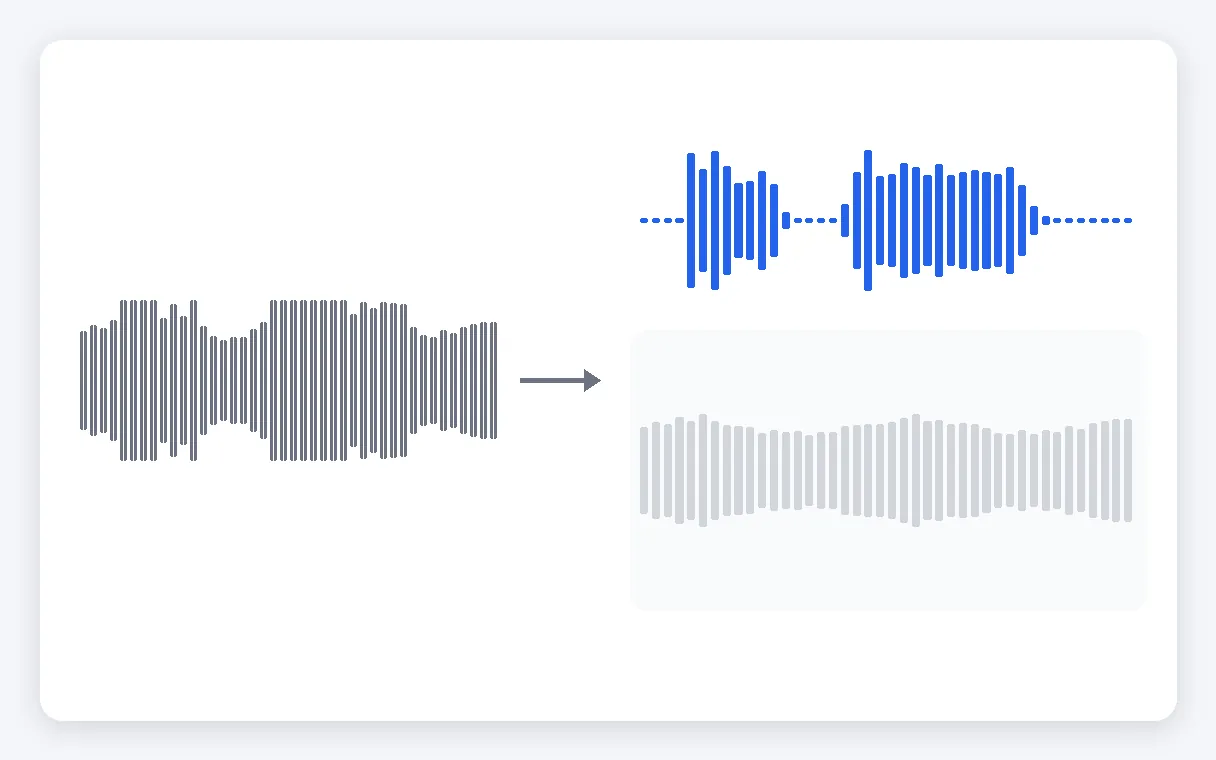
Music and ambience stay
The voice is separated from the music, the room sound and the other noises, which are then put back underneath the new voice. If you would rather have a bare result, you can choose to keep only the new voice and leave everything else out.
No voice, no charge
A video with no sound is turned down from the start; if no voice can be heard, processing stops and your credits are returned. The images are not modified either: you get an MP4 back with the same frames you uploaded.
When to change the voice in a video
Staying anonymous on camera
A testimony, a complaint or a personal story where the speaker does not want to be recognised by voice. The words stay as they were said, but they are carried by one of the seven voices instead.
Replacing a voice you dislike
You recorded a tutorial or a presentation and the sound of your own voice does not suit it. Swap in a man's, a woman's or a neutral voice and keep every sentence, without recording it again.
Giving a character a voice
A short film, an animation, a sketch or a game recap where a character needs a voice that differs from the person who spoke the lines. Try the women's, men's and neutral voices to find the one that fits.
A steady voice for a channel
A creator who prefers not to use their own voice can publish the same clip with the same words and a recognisable voice, video after video, simply by choosing the same voice each time.
Switching between a man's and a woman's voice
Moving from a man's voice to a woman's, or the reverse, is a common request. Listen to the tests, pick the voice you prefer, and check that it suits the tone of your video before you publish it.
Related Tools
Video voice changer: frequently asked questions
Can AI change my voice in a video I already filmed?
Yes. Upload your video, pick one of the seven voices after listening to their tests, then choose whether to keep the music and ambience underneath or only the new voice. The screen shows the price, you start the job, and you download an MP4 in which the same words are now spoken by the voice you chose.
Is there a free video voice changer?
You can try it for free: a free account receives 20 credits at signup, and a video costs 8 credits per minute (at least 1). Without a subscription or a Pass, the video carries the Klipa logo, and an account is needed to download.
If I only want another voice, will anything be rewritten or translated?
No. The new voice says the same words in the same language, so nothing is translated. Changing the voice and changing the language are two different jobs. If you want your video heard in another language, use Klipa's AI video dubbing page, which is built for that.
Is this a live voice changer for calls, games or streams?
No. It works on a video you have already recorded and upload, not on a microphone in real time. If you want to alter your voice during a call, a game or a broadcast, you need a live tool; here you get a finished MP4 back once the processing is done.
Will the music from my original clip still be there?
Yes, if you want it. The music, the room sound and the other noises are separated from the voice, then put back underneath the new voice, so the video keeps its atmosphere. If you prefer a result with only the new voice and nothing else, there is a choice for that before you start.
Are there legal limits to altering a speaker's voice?
In practice, what matters is how you use the result: only work on videos you have the right to modify, and do not use a changed voice to pass yourself off as someone else or to mislead people. The responsibility for what you publish remains yours.
Which videos can I upload, and what comes back?
MP4, MOV, AVI, MKV and WebM files are accepted. The result is always an MP4 video. The images are left as they were: only the voice is replaced, and it stays lined up with the picture.
Can I see the price before I start?
Yes. The price is shown on screen before you launch: 8 credits per minute of video, with a minimum of 1 credits for a short clip. A free account receives 20 credits at signup to try it. A subscription or a Pass takes the Klipa logo off the video.
Give your video another voice
Pick a voice, keep your words, download an MP4.
No credit card required
A new voice, nothing else changed
Changing a voice used to mean recording everything again or finding someone to speak the lines. Here you keep your video and every word of it, and simply hear it in a different voice, with the original music and ambience still underneath if you want them. If what you need is a second language, Klipa's AI video dubbing translates what is said. And if you would rather have a written text read by a voice, add a voice-over to your video instead. Whichever you choose, use only footage you are allowed to modify.
