

Rotate Video Online Free in 3 Clicks – No Watermark
You just shot what could be your best TikTok yet—or a crucial tutorial for a client. You hit play, and the video is sideways. Or upside down. It’s a gut punch every…
We have all been there: you film a perfect moment only to realize later that the orientation is wrong. Klipa's free video rotator fixes this in seconds. Choose 90° clockwise, 90° counter-clockwise, or 180° flip, and download the corrected file — no heavy editing software needed.
Rotation is just the beginning. After fixing the orientation, resize your video for the platform you are posting to, or compress it to speed up uploads.

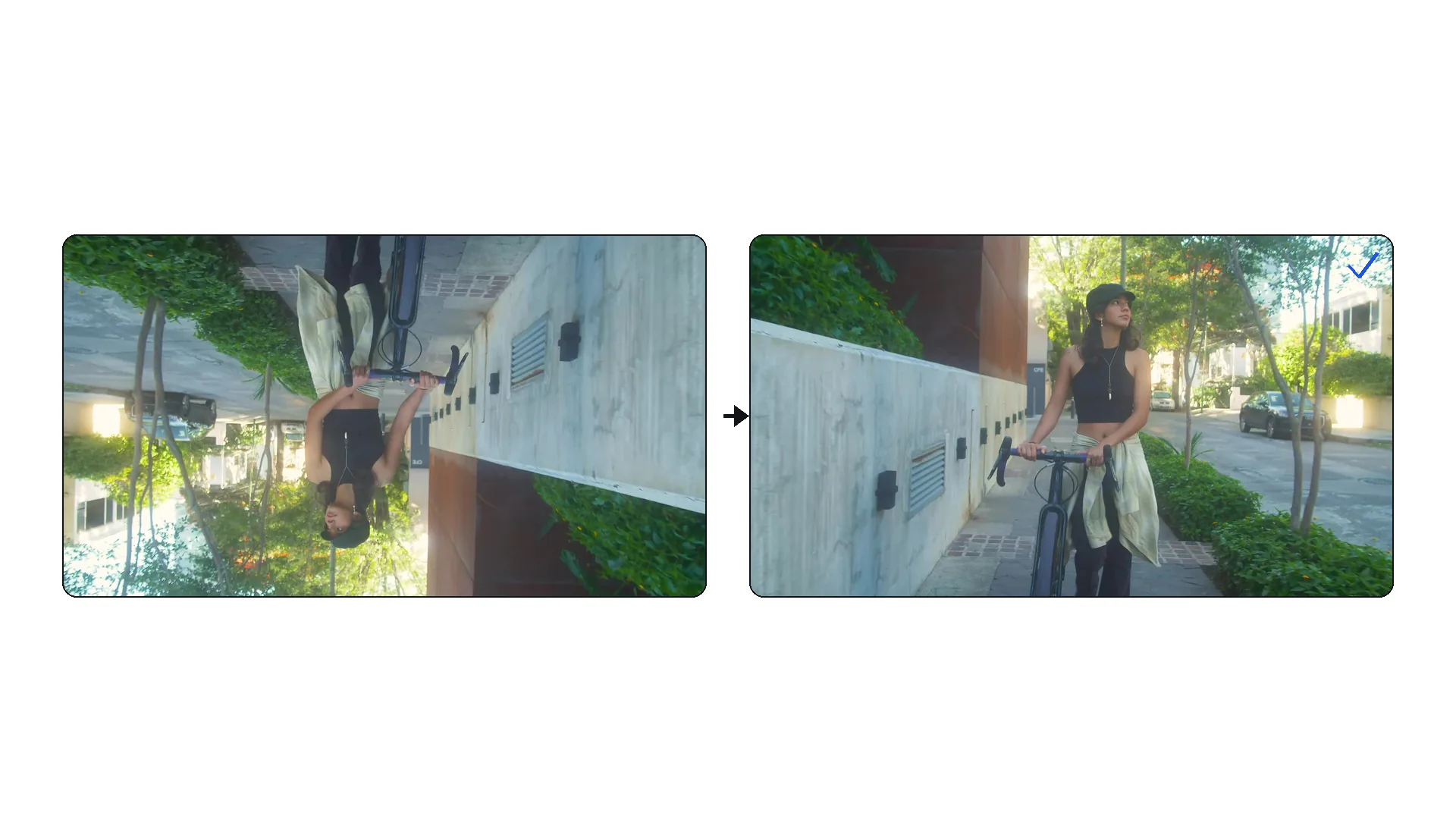
Drag and drop any MP4, MOV, AVI, MKV, or WebM file — up to 2 GB. Screen recordings, phone clips, and camera footage all work. If the file is also too long, trim it first.
Select 90° clockwise, 90° counter-clockwise (270°), or 180° flip. A live preview shows you the result before processing. Note that 90° rotations swap the width and height of your video.
Processing is near-instant. Download your properly oriented MP4 and share it anywhere. Need to adjust the aspect ratio afterward? Use our resizer or smart reframe to fit any platform.
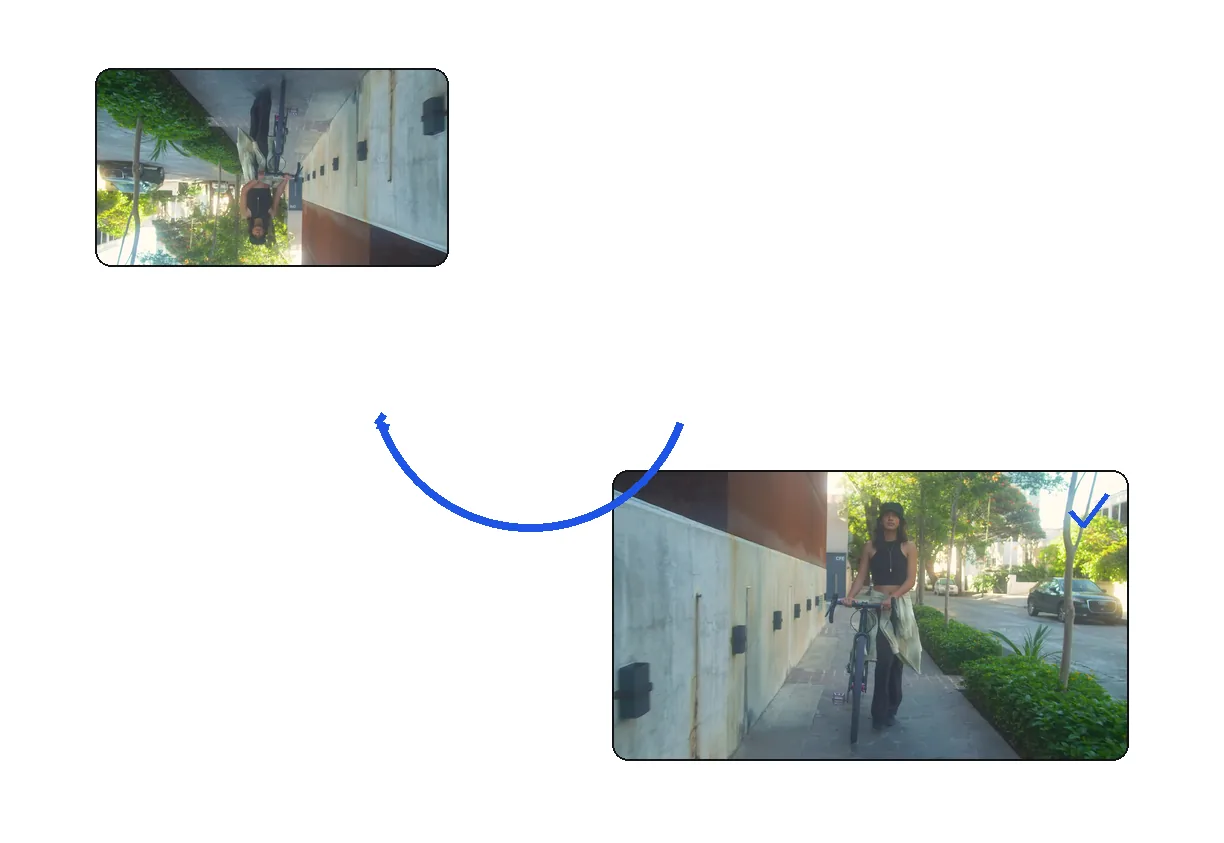
Filmed in the wrong orientation? Fix it in one click.
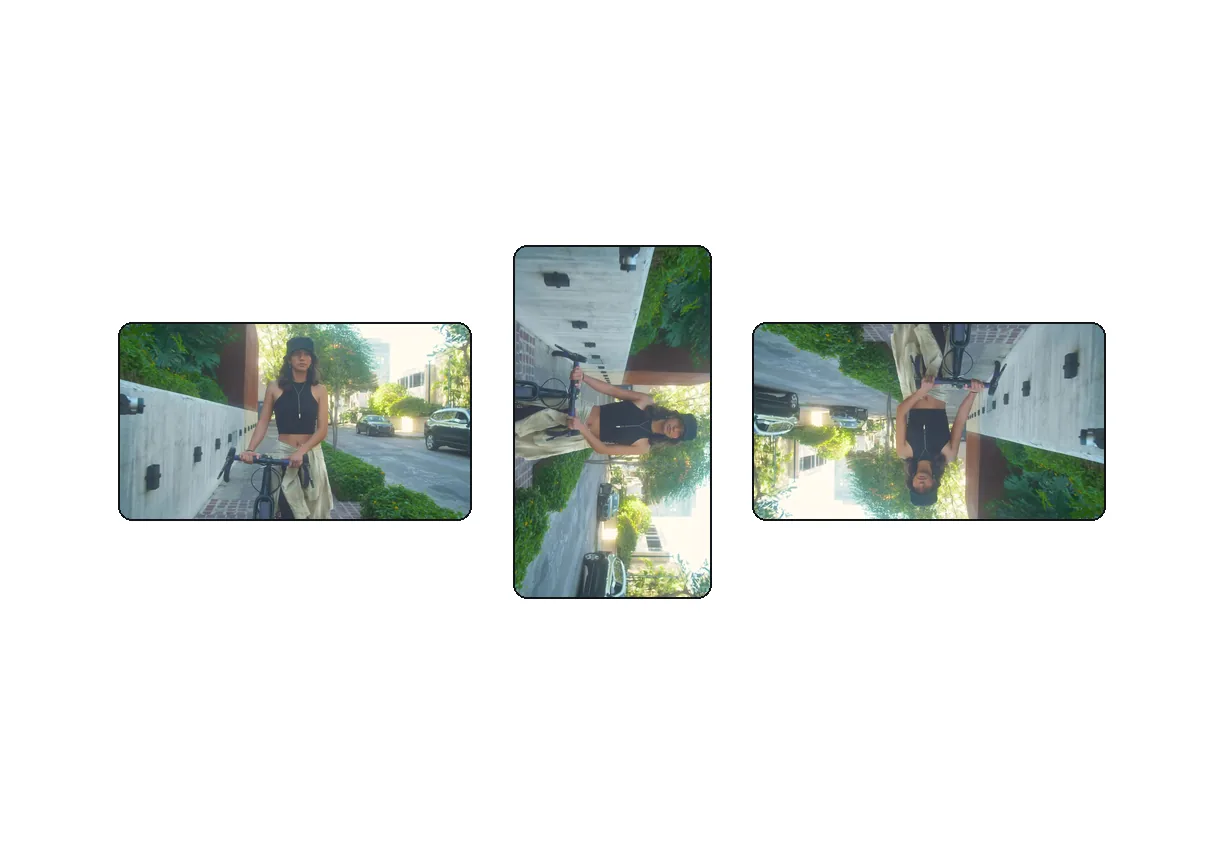
Rotate 90° clockwise, 90° counter-clockwise, or flip 180°.
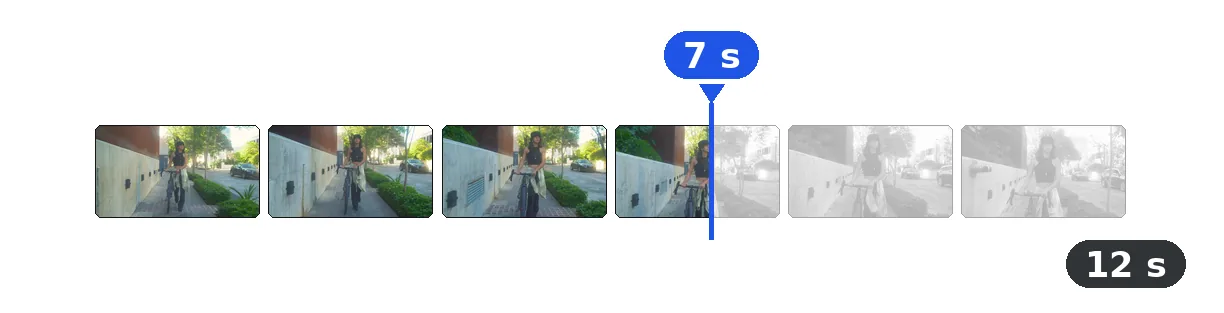
Rotation is fast — usually completed in seconds.
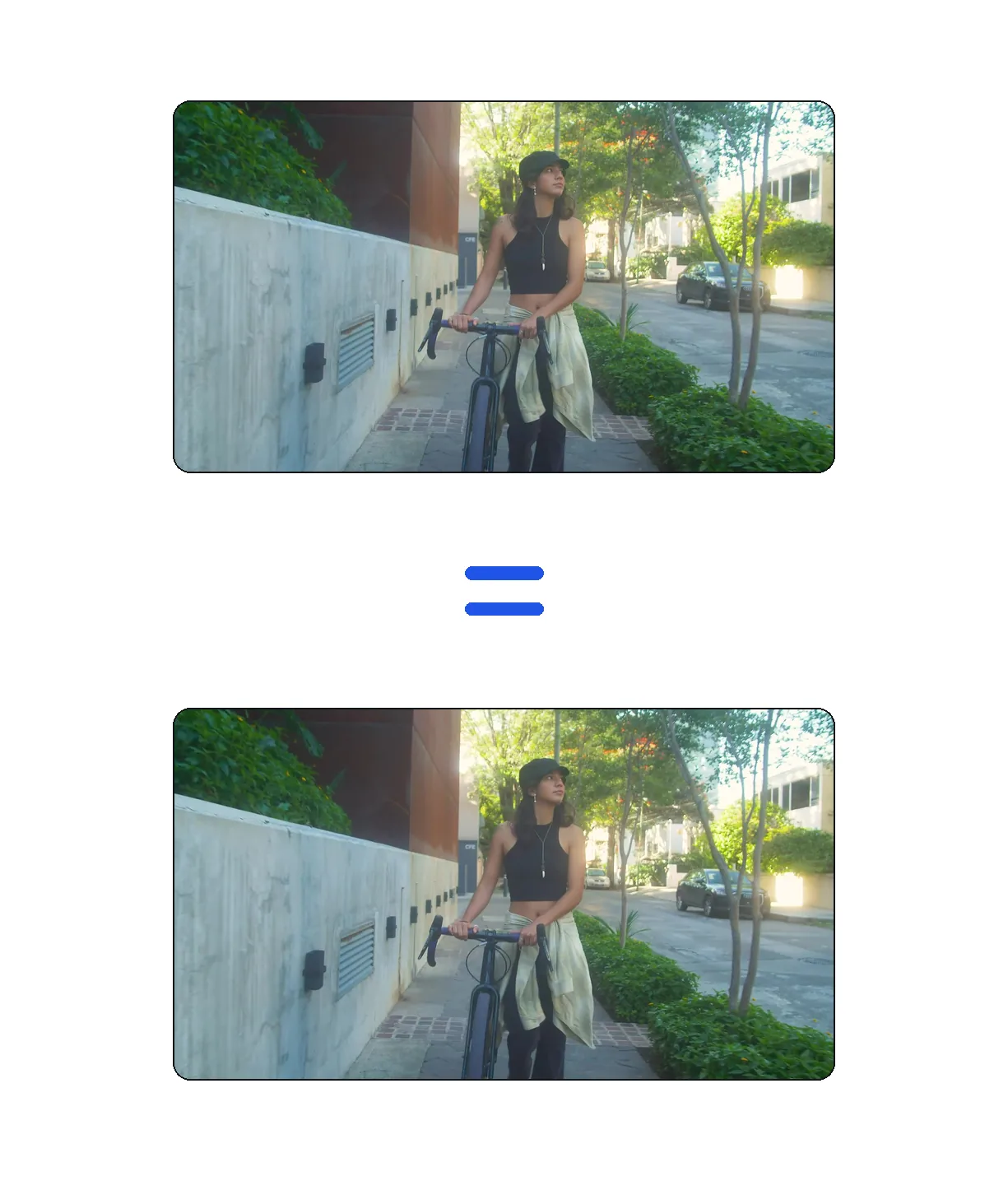
Smart re-encoding preserves video quality during rotation.
Holding your phone at the wrong angle happens more often than anyone admits. Rotate the video to the correct orientation, then compress it for quick sharing on WhatsApp, iMessage, or email.
Some screen capture tools export in unexpected orientations. Rotate your tutorial to the correct angle, then add AI subtitles to make it accessible and SEO-friendly on YouTube.
GoPro and other action cameras sometimes save clips upside down or sideways depending on mounting. Flip or rotate the footage before adjusting the speed for dramatic slow-motion effects.
90° clockwise, 180° (flip), and 270° clockwise (90° counter-clockwise).
The quality loss from rotation is negligible. We use high-quality encoding settings.
Not in this tool. Use the Rotator first, then the Cutter tool for the best result.
Rotating 90° or 270° swaps width and height. A 1920x1080 video becomes 1080x1920.
Your first try is free, with no signup.
MP4, MOV, AVI, MKV, WebM.
No. The audio track remains perfectly synchronized during rotation. The process only modifies the visual orientation of each frame.

You just shot what could be your best TikTok yet—or a crucial tutorial for a client. You hit play, and the video is sideways. Or upside down. It’s a gut punch every…

You just shot the perfect video clip. The action was great, the lighting was on point, and you captured the moment flawlessly. You transfer it to your computer, hit…
Instant, first try with no signup.
No credit card required
Orientation mistakes are one of the most common filming issues, and Klipa makes them a non-issue. Rotate any video for free in your browser, then continue your workflow with our resizer, compressor, or AI subtitle tool — all without installing a thing.
