

What a vocal remover gives you
A vocal remover takes the singer out of a song and leaves the rest. Drop a song or a video into Klipa and the sound is divided into two tracks: the voice, and the music, which stands for every other sound. This page opens the tool on the setting keep the music: the sung or spoken voice goes, the accompaniment stays. What you download is an instrumental, a karaoke version or a backing track to play, sing over or build on.
What you get back
Send a video and you receive a video again, with the new sound track laid over the same image, or an MP3 on its own when the sound is all you want. Send a song as an MP3, a WAV or an M4A and the same format comes back to you. The length matches your source file exactly, so the result lines up with it from the first second to the last. Nothing has to be exported or re-synced by hand: you don't split the file beforehand and you don't line anything up afterwards.
One screen, two results
The screen offers two settings. Keep the music is where this page begins. For the opposite, the singer alone, an a cappella to study, sample or sing along with, change it to keep the voice. In both cases you work from the browser: upload, pick what stays, download. That makes the page as handy for a karaoke night as for studying how a vocal was sung.
What people make with it
Singers rehearse over the instrumental of a song they love, and bands play with the vocal line gone. Cover artists and remixers begin from the accompaniment and add their own voice or their own beat. A musician can learn a part by hearing the other instruments with no singer on top, and a drummer can keep time with the track while the vocal is out of the way. In a recorded talk, ceremony or lecture, the speaker's voice can be removed while whatever was playing underneath stays. Please use songs and recordings you hold the rights to.

What the tool produces
How to remove vocals from a song or video
Upload the song or video
Add a video, or a sound file such as an MP3, a WAV or an M4A. Anything up to 2 GB goes in as it is; you don't have to pull the sound out of a video beforehand.
Choose keep the music
The screen starts on keep the music: the sung or spoken voice goes, the accompaniment stays. If you want the singer alone, select keep the voice instead, then press start.
Download your instrumental
A video returns with its new sound track, or as a lone MP3 if you pick sound only. A song file returns in its own format and at the length of your original.
Why remove vocals with Klipa
Voice and music, split in two
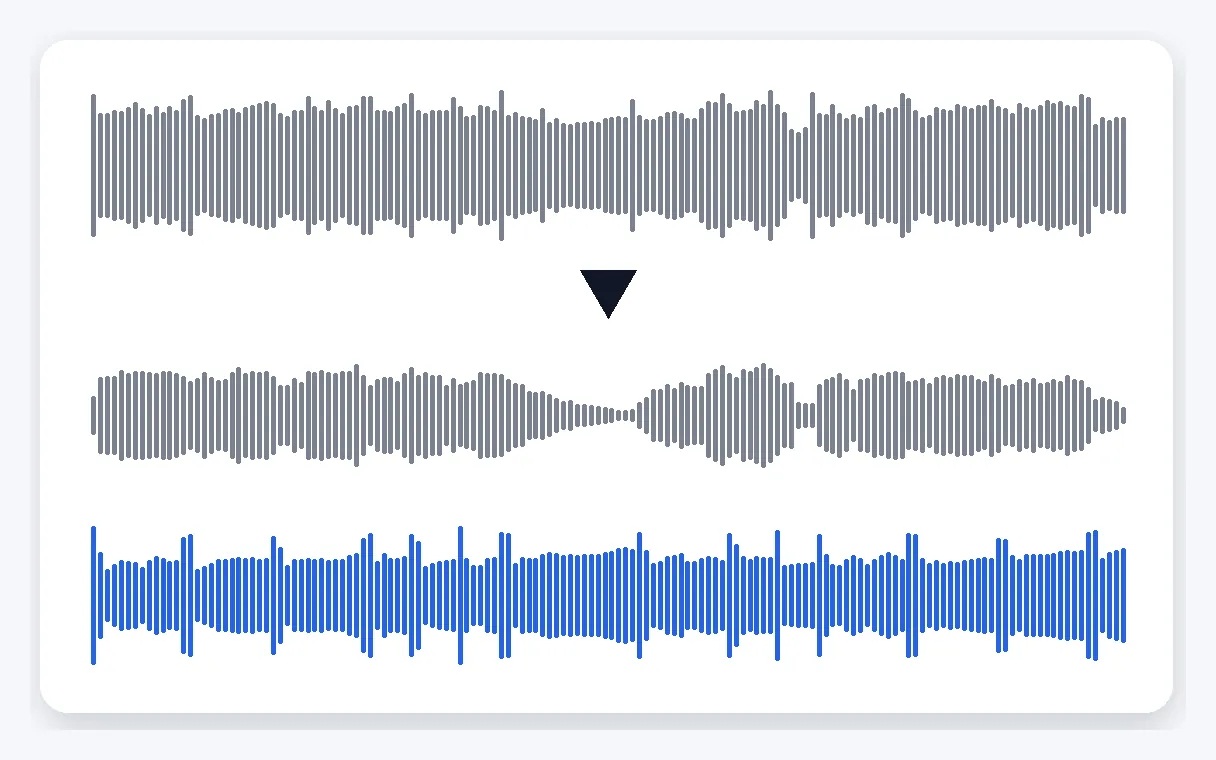
Your sound is divided into the voice and the music, the music being every other sound. You decide which of the two stays. Here it is the music: the sung or spoken voice is taken out and the accompaniment remains, usable as an instrumental or a karaoke track.
A song or a video, either way
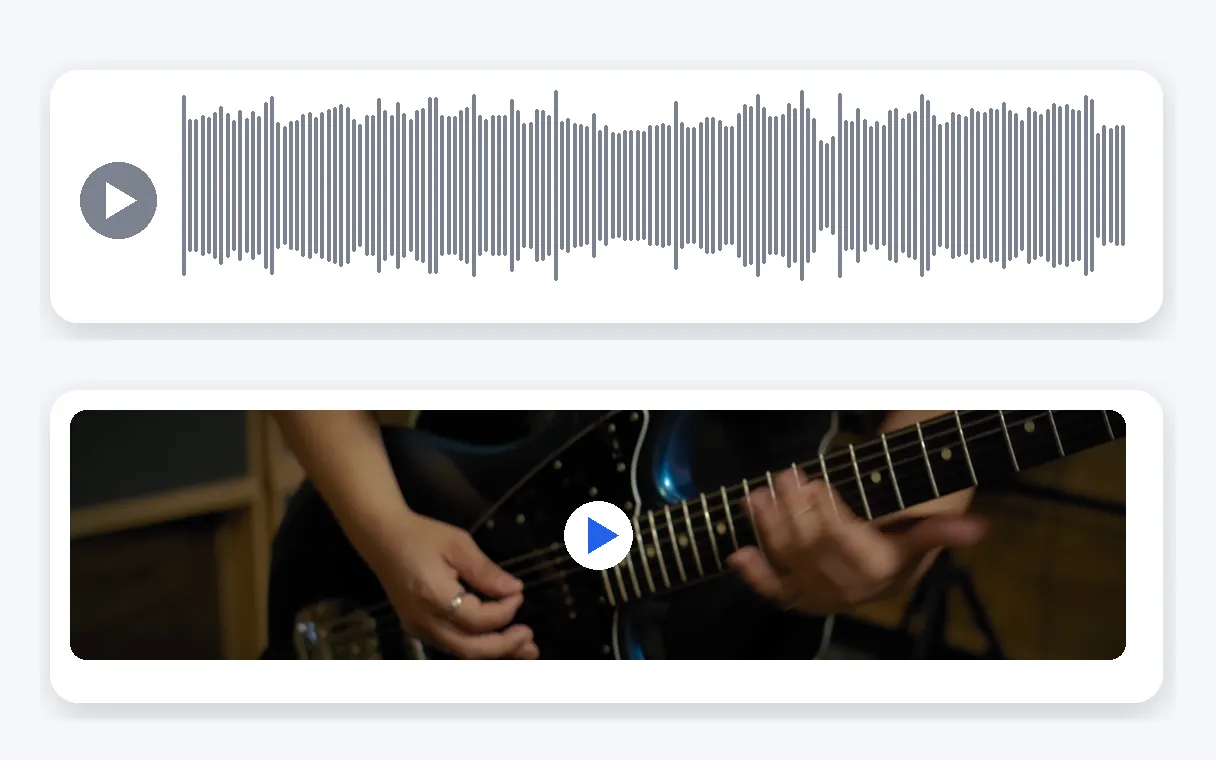
Bring a video, or a sound file such as an MP3, a WAV or an M4A. A video can return with its new sound track or as a standalone MP3, while a sound file returns in the format you sent. Either route ends in a file you can play or share straight away.
Picture and length left alone
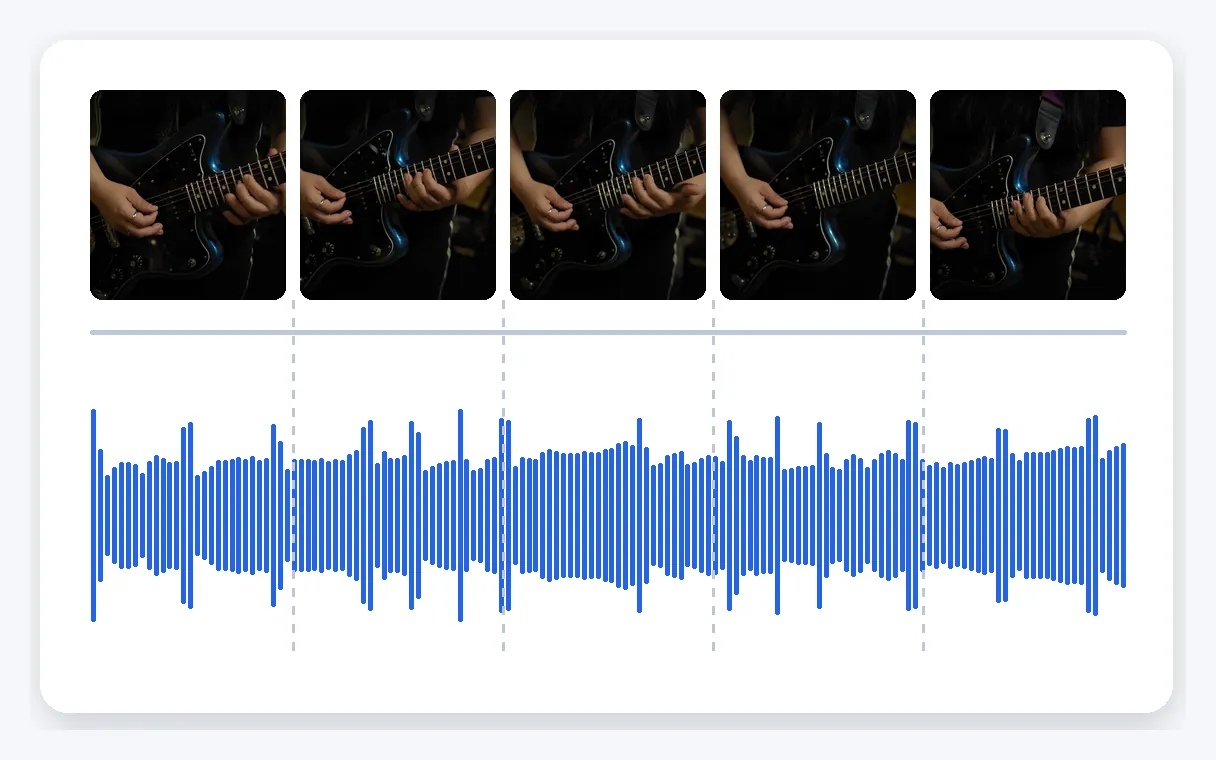
On a video, only the sound track is replaced; the image stays as you filmed it. The result lasts as long as the original file, so the backing track falls exactly where the old sound was, and nothing needs trimming or re-timing afterwards.
The opposite, on the same screen
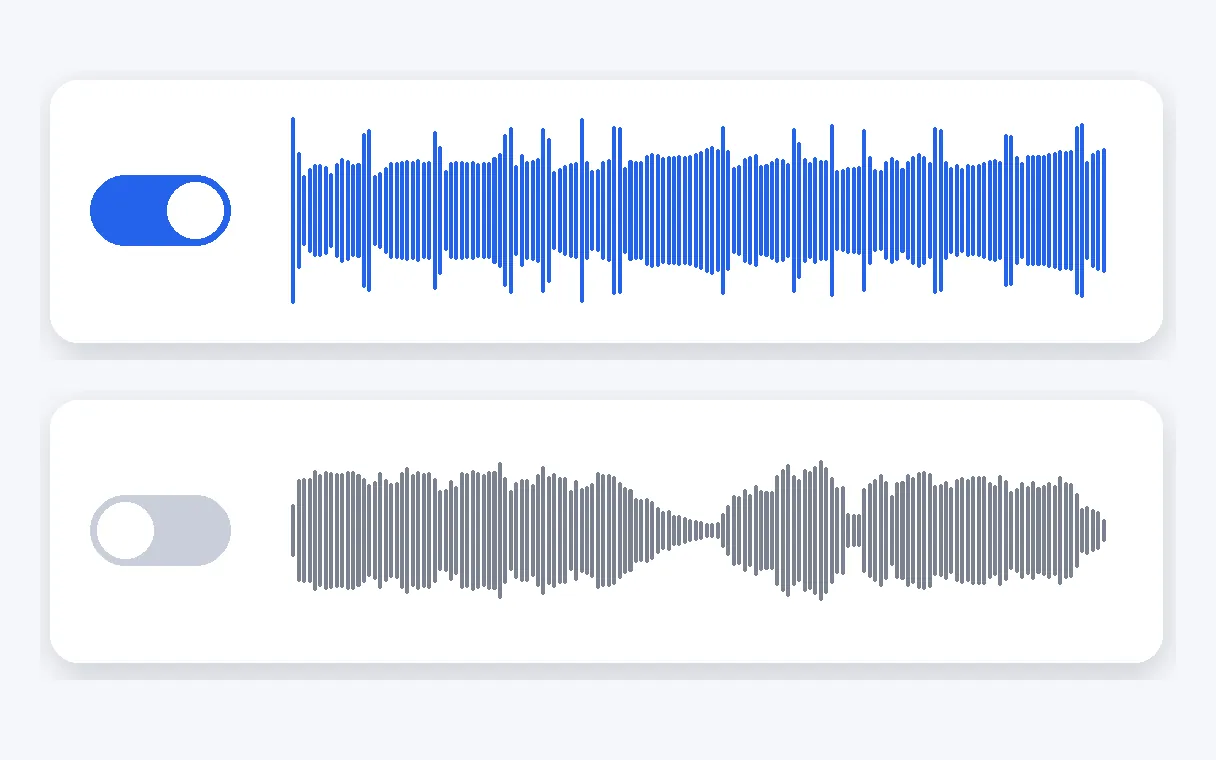
Sometimes you want the singer, not the band: the voice alone, for a cappella work. That is the keep the voice setting, found on this same screen. You don't have to hunt for another tool, because the other result is one change of setting away, in your browser.
When to remove the vocals
Sing over the instrumental
Practise a song you love or record a karaoke take at home. The accompaniment plays, the original singer steps aside, and your own voice takes the lead from the first bar to the last.
A cover version
Start your cover from the accompaniment of the original song, then record your own voice and instruments over it. The instrumental gives you the whole arrangement as a ready base to work from.
A remix or a mashup
Take the music of a track as the base for a remix, a mashup or a new edit, and lay your own vocal, beat or samples on top. Keep to tracks you hold the rights to.
Music practice
Learn a part by hearing the rest of the band without the vocal line. A guitarist, a pianist or a drummer can play along with the song while the singer is out of the way.
An event video with a voice to remove
A recording of a ceremony, a talk or a show where one speaker's voice has to go. Remove it, and the music and everything else that sounded underneath stay in the video.
Related Tools
Vocal remover: your questions
What do I do to cut a singer out of an MP3?
Upload the song as an MP3, WAV or M4A, check that keep the music is selected and press start. The sound is separated into voice and music, the voice is dropped, and you download the instrumental in the format of your file. Everything happens in the browser.
What does a vocal remover do?
It separates a recording into two parts: the voice, sung or spoken, and the music, which is everything else. With keep the music, the voice is taken out and the accompaniment stays, so you end up with an instrumental or a karaoke version of the same song, at the same length.
How can I make an instrumental or karaoke version of a song?
Upload the song and keep the music setting: the singer's voice is removed and the accompaniment is what you download. Play it back to sing over, to record a cover or to practise an instrument. Please use songs you hold the rights to.
Does it work on a concert clip or a recorded talk?
Yes. Upload an MP4, MOV, AVI, MKV or WebM video: a concert clip, a lecture or a family film. It returns as a video with the new sound track over the same image, or as an MP3 if you only want the sound.
Do I have to convert my song before dropping it in?
No need to convert anything. Videos in MP4, MOV, AVI, MKV or WebM are accepted, and so are sound files in MP3, WAV or M4A, up to 2 GB. A song sent as an MP3 returns as an MP3, ready to play or share.
In what format does my result arrive?
It depends on what you sent. A video returns as a video with the new sound track, the image untouched, or as a standalone MP3 if you prefer. A sound file returns as a sound file of the same format. Either way, the duration is that of your original.
Does this vocal remover run on a phone as well?
Yes. Klipa works directly in your browser, on a phone or a computer. You upload the song or the video, choose what stays, and download the result when it is ready. There is no software to set up and nothing to learn beforehand.
Can I get the vocals on their own, as an a cappella?
Yes. The same screen has a keep the voice setting. It keeps the sung or spoken voice and drops the music, which gives you the vocal track alone to study, sample or rework. This page starts on keep the music, so switch the setting before you start.
How long do my songs stay on the site?
Files you upload and the results are deleted automatically after a short delay. You stay in charge of what you upload and what you download. Please use songs and recordings you hold the rights to: the rights over a track stay with whoever owns it.
Is a Klipa mark stamped on what I download?
The video downloads with the Klipa logo; without the logo with a Pass or a Pro plan. This applies to videos, and the image underneath stays exactly as you filmed it. Pick the version you want to keep, then download it when it is ready.
Take the voice out, keep the music
Upload a song or a video and download the instrumental.
No credit card required
The song, without the singer
A vocal remover turns a finished song into a base you can use: an instrumental to sing over, a karaoke version, a backing track for a cover or a remix. Upload your file, keep the music, and download the result in a few steps. If you only need the sound of a video as a file, the audio extractor gives you an MP3. For a recording with fans, traffic or hiss behind a voice, remove background noise keeps the voice and drops the rest. Whatever you publish, use songs and recordings you hold the rights to.
