


Translate Video to English and Keep Subtitles in Sync
To translate video to English without disrupting its timing, keep the original audio and add translated subtitles unless you have a clear reason to dub the voices…
A voice over is the classic way to carry a video across a language barrier: someone speaks the translation, and viewers follow the meaning without having to read anything. Documentaries, news reports and conference booths all rely on it. Here you upload a video, choose a language and a voice, and get the same video back with a clear translated voice in place of the original speech. Everything happens on the file you upload: the speech is transcribed, translated, voiced and put back in the video, with no copy-pasting between tools.
Interpreter is the setting already chosen when the page opens, and you can still switch to the other mode. Its voice renders what is said in your target language the way a booth interpreter does: plain, steady and easy to follow, with 33 languages to pick from. Seven voices with first names are on offer, three feminine, three masculine and a neutral one, and a brief audio preview of each plays in the language you picked before anything starts. As for the language of your video, you never have to state it: it is recognised on its own.
Switch on the background option and the first recording stays faintly audible beneath the narrator, which gives you the effect familiar from reports and documentaries. The translation comes forward, while the atmosphere, the music or the murmur of the scene remains perceptible. Leave the option off and the video carries the translated voice alone. In both cases, an SRT file with the translated subtitles comes with the video, so the text can also be published separately.
Each translated sentence is dropped at the instant the original one began, so the voice stays tied to what is on screen. If a sentence turns out longer than the gap it has, the narrator speaks slightly faster, up to a measured ceiling, rather than being chopped. The closing sentence always gets to finish: when needed, the picture freezes on its last frames for a moment.
The trial covers 15 seconds of your video, taken on the most spoken passage, with the Klipa logo. For the full video without the logo, a Pro subscription gives 10 minutes a month and Studio gives 30, or you can pay once, with the price worked out from the video's duration. A subscriber who runs short of minutes gets the opening part translated, and the one-time payment is offered for the full video. Accepted formats: MP4, MOV, AVI, MKV and WebM.

Drop your video file into the page. You do not have to name the language spoken in it: the tool identifies it by itself before moving on to the next step.
Interpreter is already selected. Choose the language you want to hear, then one of the seven voices, and play its preview. Tick the background option if you want the original sound kept faintly.
Start the translation, then download the video with the new voice in place, plus the subtitle file in the new language. Publish the video with sound, the text alone, or both.
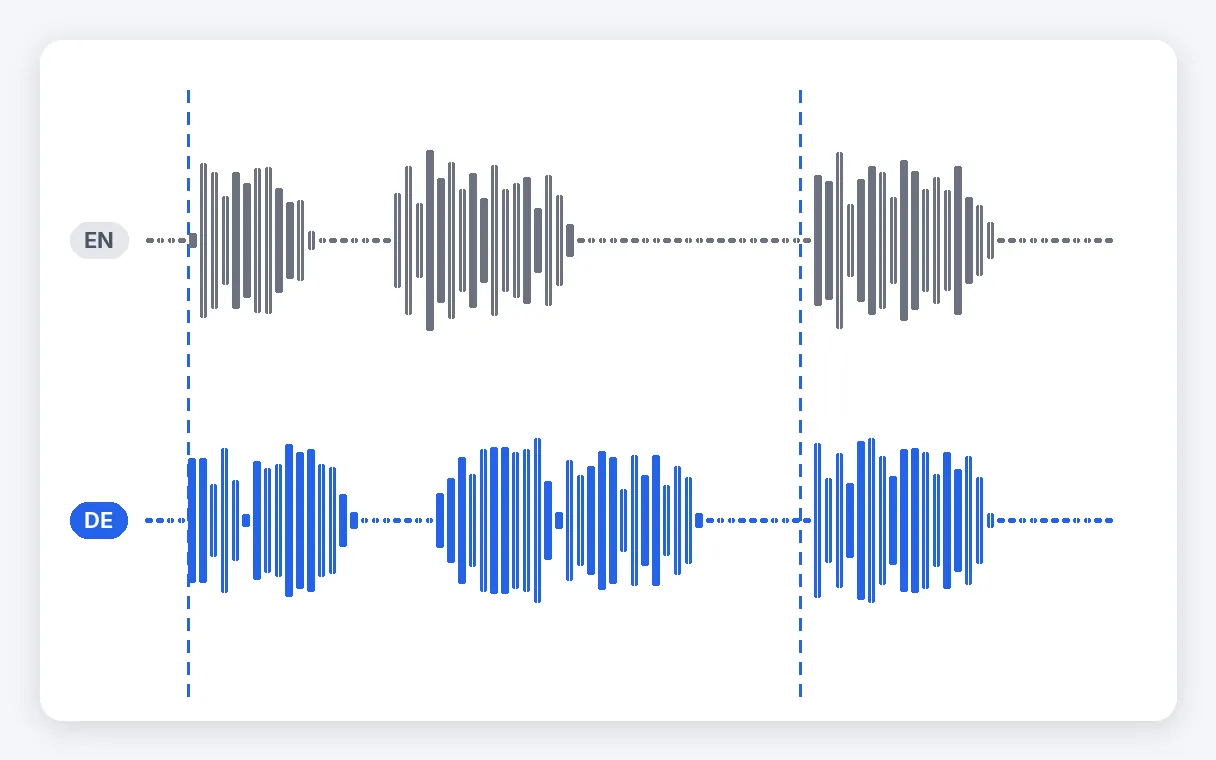
The narrator picks up each sentence at the moment the original speaker did, so what you hear stays in step with what you see. A sentence that needs more time in the new language is read a little faster, up to a measured ceiling, instead of being clipped, and the final one always runs to its end.
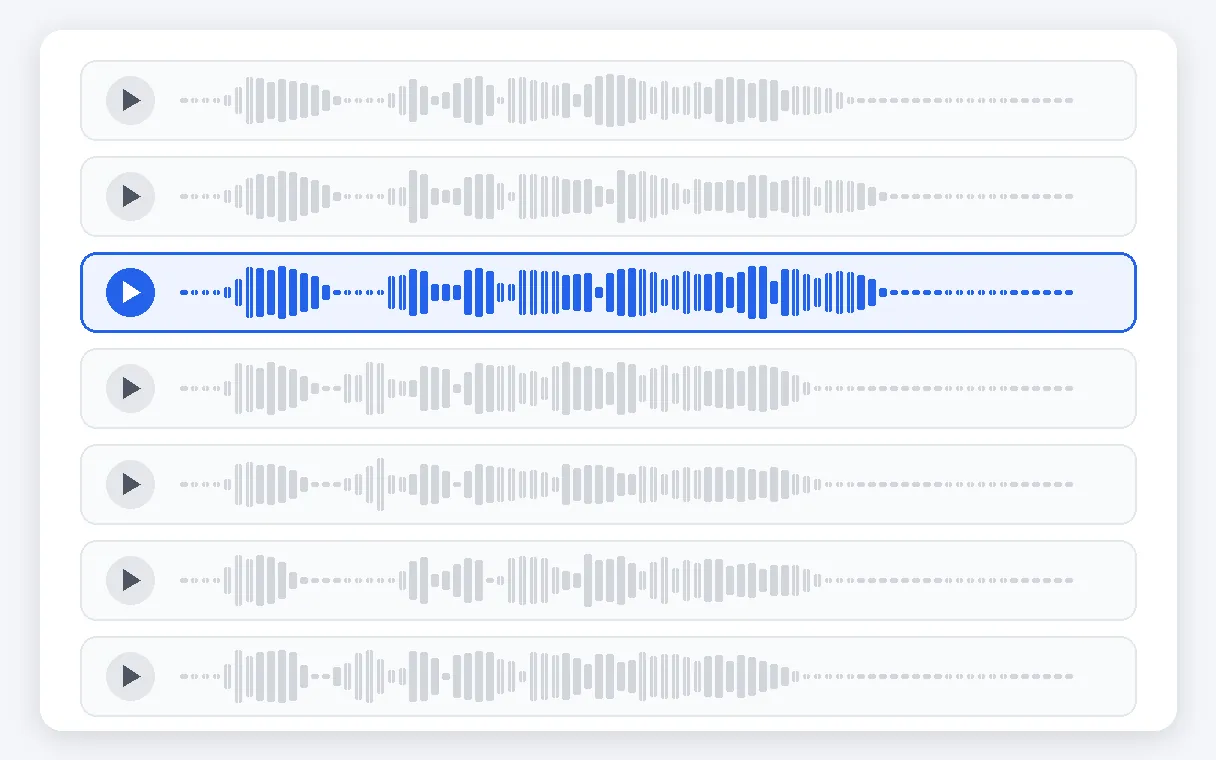
Choose among seven voices that have first names: three feminine, three masculine and a neutral one. A brief audio preview plays in your chosen language, so you compare by ear before launching anything. The delivery is clear and even, which suits explanations, lectures, reports and every video where meaning matters more than acting.
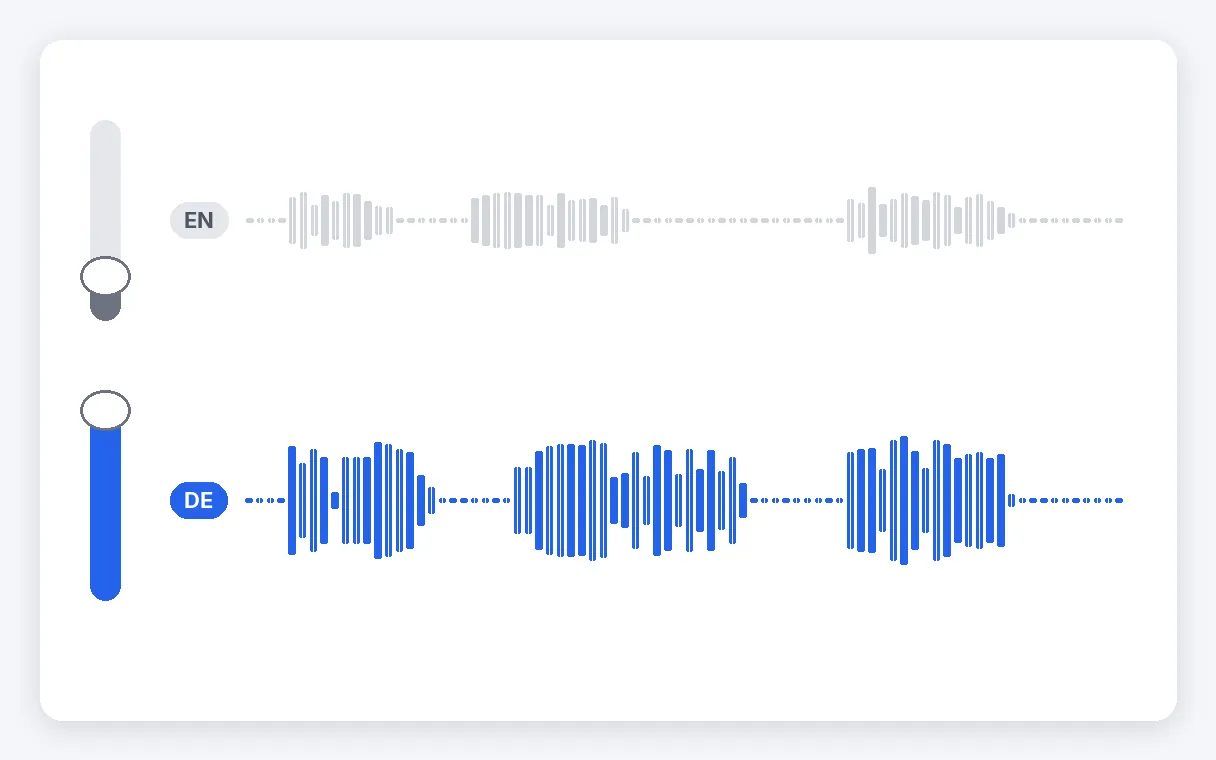
A background option lets the first recording play quietly beneath the translation. It is the sound of documentaries and reports: the narrator leads while the atmosphere, music or murmur of the scene stays perceptible. Switch it off when you want a clean track carrying only the new voice.
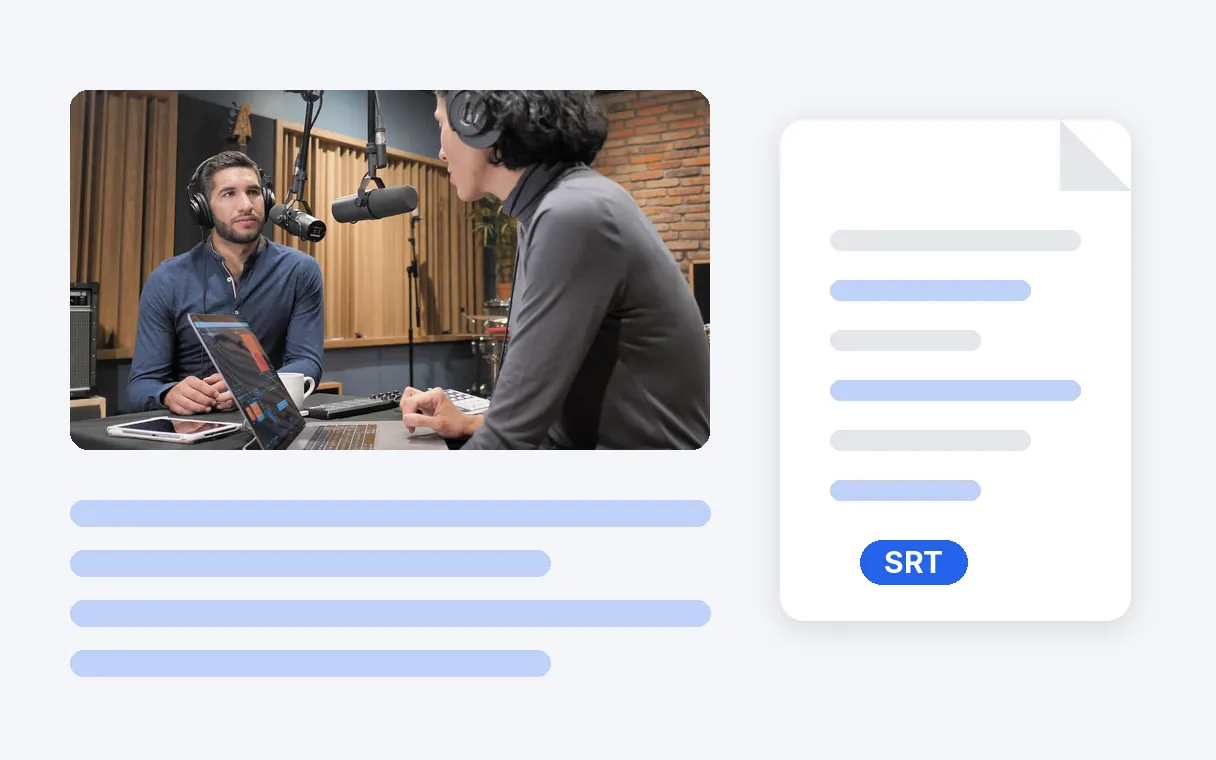
Next to the video you receive an SRT file holding the translated subtitles. Publish the video with its new voice, post the text by itself, or combine both for people who watch with the sound off. Only the target language needs choosing; the one spoken in your video is recognised on its own.
A lecture, a conference recording or an interview becomes understandable in your language, with a steady voice carrying the meaning, a bit like the interpreter in the booth. Keep the original audio faint underneath if you want to feel the speaker's presence.
A reportage, a nature film or a street interview gets the voice-over treatment: the translation speaks on top while the atmosphere of the original stays faintly audible. The picture is untouched, only the sound changes.
A procedure, an onboarding session or a software demo recorded in one language is followed by teammates in another, with the voice timed to what is shown, and a subtitle file for those who prefer to read.
One demo or presentation becomes understandable for customers who speak another language, without reshooting it. The message and pacing stay the same; the voice and the subtitle file are the only things that change.
A filmed message, a speech or a holiday memory recorded in one language can be understood by relatives who speak another. A clear voice says the meaning, and the original sound can stay faintly in the background.
It is a translation spoken over the original video rather than written beneath it. A new voice says the translated speech while the picture stays as it was, which is how documentaries and conference interpreters work. On this page the voice is a clear, steady catalogue voice that conveys the meaning, and you can keep the original sound faintly audible underneath it.
Upload the video file, pick the language you want to hear and one of the seven voices, play its preview, then start. The page opens with Interpreter already selected, and the language spoken in your clip is identified for you. When the result is ready you download the video and the subtitle file. Without a subscription, the free trial of 15 seconds comes first.
Yes, that is the everyday use. Set English as the language you want to hear and let the tool do the rest: it works out the language spoken in your video, translates the speech and voices it in English. You get the video with the English voice and an English subtitle file. The same steps apply to any other language on offer, with 33 languages possible in this mode.
No. With a tool that only takes typed text, you would first have to write the speech out, translate it, then have someone record it. This page does the whole chain from your video file: it transcribes the speech, translates it, voices it with the voice you chose and puts it back in the video, then adds the subtitle file. No copy-pasting between tools.
No. The free trial covers 15 seconds of your video, taken on its most spoken passage, and the result carries the Klipa logo. To translate the whole video without the logo, take a Pro subscription (10 minutes a month) or Studio (30 minutes a month), or make a one-time payment worked out from the video's length. Minutes are shared by the two modes.
A narrator picked from the catalogue of seven voices. In this mode the voice is a clear one that carries the meaning; it copies neither the timbre nor the emotions of the person filmed. If you want something closer to them, with the emotions kept, use the other mode offered on the same screen. Neither mode touches the picture: only the sound changes.
There are seven voices with first names: three feminine, three masculine and a neutral one. Each plays a short preview in the language you picked, so you compare by ear before starting. Nothing is launched until you press the translation button. The delivery stays clear and even, which suits explanations, lectures and reports.
Tick the background option. It plays the first recording quietly beneath the translated voice, as in reports and documentaries: you follow the translation while the ambience or music remains perceptible. Without it, the video carries only the new voice. A sentence that runs long is read a little faster rather than cut.
No. This page works on a video file that you upload, not on a live stream. The speech is transcribed, translated and voiced sentence by sentence: short clips come back within minutes, while long videos or ones full of dialogue take longer. The result is then ready to download.
A clear voice over, the original sound kept low if you like, subtitles included.
No credit card required
A voice over is often all a video needs to cross a language barrier: a clear voice, the original sound faintly kept if you like, and a subtitle file to go with it. If you would rather keep a voice close to the person filmed, with the emotions intact, the Dubbing mode has its own page. And if you already hold subtitles and only need them in another language, the subtitle translator does just that.
